Why Your Laptop Fan Runs at Full Speed and How to Fix It: DallasFixTech’s Cooling System Fix in Dallas, TX
A laptop fan that is constantly running at full speed, making excessive noise, or perpetually whirring, is more than just an annoyance—it's a critical warning sign. This persistent fan activity often signals **overheating** or an **excessive workload** stressing your system's components. Factors such as dust accumulation inside vents, outdated BIOS or drivers, failing temperature sensors, or heavy background processes can cause this continuous noise and heat buildup. If your laptop fan is always running at full speed in Dallas, TX, **DallasFixTech** understands the urgency of resolving these issues. We offer expert cooling system diagnostics and fixes to accurately pinpoint the cause, keeping your device cool, quiet, and performing optimally, protecting your hardware from long-term damage.
Common Causes of Laptop Fan Overactivity (DallasFixTech Diagnosis)
Our expert technicians frequently identify these culprits behind a continuously loud fan:
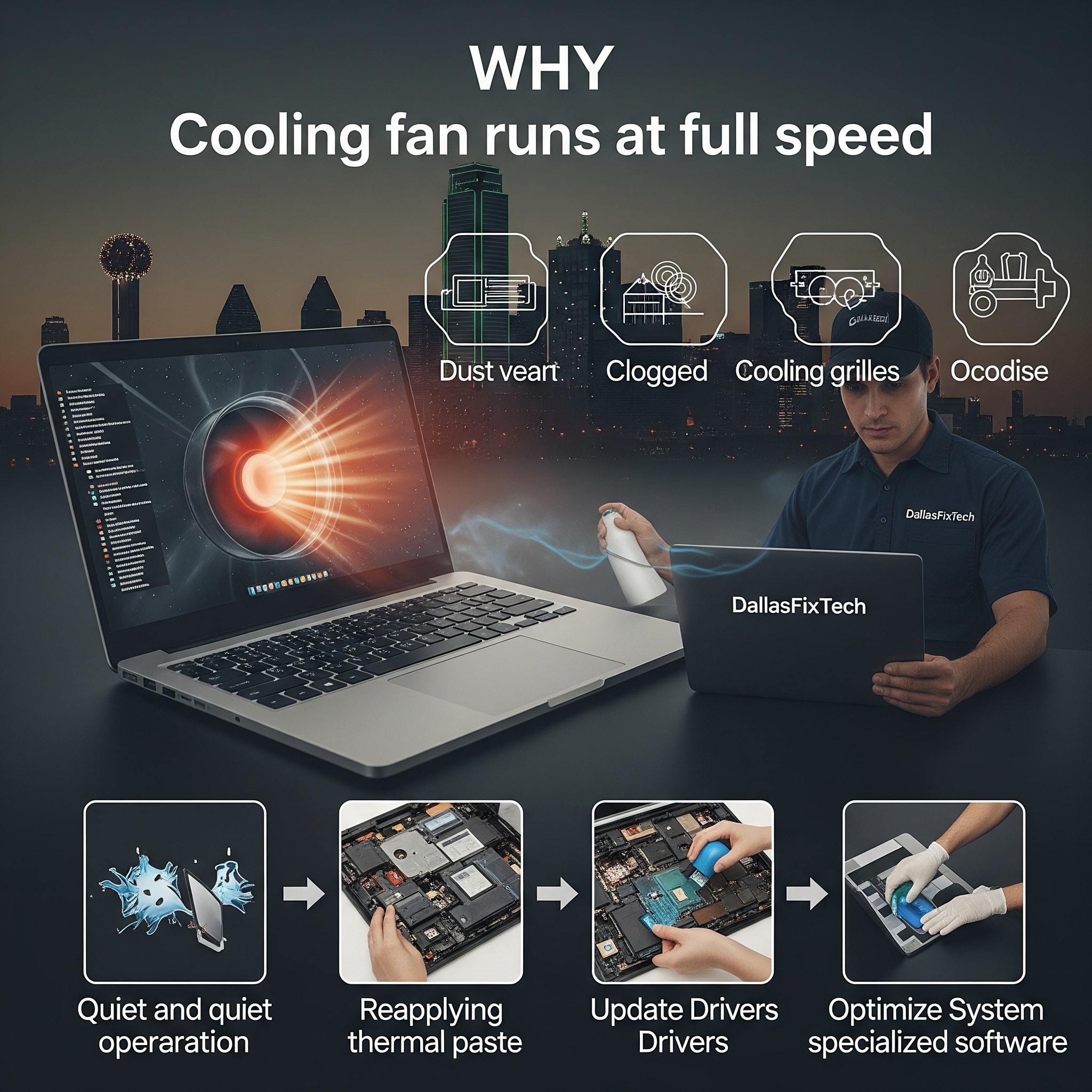
- Blocked or Dusty Air Vents & Heatsinks: The most common cause. Over time, lint, pet hair, and dust accumulate inside your laptop's intake/exhaust vents, on fan blades, and on heatsinks. This acts as an insulating blanket, severely restricting airflow and forcing fans to work overtime at maximum RPMs to compensate for the trapped heat.
- Deteriorated Thermal Paste: The thermal paste (or thermal pads) between your CPU/GPU and the heatsink is crucial for efficiently transferring heat. After a few years, this paste can dry out or degrade, losing its effectiveness and causing the CPU/GPU to run significantly hotter, triggering constant fan activity.
- Resource-Heavy Apps & Background Processes: Applications running intensively in the background, numerous open browser tabs, malware infections, or even inefficient operating system processes can keep your CPU and GPU constantly busy. This generates more heat than the cooling system can efficiently dissipate, leading to fans running nonstop.
- Outdated BIOS or Fan Controller Drivers: Your laptop's BIOS/UEFI firmware controls fan curves and power management. Outdated firmware or graphics/chipset drivers might contain bugs or ineffective fan control settings, causing fans to run unnecessarily high or not respond correctly to temperature changes.
- Malfunctioning Temperature Sensors: If a temperature sensor on your laptop's motherboard is faulty, it might incorrectly report high temperatures, causing the fans to spin at maximum speed even when the laptop is cool.
- Faulty Fan Hardware: The fan motor itself can fail (worn-out bearings, motor issues), leading to grinding, buzzing, or constant high-pitched noises, or the fan may stop spinning entirely.
- Improper Usage Environment: Using the laptop on soft surfaces like beds or carpets can block intake vents, leading to rapid heat buildup and fan overactivity.
How DallasFixTech Solves Laptop Cooling Issues in Dallas, TX
We provide comprehensive diagnostics and effective cooling fixes for your laptop:
- Thorough Internal Cleaning & Dust Removal: This is often the most impactful solution. We meticulously disassemble your laptop to access its cooling system, then thoroughly clean all vents, fan blades, and heatsinks using specialized tools and compressed air, restoring optimal airflow.
- Thermal Paste Reapplication: For laptops experiencing thermal issues, we carefully remove the old, dried-out thermal paste from your CPU and GPU and professionally reapply high-quality, long-lasting thermal compounds, ensuring efficient heat transfer.
- BIOS and Driver Updates: We ensure your laptop's BIOS/UEFI firmware and all relevant drivers (graphics, chipset) are updated to their latest stable versions, which often include improved fan control algorithms and power management.
- Software Optimization: We scan your system for malware, identify and manage resource-hogging startup programs, and optimize background processes to reduce overall CPU and GPU load, thereby generating less heat.
- Hardware Testing & Fan Replacement: We test fan hardware and sensors to ensure reliable operation. If a fan is indeed faulty, we can replace it with a new, high-quality, manufacturer-approved fan that matches OEM specifications for optimal performance and quiet operation.
- System Performance Check: After repairs, we perform stress tests to ensure temperatures remain stable and performance is optimal.
Benefits of Professional Cooling Maintenance by DallasFixTech
- Quieter Laptop Operation: Enjoy a peaceful computing experience without distracting fan noise.
- Improved System Performance & Stability: Prevent thermal throttling, ensuring your laptop runs at its full potential without unexpected slowdowns or crashes.
- Extended Laptop Lifespan & Hardware Protection: Lower operating temperatures significantly prolong the life of expensive components like your CPU, GPU, and motherboard.
- Enhanced User Comfort: A cooler laptop is more comfortable to use, especially on your lap.
Don't Let Overheating Slow You Down! Contact DallasFixTech Today for Expert Service!
Don't let overheating slow you down or compromise your laptop's longevity. **DallasFixTech** offers expert laptop fan and cooling system service in Dallas, TX. **Schedule a service** today. Contact DallasFixTech for expert laptop fan and cooling system service in Dallas, TX, and experience a quieter, cooler, and more reliable laptop!


