Understanding VPNs: Benefits, Setup, & Why You Need One – DallasFixTech Guide
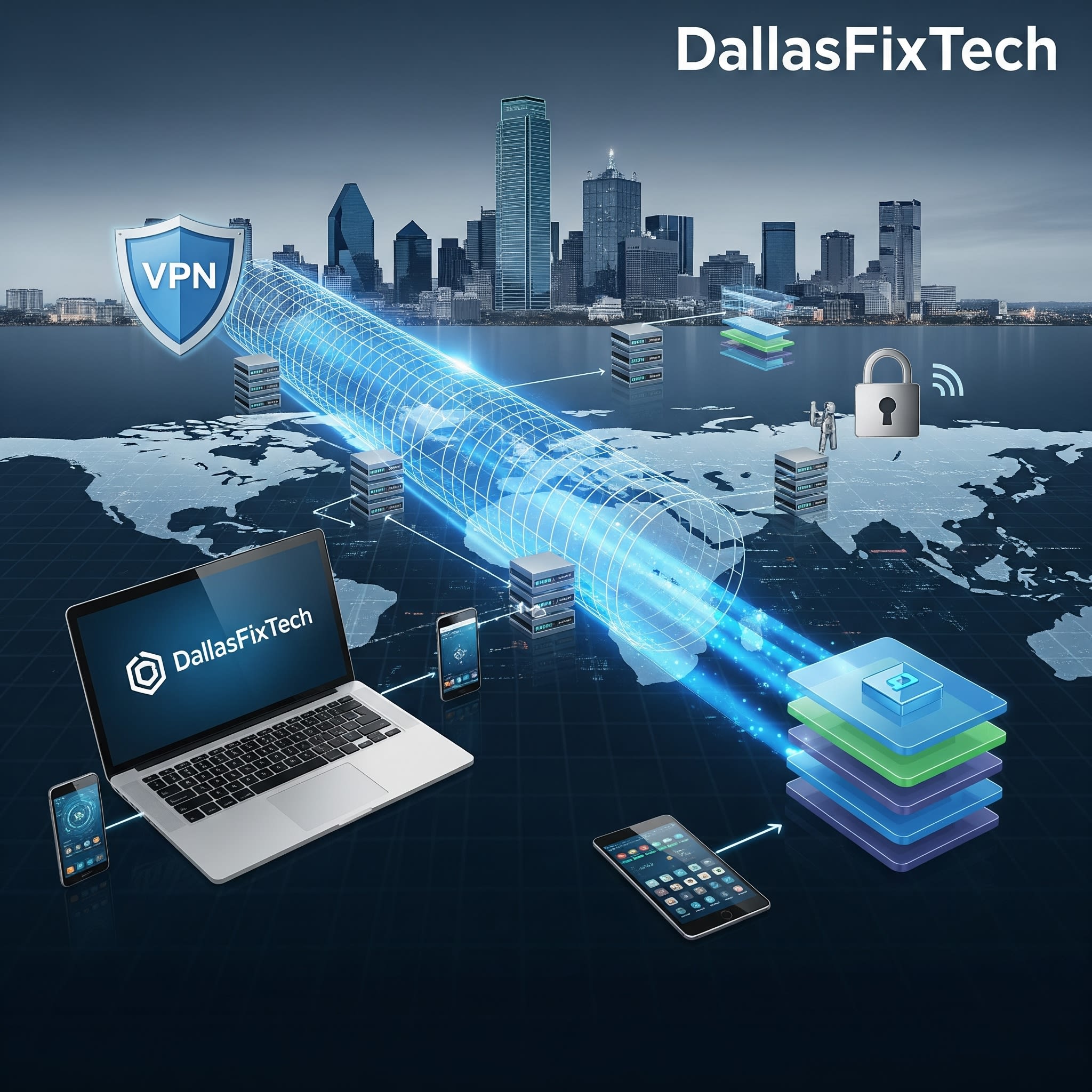
In an age where online privacy is constantly under threat and data surveillance is common, a **Virtual Private Network (VPN)** has become an essential tool for safeguarding your digital footprint. A VPN works by encrypting your internet traffic and routing it through a secure server, effectively creating a private tunnel between your device and the internet. This technology protects your online privacy, hides your IP address, and can even grant access to geo-restricted content. **DallasFixTech** is here to break down the benefits and provide practical setup tips for Garland, TX, users looking to enhance their online security and freedom.
Why Use a VPN? Unlocking Key Benefits with DallasFixTech
Implementing a VPN offers multiple layers of protection and convenience:
- Secure Public Wi-Fi Connections: Public Wi-Fi hotspots (like those in cafes or airports) are notorious for being insecure. A VPN encrypts your data, protecting you from eavesdropping and data theft when connected to unsecured networks.
- Hide IP Address and Location: By routing your traffic through a VPN server in a different location, your actual IP address and geographical location are masked. This enhances anonymity and can prevent websites from tracking your true whereabouts.
- Access Geo-Restricted Content Safely: VPNs can bypass geographical restrictions on streaming services, websites, and online content, allowing you to access material that might otherwise be unavailable in your region.
- Enhanced Online Privacy: Your internet service provider (ISP) can typically see your online activities. A VPN encrypts your traffic, making it unreadable to your ISP and other third parties.
- Bypass Censorship & Restrictions: In regions with internet censorship, a VPN can provide a pathway to access a free and open internet.
- Secure Remote Work: Many businesses use VPNs to allow employees to securely access corporate networks from remote locations, ensuring confidential data remains protected.
Setting Up Your VPN: DallasFixTech Tips for a Smooth Start
Getting started with a VPN is simpler than you might think:
- Choose a Reputable VPN Provider: Select a VPN service known for its strong encryption, fast speeds, and, crucially, a strict 'no-logs' policy. A no-logs policy means the provider doesn't track or store your online activity.
- Install VPN Software on All Your Devices: Most VPN providers offer dedicated apps for Windows, macOS, Linux, iOS, Android, and even browser extensions. Install the software on all devices you want to protect.
- Connect Before Browse (Especially on Unsecured Networks): Make it a habit to activate your VPN connection before you start Browse, especially when using public Wi-Fi.
- Select a Server Location: Choose a VPN server location that best suits your needs (e.g., a server in a different country to access geo-restricted content, or a nearby server for optimal speed).
- Configure Kill Switch (If Available): Many VPNs offer a 'kill switch' feature that automatically disconnects your internet if the VPN connection drops, preventing accidental data leaks.
Need Help Setting Up a VPN? DallasFixTech in Garland, TX, Is Here to Assist!
Protecting your online privacy and security is paramount. Need expert assistance choosing a reputable VPN provider, setting up your VPN software on multiple devices, or troubleshooting connectivity issues? **Contact DallasFixTech** in Garland, TX, today. We're here to ensure your online activities are private and secure!


