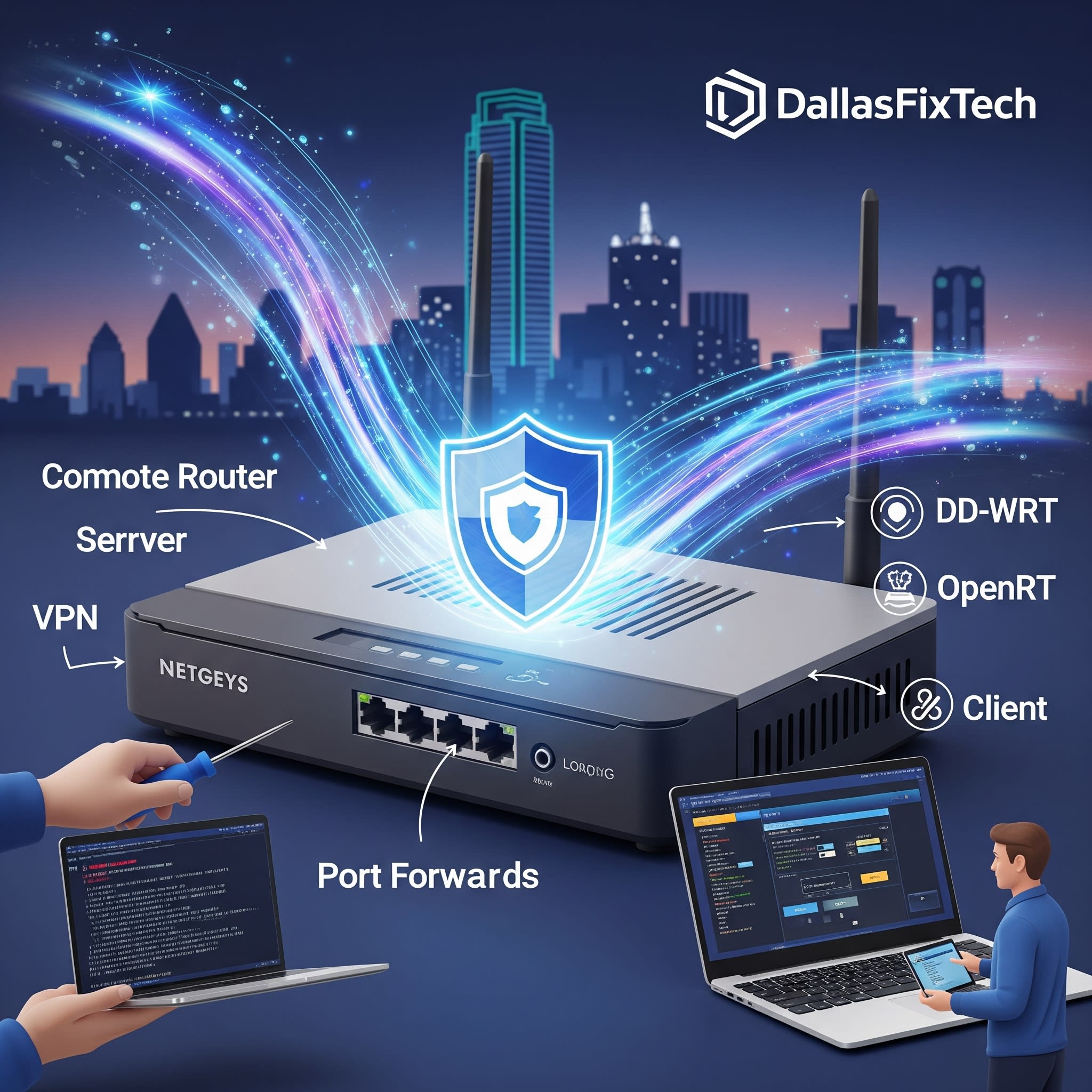
Turn an Old Router Into a VPN Server: DallasFixTech’s Step-by-Step Guide for Dallas, TX Users
You might have an old Wi-Fi router gathering dust in a closet after an upgrade, seemingly destined for e-waste. But for tech-savvy users in Dallas, TX, that old router holds untapped potential: it can be transformed into a powerful **VPN (Virtual Private Network) server**. Setting up your own VPN server on an old router provides secure remote access to your home network, allowing you to bypass geo-restrictions, securely access your home devices (NAS, smart home hub), and encrypt your traffic when connecting from public Wi-Fi—all without monthly subscription fees to commercial VPN providers. **DallasFixTech** can walk you through the process, guiding you on flashing custom firmware and configuring VPN protocols to create your own secure, private network.
Benefits of a DIY VPN Server on an Old Router (DallasFixTech Advantages)
- Improves Privacy and Security: Encrypts your internet traffic when you connect to your home VPN, protecting you on public Wi-Fi.
- Allows Secure Remote Access to Your Home Network: Access your home server, NAS, or smart home devices securely from anywhere in the world.
- Avoids Subscription Costs: No recurring monthly fees to a commercial VPN provider.
- Full Control: You control the VPN server, its settings, and its logging policy (or lack thereof).
- Bypass Geo-Restrictions (for some services): Access services as if you are at home.
- Utilize Old Hardware: Give an aging, compatible router a new, valuable purpose.
DallasFixTech’s Step-by-Step Guide to Setting Up Your VPN Server
This process typically involves installing custom firmware on your router. **Note: This requires a compatible router model. Check router compatibility lists for OpenWRT or DD-WRT.**
- Check Router Compatibility & Prepare for Firmware Flash: Verify if your old router model is supported by popular open-source firmware like **OpenWRT or DD-WRT**. Download the correct firmware image for your specific router model from the official project websites. Backup your router's original firmware and current settings.
- Flash Your Router with Custom Firmware: Follow the specific flashing instructions for your router model meticulously. This step carries a risk of 'bricking' your router if done incorrectly, so proceed with caution. **DallasFixTech** offers professional router flashing services.
- Access Custom Firmware Interface & Install VPN Packages: Once the custom firmware is installed, access its web interface (usually an improved version of your router's stock firmware). Install the necessary VPN server packages (e.g., OpenVPN, WireGuard).
- Configure VPN Protocols:
- **OpenVPN:** A widely used, secure, and flexible VPN protocol. You'll generate client certificates and configuration files for each device that will connect to your VPN.
- **WireGuard:** A newer, faster, and simpler VPN protocol that's gaining popularity. Requires less configuration than OpenVPN but might not be supported by all custom firmwares or devices.
- Set Up User Authentication for Secure Access: Create unique usernames and strong passwords (and certificates for OpenVPN) for each user who will connect to your DIY VPN server.
- Configure Port Forwarding & Dynamic DNS (for External Access):
- **Port Forwarding:** Access your main internet router's settings and forward the necessary VPN port (e.g., UDP 1194 for OpenVPN) to the internal IP address of your VPN server router.
- **Dynamic DNS (DDNS):** Since your home internet IP address might change, use a DDNS service (e.g., No-IP, Dynu) to assign a static hostname to your dynamic IP. Configure your router to update the DDNS service.
- Adjust Firewall Rules: Configure the firewall rules on your VPN server router and main internet router to allow VPN traffic while maintaining overall network security.
- Client Configuration: Install the appropriate VPN client software (OpenVPN GUI, WireGuard app) on your devices (laptop, smartphone, tablet) and import the configuration files generated by your VPN server.
Need VPN Setup Help in Dallas? Contact DallasFixTech Today!
Transforming an old router into a VPN server can be a rewarding DIY project, but it involves technical complexities. **DallasFixTech** offers expert assistance setting up secure VPN servers using your existing equipment. **Schedule a service** today. Need VPN setup help in Dallas? **Contact us today to protect your Dallas network and enable secure remote access** with DallasFixTech’s expert guidance and network optimization services!


