Stop Unexpected Laptop Shutdowns with Expert Diagnostics in Dallas: DallasFixTech Solutions
Few computer problems are as disruptive and alarming as a laptop that **suddenly shuts down without warning**. This unpredictable behavior can lead to lost unsaved work, interrupted presentations, and a general sense of unreliability, often signaling a serious underlying issue that needs immediate attention. If your laptop is powering off unexpectedly in Dallas, TX, **DallasFixTech** is here to help. Our experts diagnose the root causes, including **overheating, battery problems, power supply issues, and hidden hardware failures**, providing reliable and lasting repairs to ensure your laptop stays powered and stable when you need it most.
What Causes Sudden Laptop Shutdowns? (DallasFixTech Diagnosis)
Our certified technicians systematically investigate these frequent culprits:
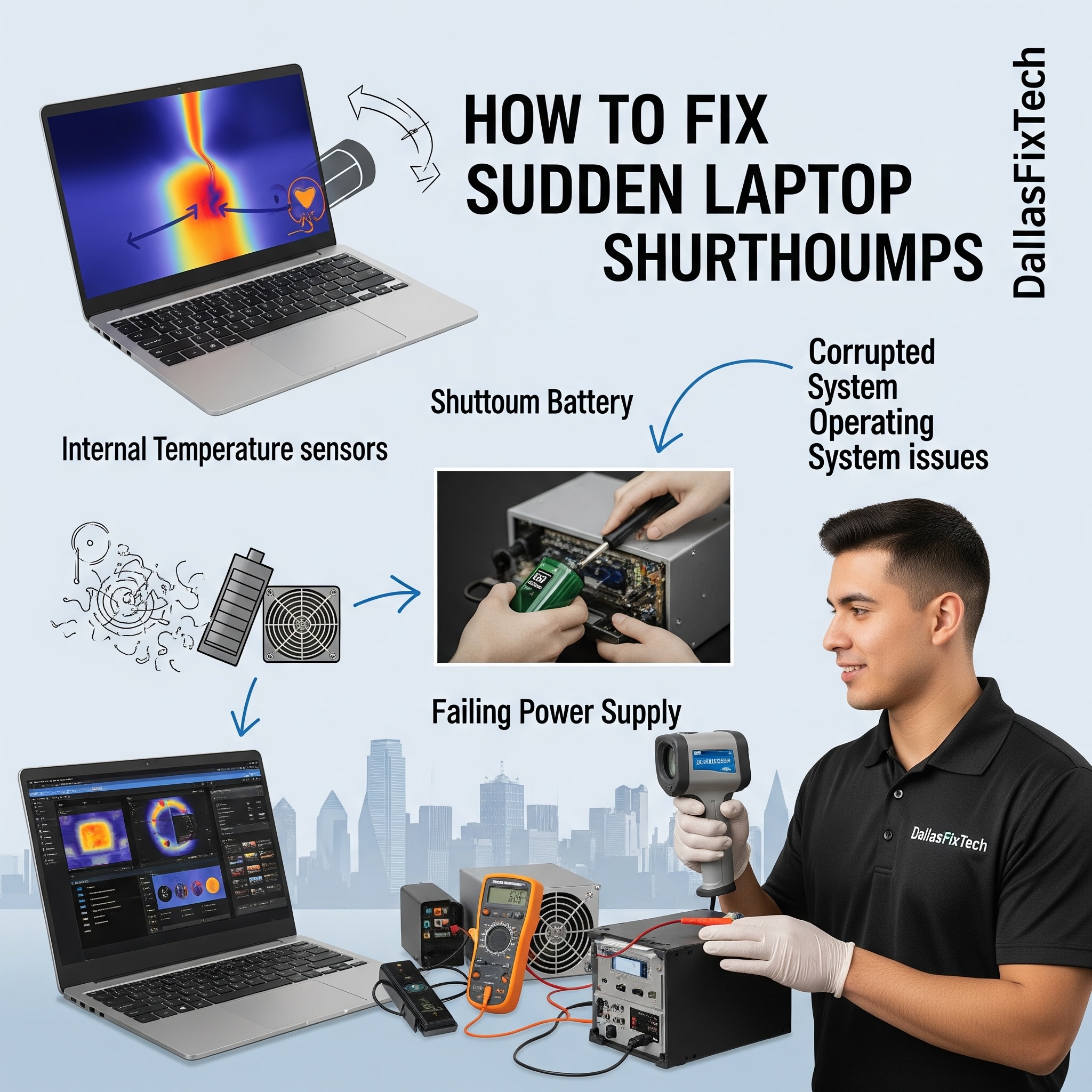
- Overheating: The most common cause. Laptops automatically shut down to prevent permanent damage to internal components (CPU, GPU) when they reach critical temperatures. This is often due to dust-clogged fans/vents, dried thermal paste, or heavy workload. We check **thermal system efficiency and fan performance**.
- Battery Problems: A severely degraded, faulty, or incorrectly calibrated battery might not deliver stable power, especially under load, leading to sudden shutdowns as the laptop mistakenly thinks it's out of power. We assess **battery health and charging circuitry**.
- Power Supply Unit (PSU) / AC Adapter Issues: An unstable or faulty AC adapter (charger) or issues with the laptop's internal power delivery components on the motherboard can lead to inconsistent power, causing shutdowns.
- RAM Issues: Faulty or unstable RAM modules can cause critical system errors leading to crashes and shutdowns.
- Motherboard Failures: Less common, but issues with the laptop's logic board (motherboard), such as short circuits, component failures, or liquid damage, can cause spontaneous power offs.
- Driver or Software Conflicts: While less direct, severe driver issues or operating system bugs can sometimes lead to instability that results in unexpected shutdowns.
- Loose Internal Connections: Cables not properly seated on the motherboard (e.g., battery connector, power button cable) can cause intermittent power issues.
DallasFixTech’s Expert Repairs for Laptop Shutdowns
We provide comprehensive diagnostics and lasting solutions to stabilize your laptop:
- Comprehensive Diagnostics: We perform thorough diagnostics to pinpoint the exact root cause, differentiating between overheating, battery, power, or other hardware failures.
- Thermal System Cleaning & Maintenance: For overheating issues, we conduct professional internal cleaning to remove dust from vents and fans, and reapply high-quality thermal paste to the CPU/GPU.
- Battery Health Check & Replacement: We assess your battery's health and cycle count. If it's degraded or faulty, we offer professional, OEM-quality battery replacements.
- Power Adapter & Charging Circuit Testing: We test your AC adapter for proper voltage and amperage. For internal power issues, we diagnose and repair components on the motherboard's charging circuitry.
- RAM Testing & Replacement: We run memory diagnostics to check for faulty RAM. If detected, we replace the problematic module.
- Motherboard Repair: For complex logic board issues, our skilled technicians perform advanced diagnostics and component-level repairs where feasible.
- Software Optimization: Address any driver issues or operating system corruption that might be contributing to instability.
Book Your Repair Appointment Today with DallasFixTech!
Don't let unexpected laptop shutdowns disrupt your work or peace of mind. **DallasFixTech** diagnoses overheating, battery problems, and hardware failures for lasting repairs. **Schedule a service** today. Our expert repairs ensure your laptop stays powered when you need it most. Book your repair appointment today with DallasFixTech in Dallas, TX, and get your laptop running reliably again!


