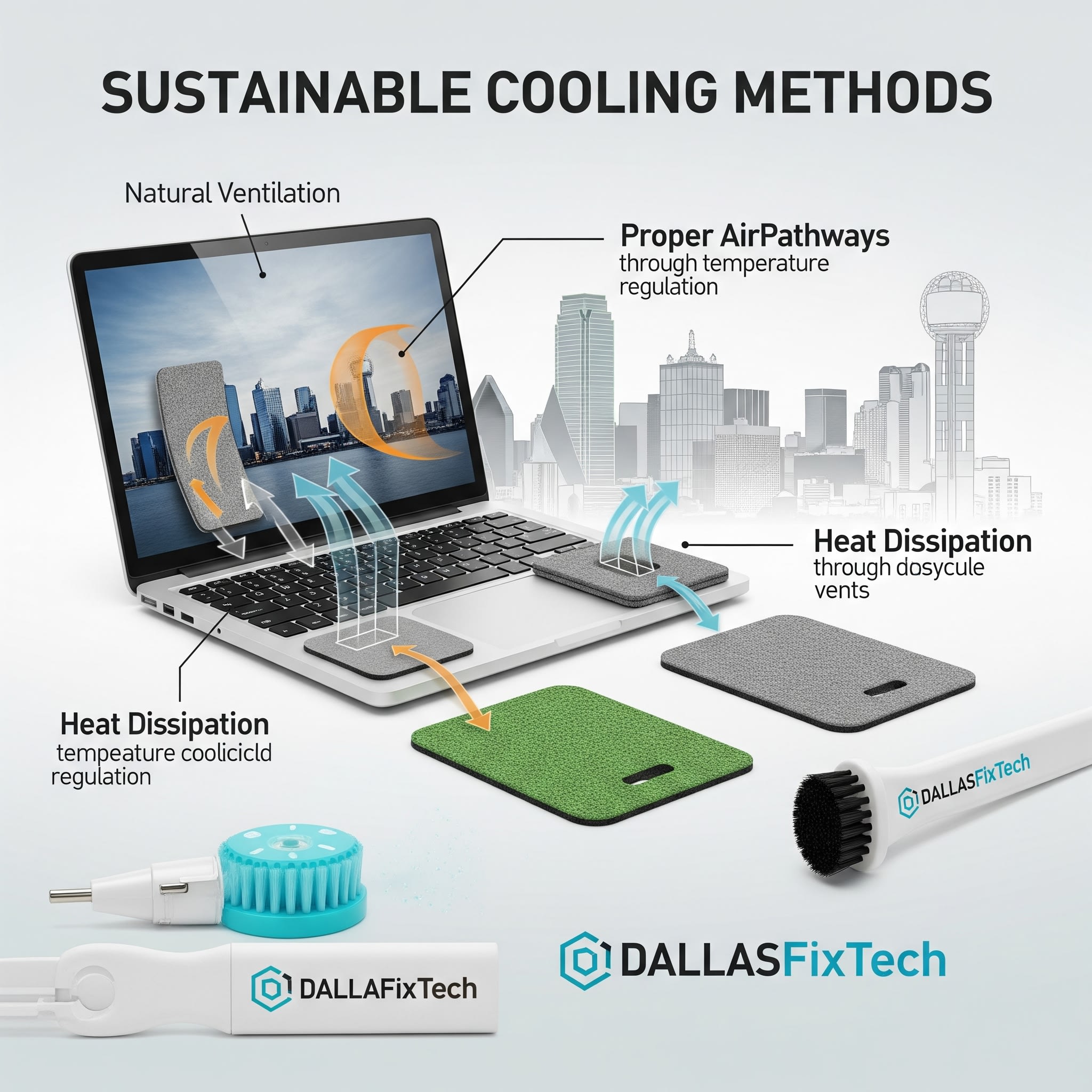
Sustainable Laptop Cooling Methods & Maintenance – DallasFixTech Expert Advice
An overheating laptop isn't just uncomfortable to use; it can lead to frustrating performance slowdowns (thermal throttling), system instability, and, over time, permanent damage to internal components. While many cooling solutions exist, **DallasFixTech** believes in promoting **sustainable laptop cooling methods and maintenance practices** that not only keep your device healthy but also minimize environmental impact. We're here to offer expert advice for users in Garland, TX, helping you prevent overheating, extend device lifespan, and save energy the eco-friendly way.
DallasFixTech’s Eco-Friendly Cooling Tips for Your Laptop
Implement these practices to keep your laptop cool and green:
- Use Cooling Pads Made from Recyclable Materials: If you need an external cooling solution, opt for cooling pads constructed from sustainable or recycled plastics and metals. Look for models with energy-efficient fans.
- Employ Passive Ventilation Techniques: Ensure your laptop is placed on a hard, flat surface (not a bed or carpet) to allow its built-in fans and vents to work effectively. Consider using a laptop stand that elevates it, promoting natural airflow without requiring additional power.
- Regularly Clean Fans and Vents: Dust accumulation is the primary cause of overheating. Use compressed air (responsibly, in short bursts) to blow dust out of your laptop's fans and vents. For more thorough cleaning, **DallasFixTech** offers professional internal cleaning services.
- Apply Eco-Certified Thermal Paste (During Professional Service): If your laptop requires re-pasting (replacing the thermal compound between the CPU/GPU and heatsink), ask your technician about using eco-certified, high-performance thermal pastes that are free from harmful chemicals.
- Optimize Power Settings: Configure your operating system's power plans to favor 'balanced' or 'power saver' modes when not performing demanding tasks. This reduces CPU/GPU activity and, consequently, heat generation.
- Close Unused Applications: Background apps consume CPU cycles and generate heat. Close programs you're not actively using to reduce workload.
- Avoid Direct Sunlight: Don't use your laptop in direct sunlight or hot environments, as this will significantly increase its operating temperature.
Benefits of Sustainable Laptop Cooling & Maintenance
- Prevent Overheating & Performance Drops: Ensure your laptop consistently runs at optimal speeds without throttling.
- Extend Device Lifespan: Lower temperatures reduce stress on components, significantly prolonging your laptop's life and delaying the need for replacement.
- Reduced Energy Consumption: Efficient cooling methods and optimized software reduce overall power draw, saving electricity.
- Quieter Operation: A cooler laptop means less aggressive fan noise.
- Environmental Responsibility: Contributes to less electronic waste and a smaller carbon footprint.
Stay Cool and Green with DallasFixTech’s Expert Maintenance Services!
Protect your laptop and the planet simultaneously. Stay cool and green with **DallasFixTech’s expert maintenance services** in Garland, TX. Explore more sustainable tech solutions. **Schedule your laptop cleaning or consultation today!**


