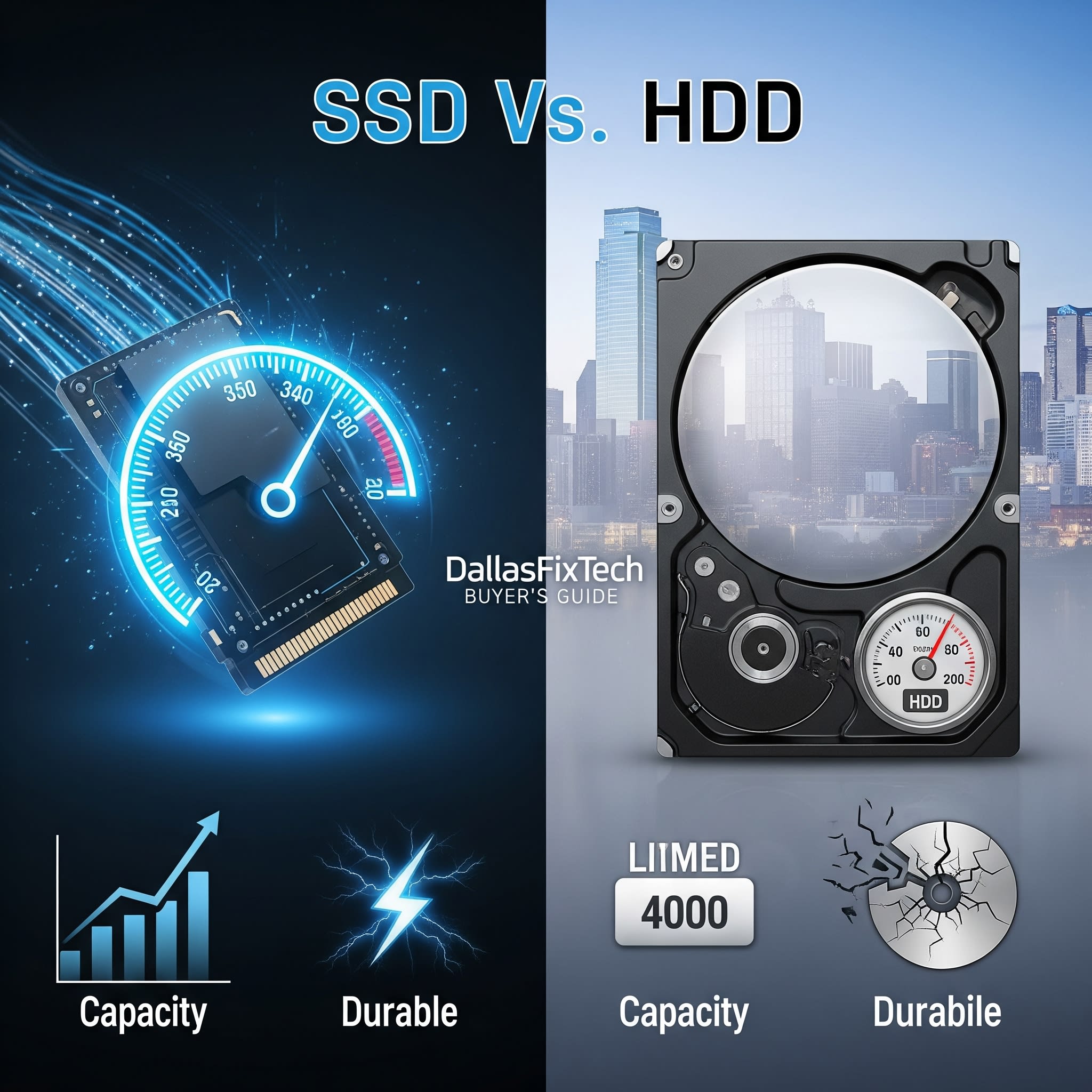
Understanding Storage Options: SSD vs. HDD – DallasFixTech Buyer’s Guide for Arlington Users
When buying a new computer or looking to upgrade your existing one, the choice of storage drive—whether an **SSD (Solid State Drive)** or an **HDD (Hard Disk Drive)**—is one of the most critical decisions you'll make. This choice significantly impacts your computer's speed, responsiveness, durability, and overall cost. **DallasFixTech** understands that navigating these options can be confusing. That's why we've created this in-depth buyer's guide for Arlington, TX, shoppers, breaking down the pros and cons of both SSD and HDD storage to help you choose the right option for your specific needs, be it for gaming, work, or general use.
Storage Options Explained: SSD vs. HDD by DallasFixTech Experts
Here's a detailed comparison:
Solid State Drives (SSDs)
- How They Work: SSDs store data on interconnected flash memory chips (similar to a large USB flash drive). They have no moving parts.
- Pros:
- Faster Speeds: Significantly faster read/write speeds, leading to lightning-fast boot times, quicker application loading, and rapid file transfers.
- Durability: Highly resistant to drops and shocks due to the absence of moving parts, making them ideal for laptops.
- Silent Operation: No moving parts mean completely silent operation.
- Energy Efficiency: Consume less power, leading to longer battery life in laptops and cooler running systems.
- Compact Size: Available in various form factors (2.5-inch, M.2 NVMe), making them suitable for thin and light devices.
- Cons:
- Higher Cost: More expensive per gigabyte compared to HDDs.
- Limited Lifespan (Write Cycles): Flash memory has a finite number of write cycles, though modern SSDs have advanced wear-leveling algorithms that make this a non-issue for typical users.
- Ideal For: Primary drive (where your OS and main applications are installed), gaming systems, laptops, professional workstations, users prioritizing speed.
Hard Disk Drives (HDDs)
- How They Work: HDDs store data on spinning platters accessed by read/write heads. They are mechanical devices.
- Pros:
- Larger Capacities: Offer much higher storage capacities (terabytes) at a significantly lower price point.
- Cost-Effective: Best value for bulk storage.
- Cons:
- Slower Speeds: Much slower boot times, application loading, and file transfers compared to SSDs.
- Less Durable: Susceptible to damage from drops or shocks due to moving parts.
- Noise & Heat: Can generate audible noise and more heat due to mechanical operation.
- Higher Power Consumption: Consume more power than SSDs.
- Ideal For: Secondary storage for large media files (movies, photos, music), backups, budget builds, servers requiring massive storage.
DallasFixTech Offers Storage Upgrades and Expert Advice in Arlington, TX!
Choosing the right storage impacts speed and durability, and often, a combination of both (an SSD for your OS/apps and an HDD for bulk storage) is the ideal solution. DallasFixTech offers comprehensive storage upgrades, installations, and personalized advice in Arlington, TX. **Contact DallasFixTech today** for expert guidance on selecting and installing the perfect storage solution for your computer!


