Why Smart Plugs Lose Connection: DallasFixTech's Solutions for Dallas, TX
**Smart plugs** are one of the simplest and most accessible entry points into home automation, allowing you to remotely control lights, appliances, and other devices, as well as set schedules and integrate with voice assistants. For homeowners in Dallas, TX, they offer immense convenience. However, a common and frustrating issue arises when your **smart plugs constantly lose their Wi-Fi connection**, becoming unresponsive and disrupting your automated routines. These disconnects often stem from weak Wi-Fi signals, network interference, or firmware issues. At **DallasFixTech**, we specialize in smart home troubleshooting and can accurately diagnose why your smart plugs are disconnecting, offering expert solutions to restore stable connectivity and ensure seamless control of your smart devices and appliances.
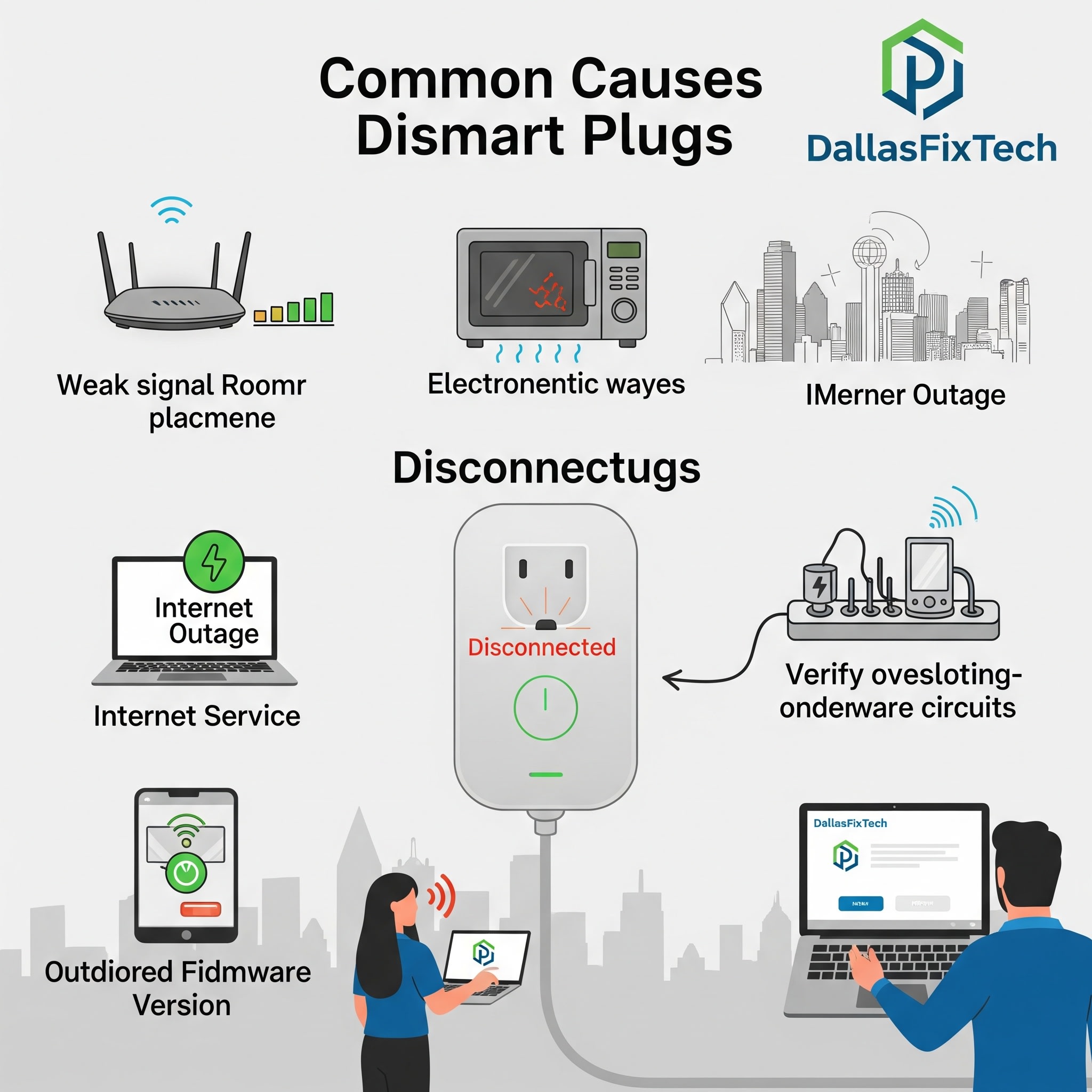
Common Causes of Smart Plug Disconnects (DallasFixTech Diagnosis)
These small devices are sensitive to their wireless environment:
- Weak Wi-Fi Signal: The most frequent cause. Smart plugs are often placed in less-than-ideal Wi-Fi locations (e.g., behind furniture, inside cabinets, far from the router), leading to a weak or intermittent signal.
- Network Interference: The 2.4GHz Wi-Fi band, commonly used by smart plugs, is crowded. Interference from neighboring Wi-Fi networks, microwaves, cordless phones, or other smart devices can disrupt the signal.
- Router Congestion & Configuration Issues: Your Wi-Fi router might be overloaded with too many devices, or its settings (e.g., band steering, security protocols) might not be optimized for stable connectivity with low-power smart devices.
- Outdated or Buggy Firmware: Glitches within the smart plug's firmware can cause network stack issues, leading to dropped connections.
- Power Fluctuations: Intermittent power supply or a faulty electrical outlet can cause the smart plug to reset its connection.
- Distance from Router/Hub: Smart plugs often act as mesh extenders for Zigbee/Z-Wave but still need a stable primary connection.
DallasFixTech’s Expert Solutions to Restore Stable Smart Plug Connectivity
We provide comprehensive troubleshooting and network optimization for your smart home:
- Optimize Wi-Fi Signal Strength & Placement:
- **Relocate Smart Plug/Router:** If possible, move the smart plug closer to your Wi-Fi router. Alternatively, reposition your router to a more central location.
- **Install a Wi-Fi Extender or Mesh Node:** For areas with weak signals, place a Wi-Fi extender or a mesh network satellite node strategically closer to your smart plugs to boost signal strength. **DallasFixTech** offers professional Wi-Fi optimization services.
- **Reduce Interference:** Identify and minimize sources of wireless interference (e.g., place smart plugs away from microwaves). We can help analyze Wi-Fi channels.
- Update Firmware Regularly: Always check for and install the latest firmware updates for your smart plugs via their companion app. Manufacturers frequently release updates that improve connectivity and stability.
- Check Router Configuration:
- **Reserve IP Address:** In your router's settings, reserve a static IP address for your smart plugs. This prevents DHCP conflicts and ensures they always have the same address.
- **Disable Band Steering (Optional):** If your router has 'band steering' (automatically moves devices between 2.4GHz and 5GHz), sometimes disabling it or creating separate SSIDs for each band can help some 2.4GHz-only smart plugs maintain a more stable connection.
- **Firmware Update:** Ensure your router's firmware is updated.
- Perform a Power Cycle: Unplug the smart plug from the wall outlet for a few minutes, then plug it back in. This can clear temporary software glitches and force a reconnection.
- Reduce Network Congestion: If your network is overloaded, implement Quality of Service (QoS) on your router to prioritize essential devices, or consider upgrading your internet plan.
- Professional Diagnostics: If issues persist after all troubleshooting, the smart plug's internal Wi-Fi module or control board might be faulty. **DallasFixTech** offers professional diagnostics and repair services for smart home devices.
Ensure Seamless Control of Your Smart Devices and Appliances!
Don't let constantly disconnecting smart plugs disrupt your home automation. **DallasFixTech** diagnoses common causes like weak Wi-Fi signals, network interference, or firmware issues. **Schedule a service** today. Get expert solutions to restore stable connectivity and seamless control of your smart devices and appliances. **Contact DallasFixTech** for smart home solutions and expert smart plug repair in Dallas, TX!


