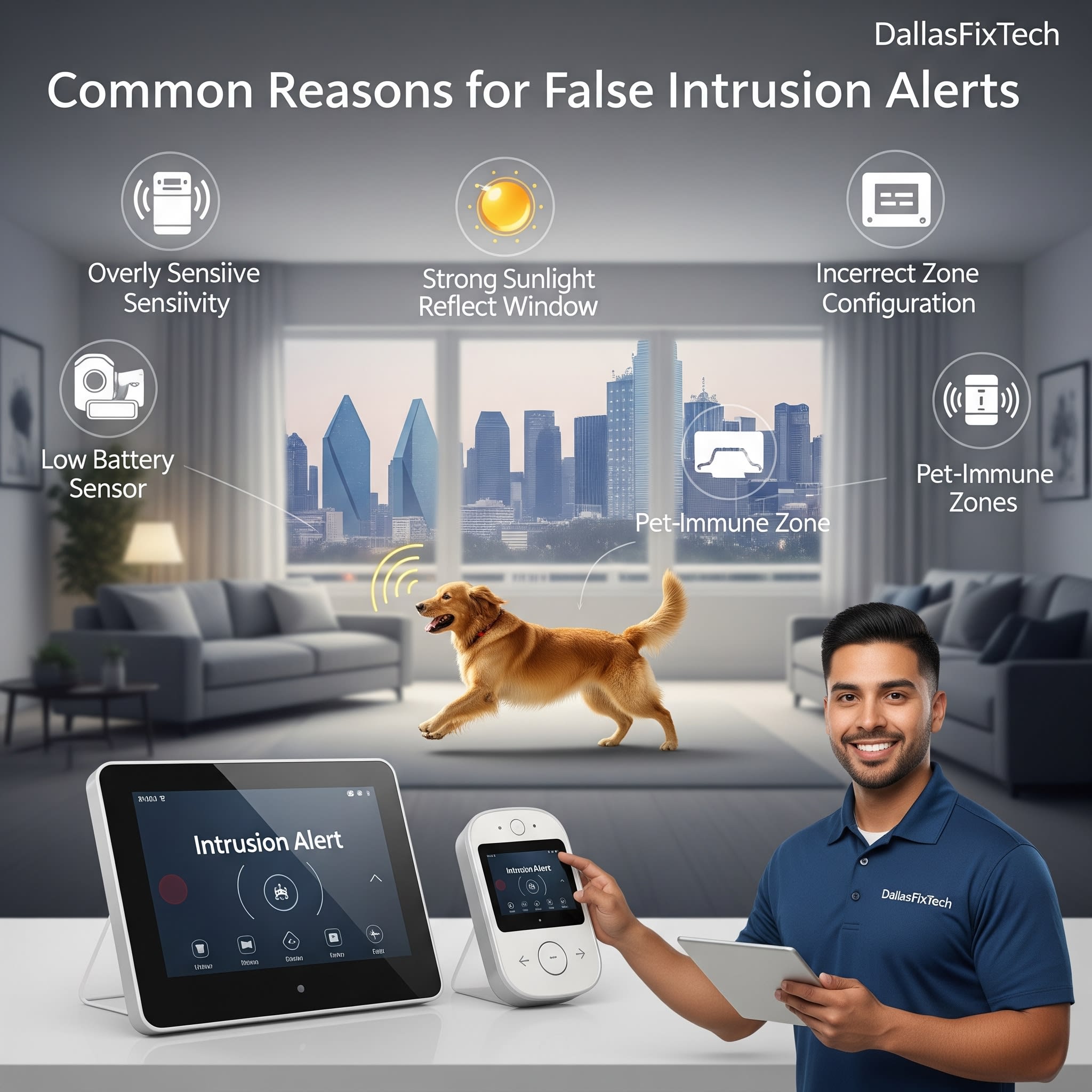
Why Smart Home Security Systems Show False Intrusion Alerts: DallasFixTech's Solutions for Dallas, TX
**Smart home security systems** (e.g., SimpliSafe, Ring Alarm, Abode, Nest Secure) offer crucial protection and peace of mind for homeowners in Dallas, TX, by detecting unauthorized entry, motion, and other threats. Features like door/window sensors, motion detectors, and integrated cameras are designed to provide immediate alerts for genuine intrusions. However, a common and highly frustrating issue is when your **smart home security system constantly sends false intrusion alerts**, triggering unnecessary sirens, phone calls to monitoring centers, or notifications for benign events. This 'alert fatigue' can lead to users ignoring genuine warnings. These false alarms often stem from incorrect sensor sensitivity, environmental factors, or software bugs. At **DallasFixTech**, we specialize in smart home security solutions and can accurately diagnose why your system is sending false alerts, offering expert solutions to reduce false alarms and ensure reliable home protection and true peace of mind.
Common Causes of Smart Home Security False Alerts (DallasFixTech Diagnosis)
The sensitivity of security sensors can lead to misinterpretations:
- Incorrect Sensor Sensitivity: Motion sensors (PIR - Passive Infrared) are designed to detect heat changes. If sensitivity is set too high, they can trigger for pets, shadows, dust, or even temperature fluctuations. Door/window sensors can also be too sensitive.
- Environmental Factors:
- **Pets & Wildlife:** Animals (dogs, cats, squirrels, birds) moving within motion sensor zones are a very common cause.
- **Sunlight & Shadows:** Shifting sunlight or moving shadows (e.g., from trees, passing cars) can trigger sensitive motion sensors.
- **HVAC Air Currents:** Drafts from heating/cooling vents can sometimes trigger motion sensors.
- **Curtains/Blinds Moving:** Curtains or blinds moving in a breeze.
- Improper Sensor Placement: Placing motion sensors directly facing windows, heat sources, or high-traffic areas prone to benign movement.
- Firmware Bugs or Software Glitches: Outdated or buggy firmware on security sensors or the main hub can lead to erroneous triggers or misinterpretations of data.
- Battery Issues: Low or failing batteries in wireless sensors can sometimes cause erratic behavior, including false alerts or communication failures.
- Wi-Fi Connectivity Issues: For Wi-Fi connected sensors/cameras, intermittent Wi-Fi can cause connection drops that trigger 'offline' alerts or sensor malfunctions.
- Door/Window Sensor Misalignment: If magnet sensors on doors/windows become misaligned, they might falsely trigger when the door/window is closed.
DallasFixTech’s Expert Solutions to Reduce False Alarms for Reliable Home Protection
We provide comprehensive troubleshooting and optimization for your smart home security system:
- Adjust Sensor Sensitivity: Access your security system's settings via its companion app or control panel. Gradually reduce the motion detection sensitivity for individual sensors until false alarms decrease. Some systems offer 'pet-immune' settings.
- Define Activity Zones/Exclusion Zones: For cameras and advanced motion sensors, define specific 'activity zones' within their field of view. Draw zones to exclude areas with common false triggers (e.g., busy streets, pet zones, tree branches).
- Optimize Sensor Placement: Reposition motion sensors away from windows, direct sunlight, heat vents, and areas where pets frequently roam. Ensure door/window sensors are perfectly aligned.
- Update Firmware Regularly: Always check for and install the latest firmware updates for your security system's hub and individual sensors. Manufacturers frequently release updates that improve sensor algorithms and reduce false alarms.
- Check Battery Health: For wireless sensors, ensure batteries are fresh and in good health. Replace them if low or old.
- Troubleshoot Wi-Fi Connectivity: Ensure your security system's hub and any Wi-Fi connected cameras/sensors have a strong, stable Wi-Fi connection. **DallasFixTech** can help optimize your home Wi-Fi network.
- Clean Sensors: Meticulously clean any visible sensors (e.g., motion sensor lenses, contacts on door sensors) to remove dirt, dust, or debris.
- Perform Diagnostics: For persistent issues, **DallasFixTech** can perform advanced diagnostics on your security system's components to identify underlying hardware or software faults.
Ensure Reliable Home Protection and Peace of Mind!
Don't let constant false alerts compromise your home security. **DallasFixTech** diagnoses common causes like incorrect sensor sensitivity, environmental factors, or software bugs. **Schedule a service** today. Get expert solutions to reduce false alarms and ensure reliable home protection and peace of mind. **Contact DallasFixTech** for smart home security solutions in Dallas, TX, and get a system you can truly rely on!


