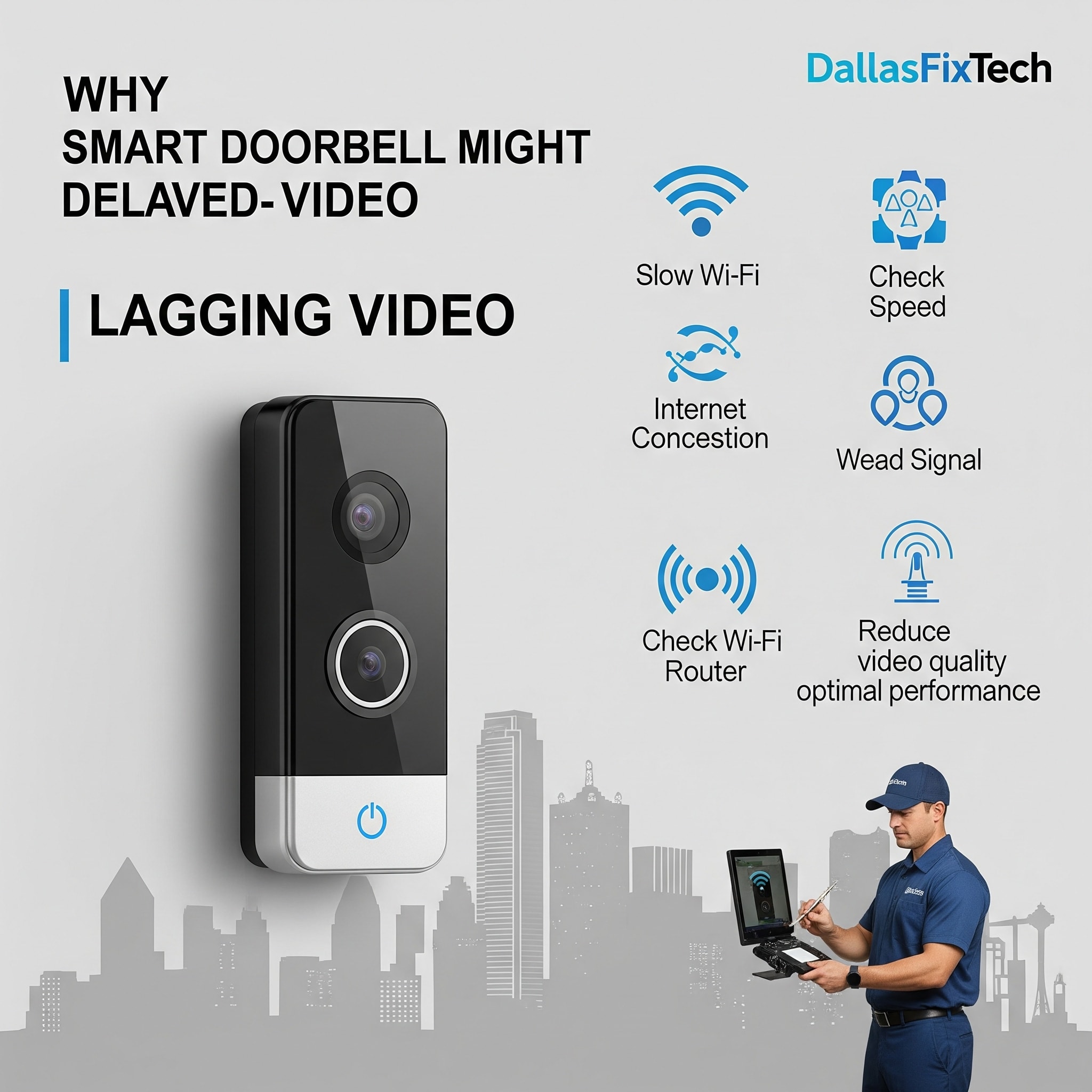
Why Your Smart Doorbell Shows Delayed Video: DallasFixTech's Solutions for Dallas, TX Security
**Smart video doorbells** (e.g., Ring, Nest Hello, Arlo, Eufy) are essential for modern home security and convenience, allowing you to see, hear, and speak to visitors from anywhere via your smartphone. They also provide crucial motion alerts for package deliveries or suspicious activity. However, a common and frustrating issue for homeowners in Dallas, TX, is when their **smart doorbell shows significantly delayed video feeds** or fails to capture events in real-time, compromising its security effectiveness and leading to missed interactions. These delays often stem from weak Wi-Fi signals, internet latency, or router configuration issues. At **DallasFixTech**, we specialize in smart home security solutions and can accurately diagnose why your smart doorbell video is lagging, offering expert solutions to ensure real-time video and reliable motion alerts for your peace of mind.
Common Causes of Smart Doorbell Delayed Video (DallasFixTech Diagnosis)
Real-time video streaming from a doorbell is sensitive to various network and device factors:
- Weak Wi-Fi Signal at the Doorbell: The most frequent cause. Doorbell cameras are often located far from the router, behind dense walls (brick, concrete), or near sources of interference, leading to a weak Wi-Fi signal. This results in slow video upload speeds and delays.
- Internet Latency & Upload Speed: Even with a strong local Wi-Fi signal, slow internet upload speeds from your ISP or high latency between your home network and the doorbell's cloud server can cause significant delays in video transmission to your phone.
- Router Congestion & Configuration Issues: Your Wi-Fi router might be overloaded with too many devices, or its settings (e.g., insufficient Quality of Service - QoS for camera traffic) might not be optimized for real-time video streaming.
- Outdated Doorbell Firmware: Bugs in the smart doorbell's firmware can lead to inefficient video processing or transmission.
- Cloud Server Issues: Less common, but temporary issues with the doorbell manufacturer's cloud servers can cause delays.
- Bandwidth-Intensive Settings: Setting the doorbell to stream/record at very high resolution (e.g., 2K, 4K) or high frame rates can strain network resources.
- Local Interference: Other wireless devices near the doorbell (e.g., cordless phones, smart lighting) can interfere with its Wi-Fi signal.
DallasFixTech’s Expert Solutions for Real-Time Video & Reliable Alerts
We provide comprehensive troubleshooting and network optimization for your smart doorbell:
- Optimize Wi-Fi Signal Strength at the Doorbell: This is paramount.
- **Install a Wi-Fi Extender or Mesh Node:** Place a Wi-Fi extender or a mesh network satellite node closer to your front door/doorbell to significantly boost signal strength. **DallasFixTech** offers professional Wi-Fi optimization services.
- **Router Placement:** If feasible, reposition your primary Wi-Fi router to be closer to the doorbell.
- **Reduce Interference:** Identify and minimize sources of wireless interference in the doorbell's vicinity.
- Check Internet Upload Speed & Latency: Run an internet speed test from a device near your doorbell. Ensure your internet upload speed is adequate for your doorbell's video quality (e.g., 2-5 Mbps upload for 1080p video). If consistently low, consider upgrading your ISP plan.
- Optimize Router Settings:
- **QoS (Quality of Service):** Configure QoS settings on your router to prioritize your smart doorbell's traffic for real-time video.
- **Network Congestion:** Ensure your network isn't overloaded by too many devices.
- **Firmware Update:** Ensure your router's firmware is updated.
- Update Doorbell Firmware Regularly: Always check for and install the latest firmware updates for your smart doorbell via its companion app. Manufacturers frequently release updates that improve video processing, connectivity, and reduce latency.
- Adjust Video Resolution/Frame Rate Settings: If your internet upload speed is a bottleneck, try lowering your doorbell's video resolution or frame rate settings in its app. This reduces bandwidth requirements.
- Clear Camera Cache & Reboot: Perform a power cycle of your smart doorbell (turn off power at the breaker for a few minutes) and clear its app's cache.
- Professional Setup & Diagnostics: For persistent issues, **DallasFixTech** offers professional smart home security camera setup, including Wi-Fi analysis and advanced diagnostics to pinpoint underlying hardware or network faults.
Ensure Real-Time Video and Reliable Motion Alerts for Peace of Mind!
Don't let delayed video compromise your home security. **DallasFixTech** diagnoses common causes like weak Wi-Fi, internet latency, or router issues. **Schedule a service** today. Get expert solutions to ensure real-time video and reliable motion alerts for peace of mind. **Contact DallasFixTech** for smart home security solutions in Dallas, TX, and get a system you can truly rely on!


