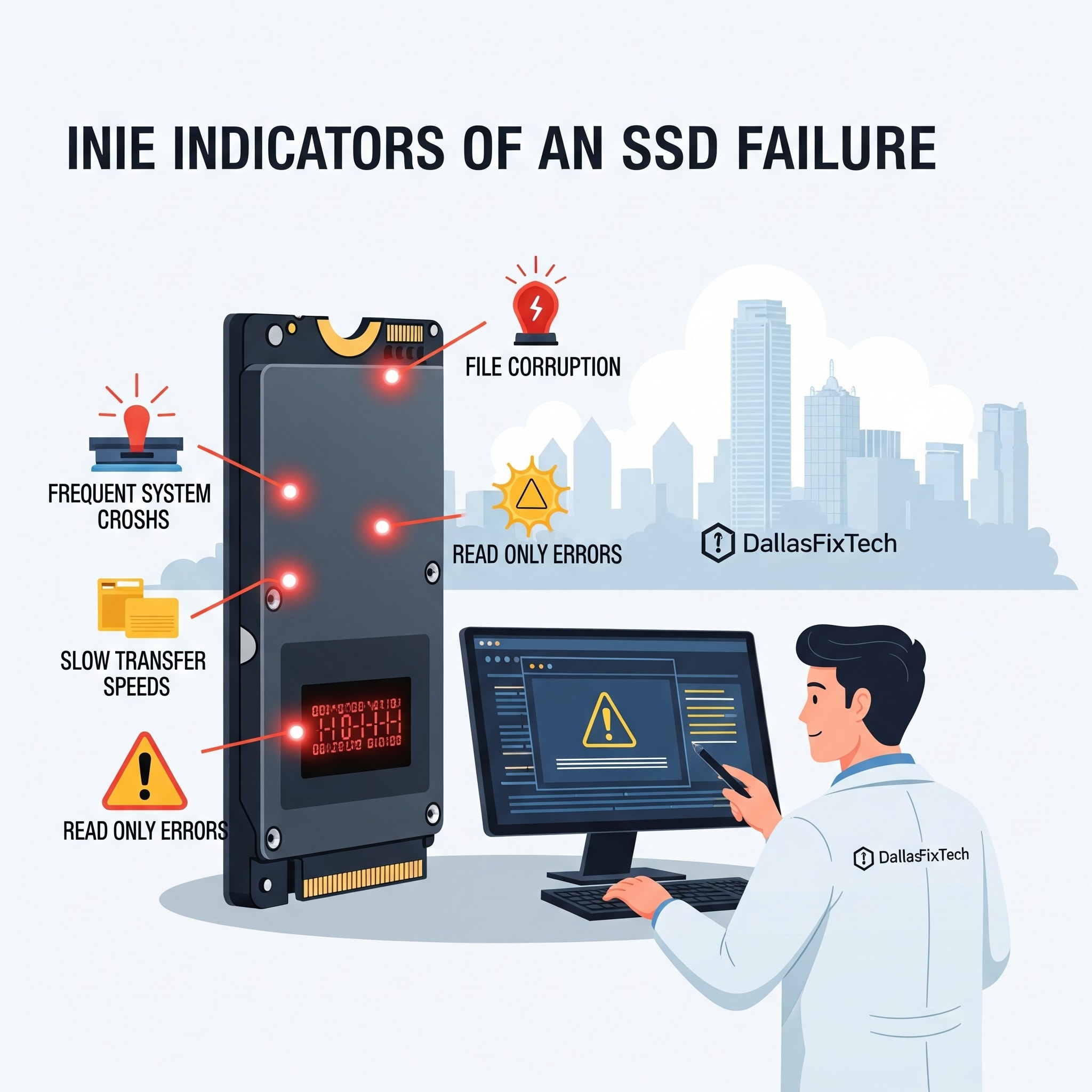
Signs Your SSD Is Failing: DallasFixTech’s Early Warning Guide in Dallas, TX
Solid State Drives (SSDs) have revolutionized computing with their lightning-fast speeds and enhanced durability compared to traditional Hard Disk Drives (HDDs). Unlike HDDs, SSDs have no moving parts, making them inherently more resistant to physical shock. However, even these reliable storage devices can fail unexpectedly, often without the tell-tale clicking sounds of a dying HDD. A failing SSD can lead to frustrating system instability, data corruption, and ultimately, catastrophic data loss. In **Dallas, TX**, **DallasFixTech** helps customers spot the early signs of **SSD failure** to avoid these critical scenarios and protect their valuable data before it's too late.
Common Symptoms of SSD Failure (DallasFixTech Diagnosis)
Be vigilant for these indicators that your SSD might be on its way out:
- Frequent Read/Write Errors: You might encounter errors when trying to save or open files, or find that files are corrupted or disappear. This indicates the SSD is struggling to reliably store or retrieve data.
- System Freezes & Crashes: Your computer experiences random freezes, becomes unresponsive, or crashes unexpectedly, especially during file access, application launches, or system bootup. This can also manifest as Blue Screens of Death (BSODs) on Windows.
- Slow File Transfers & Performance Degradation: While SSDs are known for their speed, a noticeable slowdown in file transfer speeds, application loading times, or general system responsiveness (slower than usual boot times) can be a red flag.
- Applications Freezing/Crashing: Specific applications might frequently freeze or crash, particularly if they are installed on the SSD or rely heavily on its storage.
- File System Errors: Your operating system might prompt you to run a disk check (e.g., `chkdsk` on Windows) due to detected file system inconsistencies.
- Boot Issues: Your PC might fail to boot, or it might take an unusually long time to start up, sometimes getting stuck at the loading screen.
- 'Bad Block' Warnings: While less common for average users to see directly, advanced monitoring tools (like those mentioned below) may report an increasing number of bad blocks.
- Unusual Sounds (Indirectly): While SSDs are silent, if you hear clicking noises, they may be coming from other components (like a fan) struggling due to the SSD's high resource usage, or simply an old HDD still in the system.
- SMART Alerts: This is a crucial early warning. SSDs utilize S.M.A.R.T. (Self-Monitoring, Analysis, and Reporting Technology) to monitor their own health. Monitoring tools can read these alerts.
How DallasFixTech Can Help Diagnose Your SSD in Dallas, TX
Proactive monitoring and expert diagnostics can save your data:
- Comprehensive Health Diagnostics: We use professional software tools (e.g., CrystalDiskInfo, SSD manufacturer's utility) to perform a deep health check of your SSD, including analyzing its S.M.A.R.T. data, remaining lifespan (wear-out indicator), and error logs.
- Firmware Updates: Outdated SSD firmware can cause stability issues. We ensure your SSD is running the latest, most stable firmware version provided by the manufacturer.
- Performance Benchmarking: We run benchmarks to assess your SSD's actual read/write speeds against its rated specifications, identifying any significant performance degradation.
- Timely SSD Data Recovery: If your SSD has already failed or is showing critical signs, **DallasFixTech** offers expert **SSD data recovery services** to retrieve your valuable files (photos, documents, videos) with the highest possible success rate.
- OEM Replacement & Installation: For failing SSDs, we recommend and install **OEM (Original Equipment Manufacturer) quality replacement SSDs**, ensuring compatibility and optimal performance, with minimal downtime. We can also upgrade your older drive to a faster, more reliable SSD.
- System Optimization: After replacement, we ensure your operating system is optimized for SSD use (e.g., TRIM enabled, defragmentation disabled) to maximize the new drive's lifespan.
Protect Your Valuable Data: Schedule a Professional SSD Assessment Today!
Don't wait for your SSD to fail completely and risk losing irreplaceable data. Recognizing early warning signs and taking prompt action can save you immense headaches. **DallasFixTech** helps customers spot early signs of SSD failure to avoid catastrophic data loss. Protect your valuable data and get professional SSD assessments today. **Schedule a service** with DallasFixTech, your trusted SSD repair and replacement service in Dallas, TX, for peace of mind!


