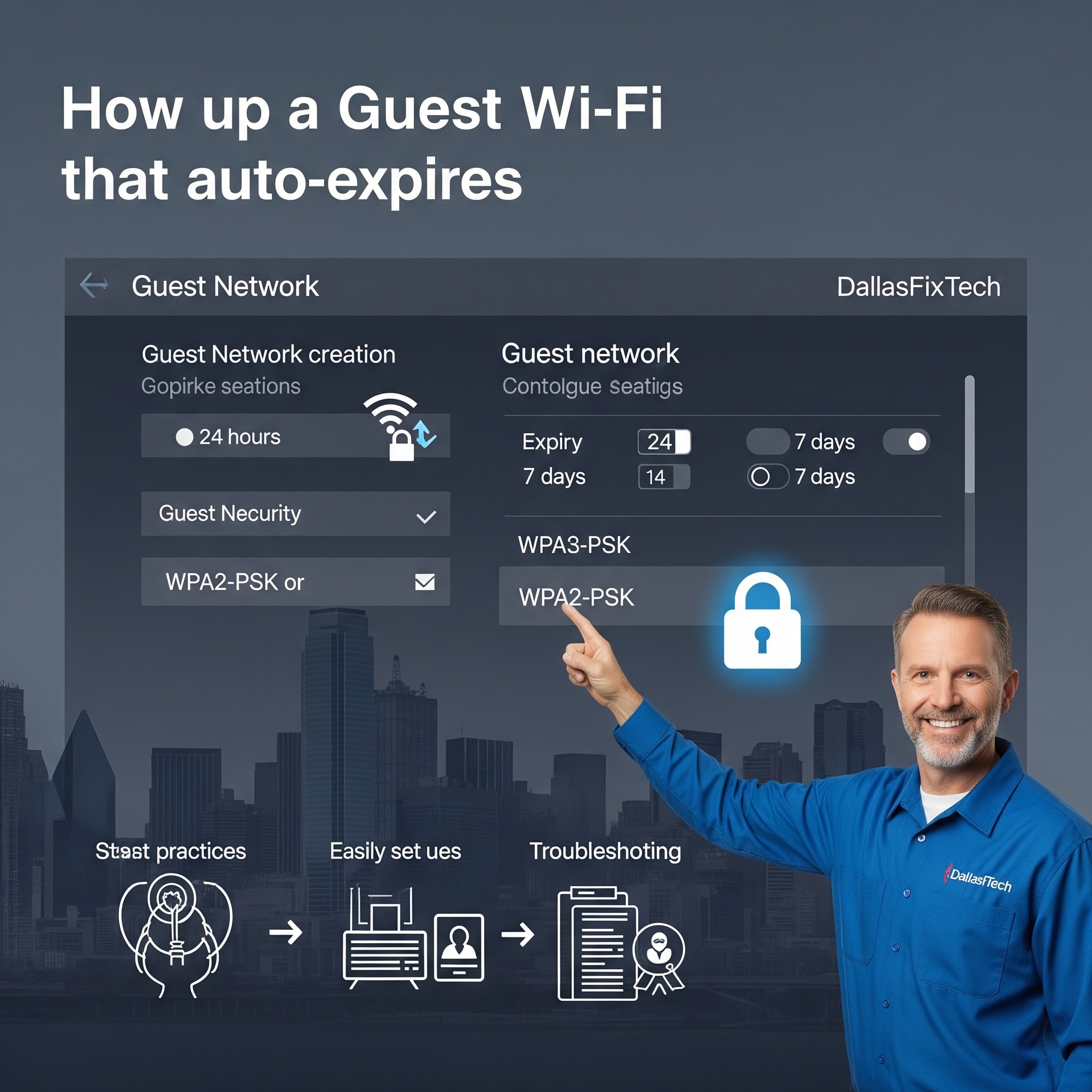
How to Set Up a Guest Wi-Fi Network That Auto-Expires in Dallas, TX: DallasFixTech’s Security Guide
Offering Wi-Fi access to your guests, clients, or temporary visitors in Dallas, TX, is a common courtesy and a convenience. However, simply sharing your main Wi-Fi password indefinitely can pose significant security risks to your home or business network, potentially exposing your personal data, smart devices, and sensitive information to unauthorized access. **DallasFixTech** strongly recommends configuring a **guest Wi-Fi network with automatic expiration** for enhanced protection. We'll show you how to set up time limits, manage passwords, and even implement captive portals, safeguarding your network while keeping guests connected safely and conveniently.
Why Auto-Expiring Guest Networks Matter (DallasFixTech Perspective)
Implementing a dedicated, auto-expiring guest network provides crucial security and management benefits:
- Limit Unauthorized Long-Term Access: Prevents guests from retaining access to your network long after they've left, reducing the risk of a compromised device returning or old guests reconnecting.
- Protect Your Personal and Business Data: Guest networks are isolated from your main network. This means guests cannot access your computers, network-attached storage (NAS), smart home devices, or internal business servers.
- Help Maintain Overall Network Performance: By segmenting guest traffic, you prevent it from consuming excessive bandwidth on your primary network, ensuring your essential devices (work PCs, streaming devices) maintain optimal speeds.
- Enhance Security Posture: Reduces your attack surface. If a guest device is infected with malware, the infection is contained within the guest network.
- Professionalism for Businesses: Offers a secure and professional way to provide internet access to clients and visitors.
DallasFixTech’s Step-by-Step Guide to Configure Auto-Expiring Guest Wi-Fi
The exact steps vary by router brand, but the general process is universal:
- Access Your Router’s Admin Panel: Open a web browser and type your router’s IP address (e.g., `192.168.1.1`, `192.168.0.1`, or `192.168.1.254`). Log in using your router's admin username and password. (If you need help accessing your router, **DallasFixTech** can assist).
- Enable the Guest Network Feature: Look for a section labeled 'Guest Network,' 'Guest Wi-Fi,' or 'Guest Zone.' Enable it.
- Set a Unique SSID & Strong Password: Give your guest network a clear, distinct name (SSID) (e.g., 'MyHomeGuestWi-Fi' or 'DallasBizGuest'). Set a strong, complex password that is different from your main Wi-Fi password.
- Locate Options for Guest Network Scheduling or Expiration: This is the key feature for auto-expiration. Look for settings like 'Schedule,' 'Time Limit,' 'Expiration,' or 'Auto-Disable.'
- Set a Time Limit: Configure a time limit for guest access, such as 24 hours, 7 days, or a specific duration after initial connection. Some routers allow you to schedule specific hours of operation.
- Enable Client Isolation: Ensure 'Client Isolation' or 'AP Isolation' is enabled. This prevents devices on the guest network from communicating with each other, adding another layer of security.
- Implement a Captive Portal (Optional, for Businesses): For businesses or advanced home setups, some routers or network access points allow you to set up a captive portal. This prompts guests to accept terms of service, enter a simple login, or watch a short video before granting internet access.
- Review & Apply Settings: Review all your settings and click 'Apply' or 'Save.' Your router may reboot.
Protect Your Dallas Home Network with DallasFixTech’s Wi-Fi Security Specialists!
Securing your guest Wi-Fi is a smart move for any connected property. **DallasFixTech** recommends configuring a guest Wi-Fi network with automatic expiration for enhanced protection. **Schedule a service** today. Want expert help setting up secure guest Wi-Fi with auto-expiration in Dallas, TX? **DallasFixTech’s Wi-Fi security specialists** provide tailored solutions to safeguard your network while keeping guests connected. **Contact us today to schedule a consultation and upgrade your home network security!**


