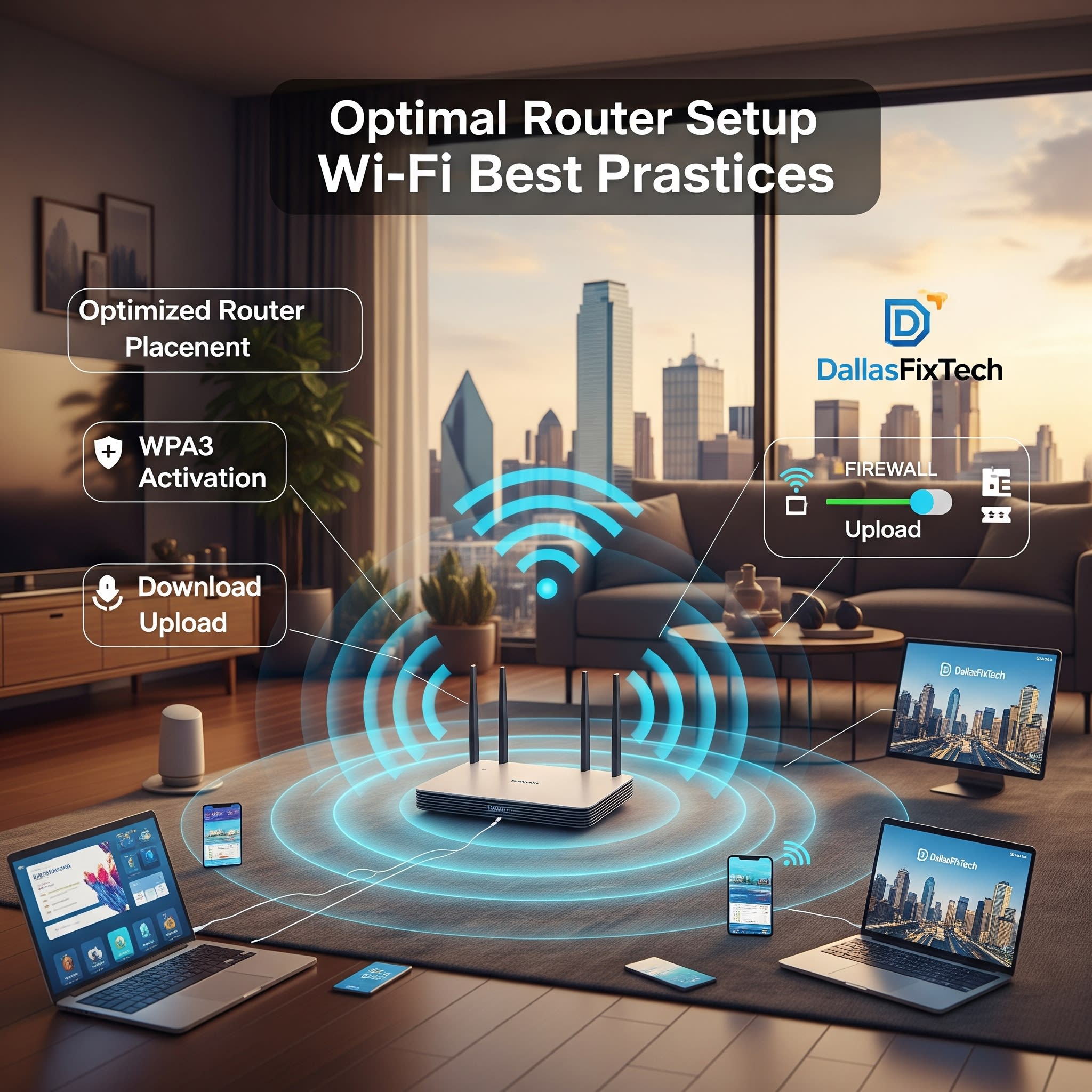
DallasFixTech's Ultimate Router Setup Best Practices for Optimal Home Network Performance & Security
Your router is the gateway to your home's digital world, silently directing internet traffic to all your connected devices. A properly set up router is the foundation of a fast, stable, and secure internet experience. Conversely, a poorly configured router can lead to frustrating slowdowns, dead zones, and security vulnerabilities that leave your network exposed. **DallasFixTech** understands the critical role your router plays. We share **ultimate router setup best practices** for Dallas, TX, users, helping you maximize speed, stability, and security, ensuring reliable internet connectivity at home for work, streaming, and gaming.
DallasFixTech’s Essential Router Setup Tips for Peak Performance & Security
Follow these expert recommendations to optimize your wireless network:
- Place Your Router Centrally and Elevated: Location is paramount. Position your router in a central part of your home, ideally on an elevated surface (like a shelf or top of a cabinet), away from physical obstructions like thick walls, large furniture, and metal objects (e.g., filing cabinets, refrigerators). This allows signals to spread more evenly.
- Select Appropriate Frequency Bands (2.4GHz vs. 5GHz): Most modern routers are dual-band.
- 2.4GHz: Offers greater range and better penetration through walls/floors. It's slower but good for devices further away or IoT gadgets.
- 5GHz: Provides significantly faster speeds but has a shorter range and is more easily blocked by obstacles. Ideal for devices closer to the router that require high bandwidth (gaming PCs, 4K streaming TVs).
- Band Steering: If your router supports it, enable 'band steering' to intelligently direct devices to the optimal band.
- Regularly Update Firmware: Router manufacturers frequently release **firmware updates** that include crucial bug fixes, performance improvements, and, most importantly, security patches for newly discovered vulnerabilities. Enable automatic updates if available, or check your router's administration page regularly.
- Configure Strong Passwords and WPA3 Encryption: Change the default administrative username and password for your router immediately. Use a unique, strong password for your Wi-Fi network. Always use the strongest available encryption protocol, **WPA3**, or WPA2 if WPA3 isn't supported by all your devices.
- Disable WPS (Wi-Fi Protected Setup): While convenient for quick connections, WPS has known security vulnerabilities. It's safer to disable it and manually connect devices using the Wi-Fi password.
- Set Up a Guest Network: If you have visitors, use a separate guest Wi-Fi network to isolate their devices from your primary network, protecting your personal data and devices.
- Minimize Interference: Keep your router away from other electronics that emit electromagnetic waves (microwaves, cordless phones, baby monitors). If living in a dense area, consider changing your Wi-Fi channel to a less congested one via your router's settings.
Need Help Setting Up Your Router? Contact DallasFixTech in Dallas, TX!
A properly configured router means faster, more reliable, and more secure internet. Need personalized help setting up your router, optimizing its settings, or troubleshooting connectivity issues? **Contact DallasFixTech** in Dallas, TX, today. Our experts are here to ensure your home network performs flawlessly!


