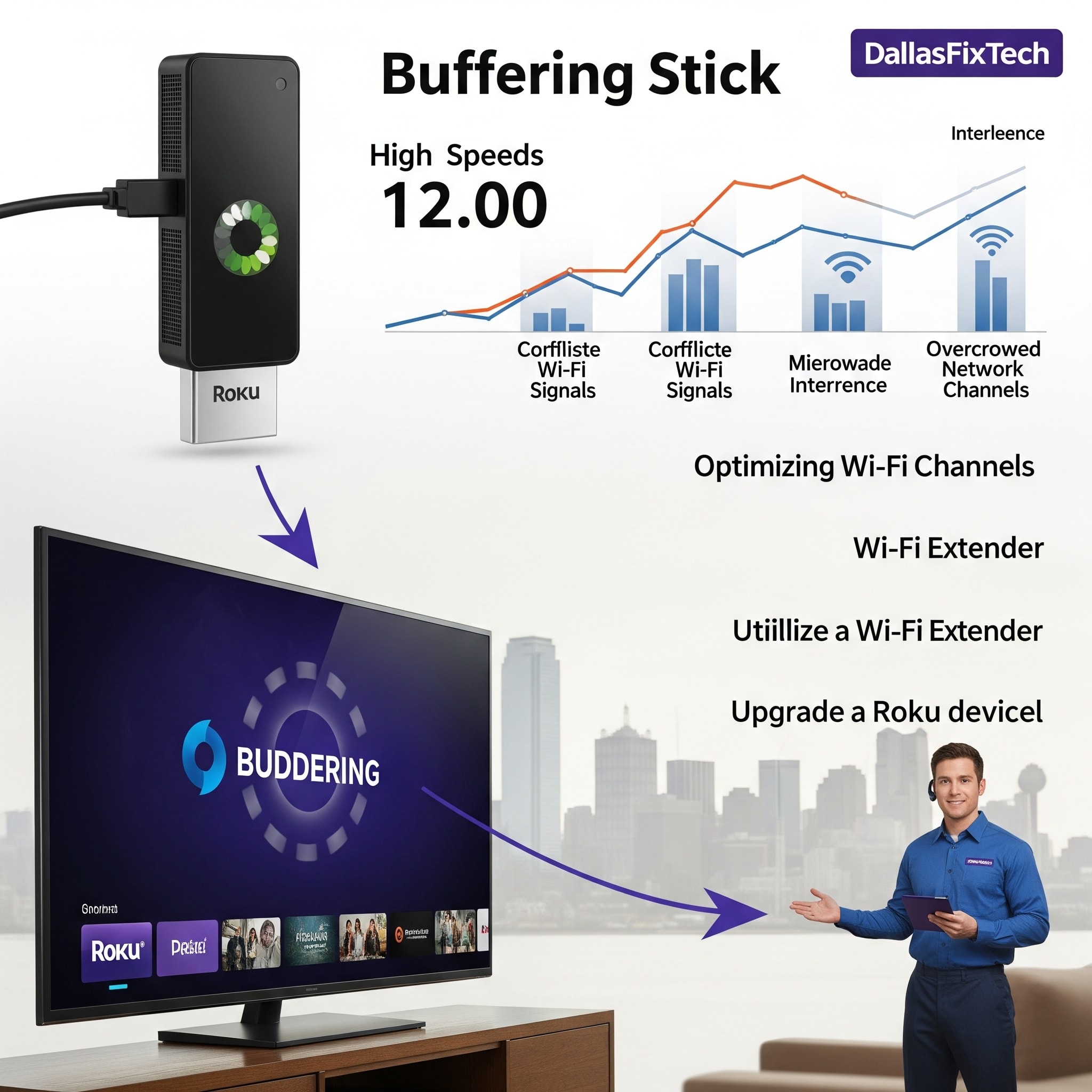
Stop Buffering on Your Roku Stick with These Fixes: DallasFixTech’s Solutions for Dallas Streamers
Roku streaming devices offer a world of entertainment, bringing your favorite movies, TV shows, and live content to your big screen. However, few things are as frustrating as **constant buffering**, especially when you know you have fast internet. If your Roku stick or streaming player is constantly pausing and loading in Dallas, TX, it's not always your internet service provider's fault. At **DallasFixTech**, we understand the nuances of streaming and wireless networks. We're here to uncover the underlying issues causing buffering and offer actionable solutions to ensure smoother, uninterrupted entertainment on your Roku device.
Common Roku Buffering Causes (DallasFixTech Diagnosis)
Our experience with streaming issues points to these frequent culprits, even with a fast internet connection:
- Wi-Fi Interference and Weak Signals: The most common cause. Other wireless devices, neighboring Wi-Fi networks, or physical obstructions (walls, appliances) can interfere with your Roku's Wi-Fi signal, leading to intermittent connectivity and buffering. Your Roku might be too far from your router.
- Overloaded DNS Servers: Your Domain Name System (DNS) server translates website names into IP addresses. If your DNS server is slow or overloaded (often your ISP's default), it can cause delays in loading content streams.
- Device Overheating or Cache Buildup: Like any electronic device, Roku sticks can overheat, especially during prolonged use or if placed in an enclosed space. This can lead to performance degradation. Accumulated cache data on the device can also cause slowdowns.
- Network Congestion: Too many devices on your home network simultaneously consuming bandwidth (e.g., multiple 4K streams, large downloads, online gaming) can starve your Roku of the necessary bandwidth.
- Outdated Roku Firmware: Bugs in older Roku operating system firmware can lead to streaming inefficiencies.
- Faulty HDMI Extenders: If using an HDMI extender or adapter, it might be faulty or causing signal issues.
- ISP Throttling (Less Common): While rare, some ISPs might throttle streaming traffic during peak hours.
DallasFixTech’s Effective Solutions to Stop Roku Buffering
We provide comprehensive troubleshooting and optimization to ensure seamless streaming:
- Optimize Wi-Fi Environment & Placement:
- Proper Device Placement: Ensure your Roku is in a clear line of sight with your router, or as close as possible.
- Change Wi-Fi Channels: We can help you access your router settings to switch to a less congested Wi-Fi channel (especially for the 2.4GHz band) to reduce interference.
- Consider 5GHz Band: If your Roku supports it, connect to your router's 5GHz Wi-Fi band for faster speeds and less interference, though its range is shorter.
- Use Ethernet Adapters (for Supported Roku Models): For models with an Ethernet port or compatible USB-to-Ethernet adapters, connecting directly via Ethernet provides the most stable and fastest connection, bypassing Wi-Fi issues entirely.
- Clear Roku Cache Regularly: Like any computing device, Roku devices build up cache. Periodically restart your Roku (Settings > System > Power > System restart) or unplug it for 5-10 seconds.
- Set Custom DNS Servers: Switching from your ISP's default DNS servers to faster, public ones like **Google DNS (8.8.8.8 / 8.8.4.4)** or **Cloudflare’s 1.1.1.1** can sometimes improve loading times and reduce buffering.
- Check for Overheating: Ensure your Roku stick has proper ventilation. Don't let it be covered or in an enclosed space. If it feels excessively hot, unplug it and let it cool.
- Reduce Network Congestion: Limit bandwidth-intensive activities on other devices while streaming on Roku.
- Update Roku Firmware: Ensure your Roku device is running the latest firmware version (Settings > System > Software update).
Need Help Optimizing Your Dallas Streaming Setup? DallasFixTech is Here!
Don't let buffering ruin your entertainment. **DallasFixTech** uncovers underlying issues causing buffering and offers actionable solutions. **Contact DallasFixTech** for professional network optimization and troubleshooting. We're here to boost your Roku performance for uninterrupted entertainment in Dallas, TX, ensuring you enjoy flawless streaming!


