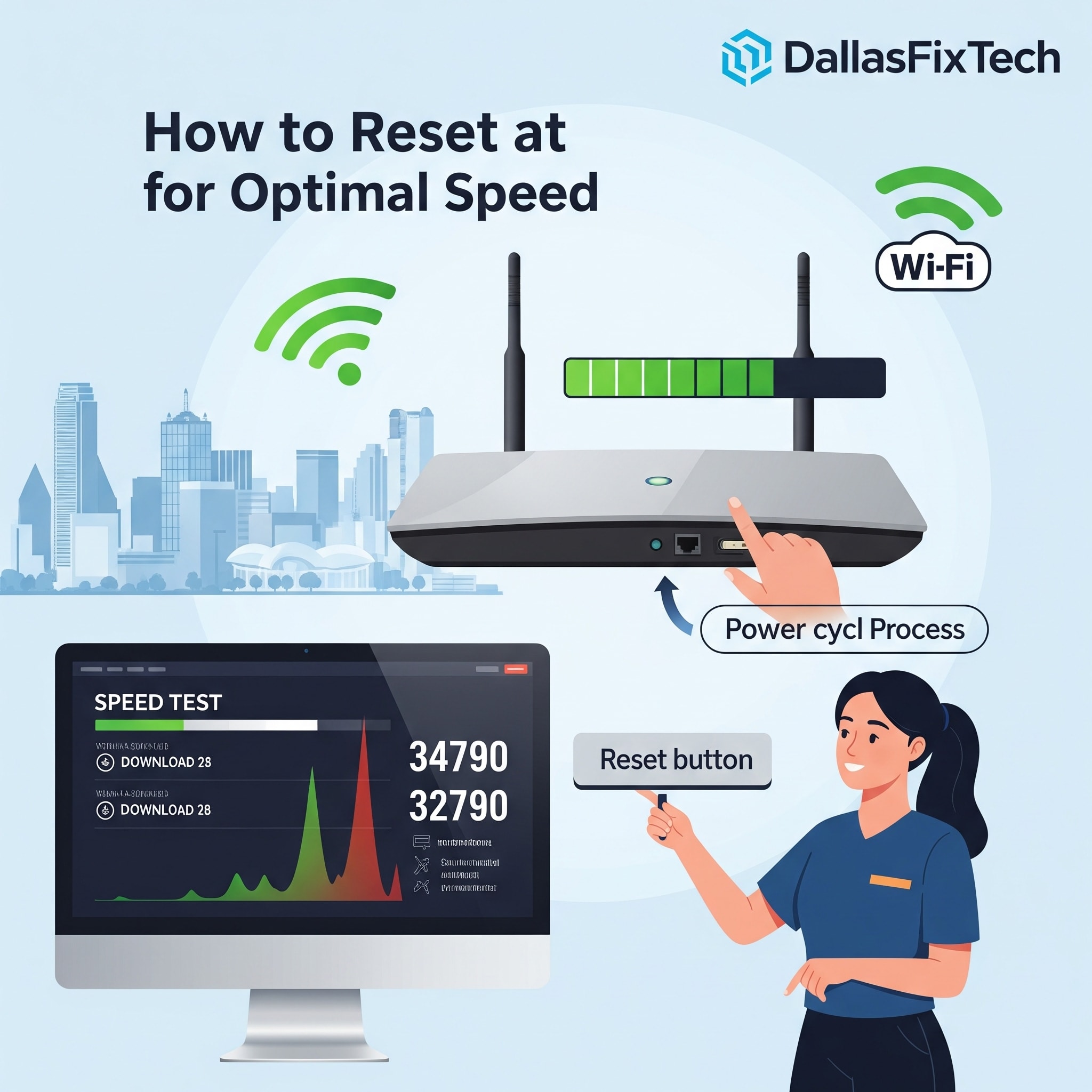
How to Reset Your Router for Optimal Internet Speed: DallasFixTech’s Step-by-Step Guide in Dallas, TX
In the digital age, a slow or unreliable internet connection can be incredibly frustrating, impacting everything from streaming and online gaming to remote work and video calls. Often, the quickest and most effective solution to common internet woes like lag, frequent disconnections, or slow speeds is a simple **router reset**. This process can clear temporary glitches, resolve IP conflicts, and refresh your network's performance without losing your crucial settings. At **DallasFixTech** in Dallas, TX, we empower our customers with knowledge and provide a straightforward, step-by-step guide to help you perform a safe router reset and optimize your home or office network for optimal internet speed and stability.
When to Reset Your Router (DallasFixTech Recommendations)
A router reset is a powerful first troubleshooting step when you experience:
- Frequent Disconnections or Slow Speeds: If your Wi-Fi keeps dropping or your internet suddenly feels sluggish across multiple devices.
- After Configuration Changes: If you've made changes to your router's settings and are experiencing issues.
- To Clear IP Conflicts: When devices on your network are struggling to obtain IP addresses or experiencing conflicts.
- General Network Instability: For intermittent problems that don't have an obvious cause.
- Before Calling Your ISP: It's often the first thing your Internet Service Provider (ISP) will ask you to do.
Note: A 'reset' (power cycle) is different from a 'factory reset.' A power cycle simply reboots the device, while a factory reset restores it to default settings, wiping all your custom Wi-Fi names and passwords. This guide focuses on a simple power cycle (reset).
DallasFixTech’s Step-by-Step Router Reset Guide (Power Cycle)
Follow these steps for a safe and effective router reset:
- Unplug Your Modem (First): Locate your internet modem (the device usually connected directly to your ISP's line – cable, fiber, DSL). Unplug its power cord from the electrical outlet.
- Unplug Your Router (Second): If you have a separate Wi-Fi router, unplug its power cord from the electrical outlet.
- Wait 30-60 Seconds: Wait for at least 30 to 60 seconds. This allows the devices to fully discharge and clear any temporary memory.
- Plug In Your Modem (First): Plug your internet modem back into the electrical outlet. Wait for all its indicator lights to stabilize (this usually takes 1-2 minutes and may involve blinking lights settling to solid green/blue). Ensure it has fully reconnected to the internet.
- Plug In Your Router (Second): Once the modem is stable, plug your Wi-Fi router back into the electrical outlet. Wait for its indicator lights (especially the internet/WAN light and Wi-Fi lights) to stabilize and show an active connection (usually 1-3 minutes).
- Test Your Internet: Once both devices are fully booted and stable, try connecting to your Wi-Fi and Browse the internet on your devices.
Additional Tips from DallasFixTech for Optimal Network Performance
- Update Router Firmware Regularly: Manufacturers frequently release firmware updates that improve performance, security, and stability. Check your router's administration page for updates.
- Optimal Placement: Place your router in a central, elevated location in your home, away from obstructions and other electronics that can cause interference, to maximize Wi-Fi coverage.
- Secure Your Wi-Fi: Use strong WPA2/WPA3 encryption and a complex password for your Wi-Fi network.
- Consider a Mesh Network: For larger homes with persistent dead zones, **DallasFixTech** recommends considering a mesh Wi-Fi system for truly seamless coverage.
Need Help Optimizing Your Internet Speed in Dallas, TX? Contact DallasFixTech!
While a simple reset can work wonders, persistent internet issues may indicate deeper problems with your router, modem, or ISP service. **DallasFixTech** offers professional network setup and troubleshooting services. We'll help you perform a safe router reset and optimize your home or office network. **Contact DallasFixTech today** for professional network setup and troubleshooting in Dallas, TX, and ensure you get the fast, stable internet you need!


