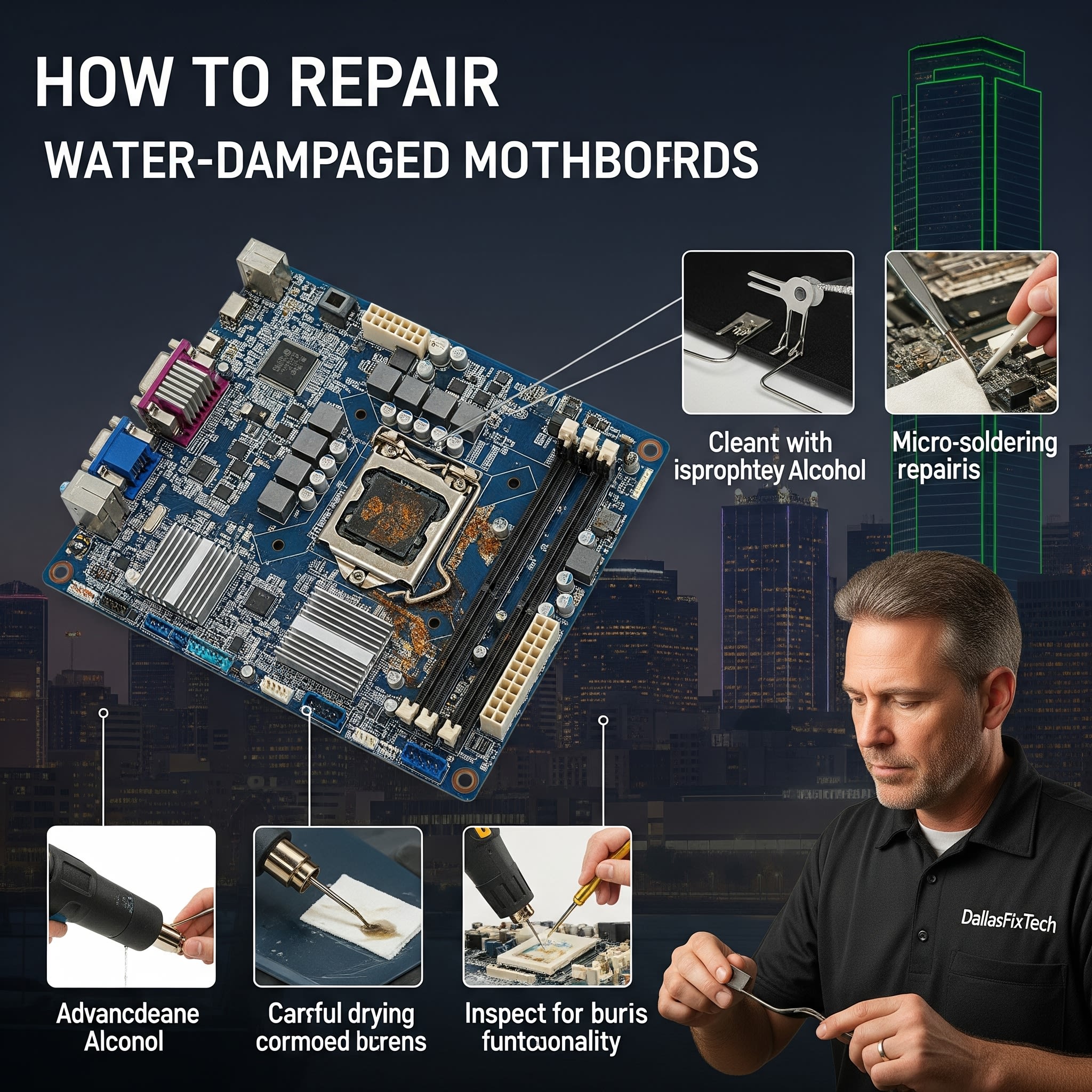
How to Repair Water-Damaged Motherboards Safely: DallasFixTech’s Expert Salvage Steps in Dallas, TX
A liquid spill on your computer, whether it's a laptop, desktop, or server, can be one of the most devastating accidents. Water (especially if it's sugary drinks or corrosive liquids) can cause immediate short circuits and rapid corrosion, risking total **motherboard failure** and permanent data loss if untreated. If your device has suffered liquid damage in Dallas, TX, **immediate action is crucial! DallasFixTech** specializes in advanced liquid damage repair and provides an expert guide to salvaging **water-damaged motherboards**, from crucial immediate power-off steps and thorough cleaning to intricate component-level repairs. We focus on preventing permanent failure and saving your valuable device from becoming e-waste.
Why Water Damages Motherboards (DallasFixTech Explains)
- Short Circuits: When liquid (especially conductive liquid) comes into contact with powered circuits, it creates unintended electrical pathways, causing immediate short circuits that can burn out components.
- Corrosion: Even after drying, minerals and impurities in the liquid leave behind conductive residues. These residues, combined with humidity, can rapidly corrode delicate metal traces, solder joints, and component pins, leading to long-term failure.
- Battery Damage: Lithium-ion batteries can be permanently damaged by water, leading to instability or, in severe cases, swelling and fire hazards.
- Component Degradation: Even if no immediate short occurs, liquid exposure can degrade component reliability over time.
DallasFixTech’s Essential Repair Steps for Water-Damaged Motherboards
**Act immediately and systematically!** The faster you respond, the higher the chance of successful repair. This process is best performed by professionals for complex damage:
- Immediately Power Off and Unplug the Device: This is the MOST critical step. As soon as liquid hits, immediately shut down the computer (force shut down if necessary) and **unplug it from the wall**. For laptops, remove the battery if it's user-removable. For internal laptop batteries, disconnect the battery connector from the motherboard if safe to do so. This cuts power and prevents further electrical damage.
- Disassemble and Remove the Motherboard: Meticulously disassemble the computer to gain full access to the motherboard. Remove all components attached to it (RAM, CPU, GPU, drives) if possible.
- Initial Liquid Removal: Use paper towels or a lint-free cloth to blot up any visible liquid from the motherboard surface. Do NOT rub the liquid in.
- Clean the Motherboard with Isopropyl Alcohol: Use **90%+ isopropyl alcohol** (at least 90% concentration, ideally 99%) and a soft-bristled brush (like an old toothbrush) or cotton swabs. Drench the affected areas thoroughly with IPA and gently scrub to dissolve and lift away residues. IPA displaces water and evaporates quickly without leaving conductive residue. **Avoid water, rubbing alcohol (lower purity), or harsh cleaning chemicals.**
- Inspect for Corrosion and Damage: After cleaning, use a bright light and magnification to meticulously inspect the motherboard for any signs of corrosion (greenish/whitish residue), burnt components (scorched spots), or damaged traces.
- Repair Damaged Traces, Capacitors, and Chips (Professional Step): For anything beyond simple cleaning, this requires expert micro-soldering skills. **DallasFixTech** technicians perform intricate repairs to fix damaged traces, replace shorted capacitors, resistors, or even more complex ICs (integrated circuits) that have been damaged by the liquid.
- Thoroughly Dry Components: After cleaning and any repairs, allow the motherboard and all components to dry thoroughly for at least 24-72 hours in a well-ventilated area. Using a fan or a dehumidifier can help. Avoid direct heat (like a hair dryer on high heat), which can warp components.
- Test and Reassemble: Once absolutely certain all components are dry, perform initial tests on the motherboard before full reassembly. Then, reassemble the device and perform comprehensive functional testing.
Professional Salvage Services in Dallas, TX: Trust DallasFixTech!
Water damage can be catastrophic, but often repairable with swift, precise action. **DallasFixTech** offers comprehensive repair solutions. **Schedule a service** today. Trust DallasFixTech to perform meticulous repairs and testing to restore your motherboard’s function and extend device life. **Contact DallasFixTech** for water damage motherboard recovery in Dallas, TX, and save your valuable device from permanent failure!


