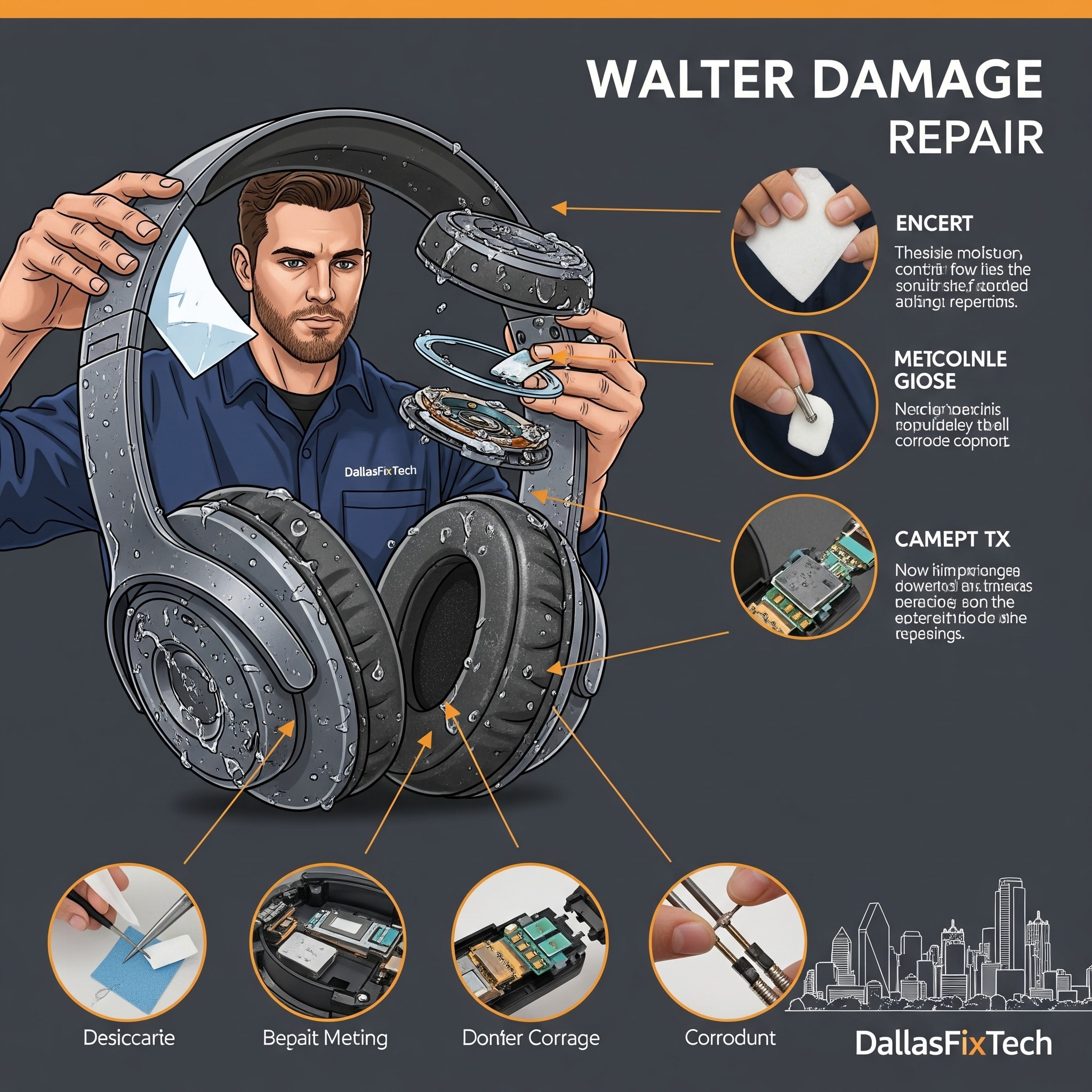
How to Repair Water-Damaged Headphones: DallasFixTech's Expert Salvage Guide
It's a common, heartbreaking accident: your favorite headphones, a crucial companion for music, podcasts, and calls, take an unexpected plunge into water. Whether it's a spill, a drop in the sink, or an accidental wash, water exposure can quickly wreak havoc on delicate electronics, leading to static, distorted audio, or complete failure. But **water exposure doesn’t have to mean the end for your headphones!** At **DallasFixTech** in Dallas, TX, we offer expert guidance and professional repair services to salvage and restore water-damaged audio gear. We'll provide a detailed process for immediate drying, careful disassembly, and crucial corrosion cleaning to bring your beloved headphones back to life.
Understanding Water Damage to Electronics (DallasFixTech Insight)
Water itself isn't always the primary destroyer; it's the aftermath:
- Short Circuits: Water conducts electricity, causing unintended electrical paths that can instantly damage components while the device is powered on.
- Corrosion: Minerals and impurities in water (especially tap water) leave behind conductive residues that corrode delicate metal contacts and components, leading to long-term failure even after drying. This can happen quickly.
- Battery Damage: Lithium-ion batteries can be permanently damaged by water, leading to instability or complete failure.
- Speaker Diaphragm Damage: Water can damage speaker membranes, leading to distorted or muffled audio.
DallasFixTech’s Essential Repair Steps for Water-Damaged Headphones
**Act quickly!** The faster you respond, the higher the chance of successful repair. Follow these steps:
- Immediate Power Off & Disconnect: As soon as water exposure occurs, immediately power off your headphones (if they have a power button) and disconnect them from any power source or charging cable. This is crucial to prevent short circuits.
- Remove Batteries (If Possible): For headphones with user-removable batteries, remove them immediately. This cuts power completely.
- Initial Drying (External): Gently shake out any excess water. Use a microfiber cloth or paper towel to thoroughly wipe down all external surfaces.
- Moisture Absorption (Internal): Place your headphones in an airtight container filled with a desiccant like **silica gel packets** (often found in new shoe boxes or electronics packaging) for at least 48-72 hours. **Avoid the 'rice trick'**—rice often leaves starch and dust, which can make things worse.
- Careful Disassembly (If Comfortable): If you are comfortable and capable, carefully open the casing of your headphones (consult online teardowns for your specific model). This allows for better airflow and direct access to internal components for cleaning.
- Corrosion Cleaning: Once dry, meticulously inspect internal components for any signs of corrosion (greenish or whitish residue). Use a **soft brush (like a toothbrush) and 90%+ isopropyl alcohol** to gently clean any affected areas. Isopropyl alcohol evaporates quickly and is safe for electronics. Avoid rubbing alcohol (lower purity) which contains too much water.
- Reassembly & Testing: Once thoroughly cleaned and dry, carefully reassemble your headphones. Test functionality: check power, audio quality (both left and right channels), button responsiveness, and charging.
Protect Your Audio Experience with DallasFixTech’s Headphone Repair Expertise!
Water damage can be devastating, but often repairable with swift action and proper techniques. **DallasFixTech** provides expert steps to salvage and repair water-damaged audio gear in Dallas, TX, covering immediate drying, careful disassembly, and crucial corrosion cleaning. Protect your audio experience with DallasFixTech’s headphone repair expertise. **Schedule a service** today if your headphones have taken an unexpected dive. We offer professional diagnosis and repair for all types of audio equipment!


