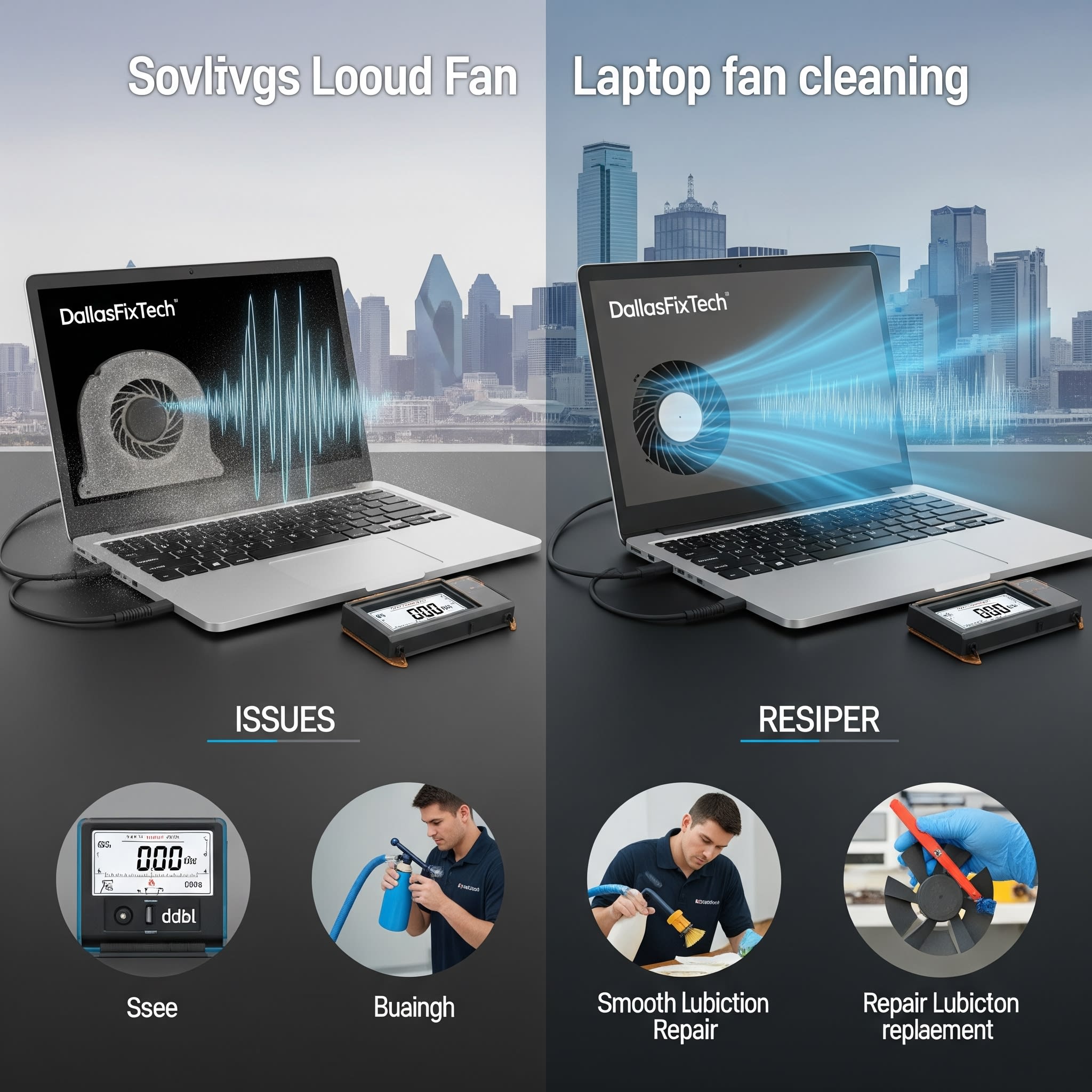
Keep Your Laptop Cool and Quiet with DallasFixTech Fan Services in Dallas, TX
A laptop fan that is constantly noisy, making grinding sounds, or spinning loudly even under light use is more than just an annoyance—it's often a clear indicator of **overheating risks** or a failing component within your laptop's cooling system. This excessive noise means your fan is working harder than it should, either due to blockages, a faulty fan, or underlying thermal issues. At **DallasFixTech** in Dallas, TX, we understand how distracting and worrying a loud laptop can be. We offer professional **cleaning, lubrication, and replacement services** to keep your laptop fan running smoothly and silently, ensuring your device stays cool, protecting its valuable components, and significantly improving your comfort during use.
Common Fan Problems DallasFixTech Fixes (Diagnosis)
Our certified technicians identify these frequent causes of noisy or overworked laptop fans:
- Constant Loud Noises or Grinding: Often caused by dust buildup on the fan blades or motor, or worn-out bearings within the fan itself. This can indicate imminent fan failure.
- Fans That Never Stop Running: Typically a symptom of the laptop overheating due to poor airflow (dust-clogged vents) or degraded thermal paste on the CPU/GPU.
- Overheating Linked to Poor Cooling: The fan is trying its best, but internal dust buildup or dried thermal paste prevents efficient heat dissipation, leading to high temperatures and the fan running at maximum speed constantly.
- Fan Not Spinning or Detected: A critical issue indicating a completely failed fan, which will lead to rapid overheating and potential system shutdown.
- Intermittent Whining/Buzzing: Can be caused by loose components, minor obstructions, or early stages of bearing wear.
DallasFixTech’s Expert Solutions for Laptop Fan Noise & Overheating
We provide comprehensive services to restore your laptop's quiet and cool operation:
- Professional Internal Cleaning: This is the most common and effective solution. We meticulously disassemble your laptop to gain full access to its cooling system. We then thoroughly clean all vents, heatsinks, and fan blades, removing accumulated dust, lint, and pet hair that impede airflow.
- Fan Lubrication: For fans with minor bearing issues that are making noise, professional lubrication can often extend their life and reduce noise.
- Thermal Paste Reapplication: If overheating is occurring, we replace the old, dried-out thermal paste on your CPU and GPU with high-quality thermal compounds to ensure efficient heat transfer.
- Laptop Fan Replacement: If the fan is severely damaged, noisy beyond repair, or has completely failed, we perform a professional replacement with a new, high-quality, manufacturer-approved fan that matches OEM specifications for optimal performance and quiet operation.
- System Optimization: We'll also check for and manage any software issues (e.g., background processes, malware) that might be causing excessive CPU/GPU usage and heat generation.
- BIOS/Firmware Check: Ensure your laptop's firmware is up-to-date, as it controls fan speed curves.
Schedule a Fan Cleaning or Replacement with DallasFixTech Today!
Don't let a noisy or overheating laptop disrupt your peace and productivity. **DallasFixTech** cleans, repairs, or replaces fans to restore quiet, cool performance. **Schedule a service** today. Our services protect your laptop’s components and improve comfort during use. Schedule a fan cleaning or replacement with DallasFixTech today in Dallas, TX, and enjoy a silent, efficient computing experience!


