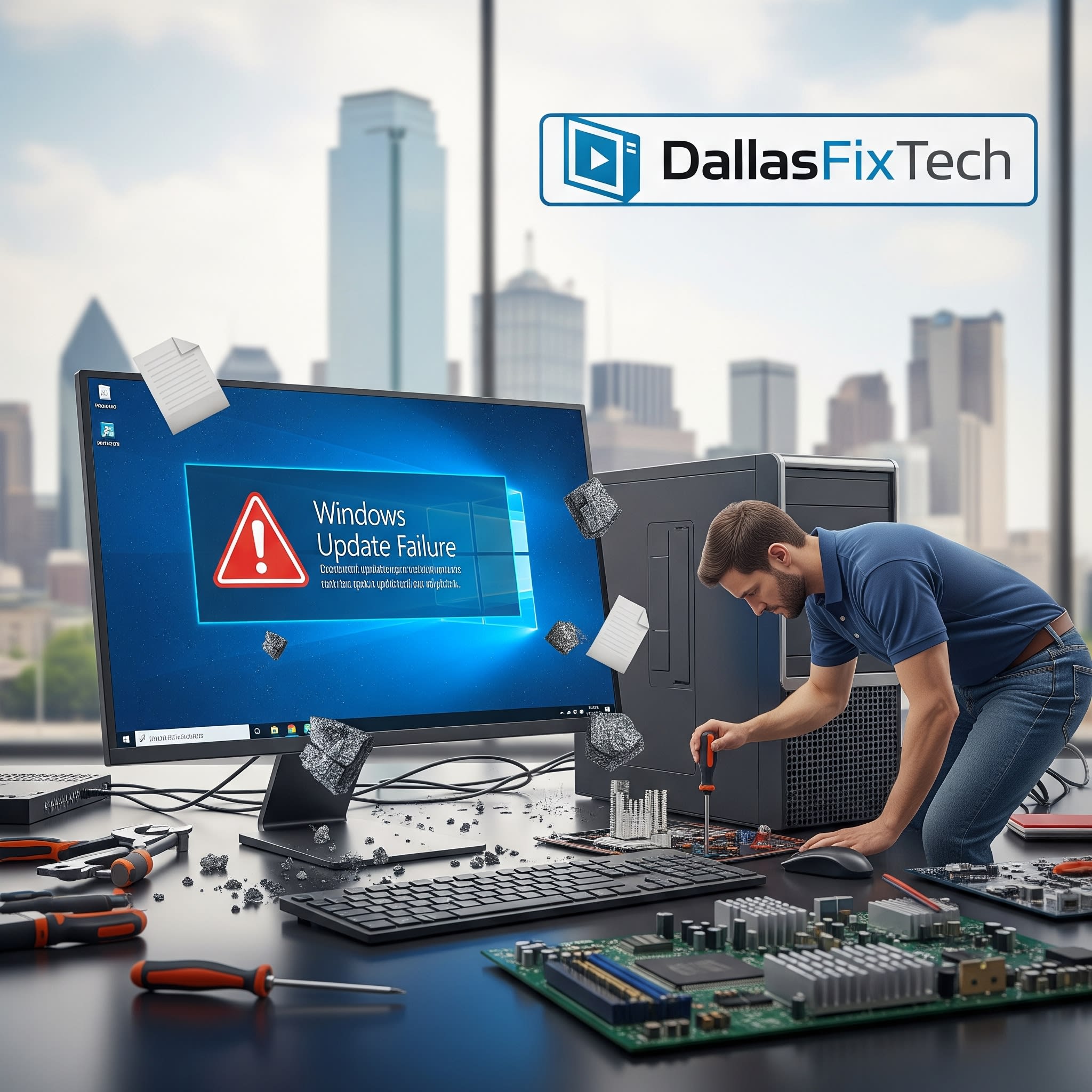
Why Does Your PC Crash During Windows Updates? Expert Solutions by DallasFixTech in Dallas, TX
Windows updates are essential for maintaining system security, performance, and introducing new features. However, for many users in Dallas, these updates can become a source of immense frustration, leading to **unexpected PC crashes, infinite boot loops, or systems getting stuck indefinitely**. Such failures disrupt your workflow, risk data loss, and can even render your PC unusable. At **DallasFixTech**, we specialize in diagnosing and resolving these complex Windows update issues, uncovering root causes and offering proven fixes to keep your system stable and ensure smooth, successful updates.
Common Culprits Behind Windows Update Crashes (DallasFixTech Analysis)
The reasons for update failures can be diverse, involving both software and hardware:
- Driver Conflicts: Outdated or incompatible device drivers are one of the most frequent causes. An update might introduce a new version of Windows that clashes with an old driver, leading to a crash.
- Corrupted System Files: Critical Windows system files might be damaged or corrupted, preventing the update process from completing correctly.
- Faulty RAM Modules: Bad RAM can cause data corruption during the update process, leading to system instability and crashes.
- Failing Hard Drive/SSD: A storage drive with bad sectors or impending failure can corrupt update files or prevent the OS from writing data reliably, leading to a crash.
- Insufficient Disk Space: Windows updates require a significant amount of free space. If your drive is too full, the update can fail mid-process.
- Software Conflicts: Third-party antivirus software or other applications can sometimes interfere with the update process.
- BIOS/UEFI Incompatibility: An outdated BIOS or UEFI firmware might not be fully compatible with a new Windows version.
- Overheating: While less common as a direct cause, thermal issues can exacerbate underlying instabilities during resource-intensive update processes.
DallasFixTech’s Comprehensive Fix Process for Update Crashes
Our certified technicians employ industry-leading diagnostic tools and a systematic approach to resolve update-related crashes:
- Initial Diagnostics & Log Analysis: We begin by meticulously reviewing Windows **Event Viewer** logs, **System File Checker (SFC)** results, and detailed **Windows Update logs** to pinpoint the exact error codes and potential causes of the crash.
- Driver Isolation & Updates/Rollbacks: We identify any problematic drivers. We can then update them to the latest compatible versions or perform **driver rollbacks** to a stable state if a recent driver update caused the issue.
- BIOS and Firmware Upgrades: Ensuring your computer's BIOS/UEFI firmware and any critical hardware firmware are updated to ensure full compatibility with the latest Windows build.
- Component Stress Testing: We conduct rigorous stress tests on your **RAM, storage drives (HDD/SSD), and CPU** to rule out underlying hardware faults that might be contributing to instability during updates.
- System File Repair: Utilizing built-in Windows tools like DISM (Deployment Image Servicing and Management) and SFC to repair corrupted system files.
- Software Conflict Resolution: Identifying and resolving conflicts with third-party applications or security software.
- Clean OS Installation (as a Last Resort): If all other troubleshooting fails, we can perform a clean installation of Windows, always with **data preservation options**, to provide a fresh, stable operating environment.
Restore Your System’s Reliability with DallasFixTech!
If your PC’s update crashes have become a constant headache, don’t wait for data loss or irreversible damage. **DallasFixTech** offers professional Windows update recovery services in Dallas, TX. **Schedule a service** today to restore your system’s reliability and ensure smooth, successful updates moving forward.


