Understanding BIOS Beep Codes: Why Your PC Beeps on Startup – DallasFixTech Expert Guide
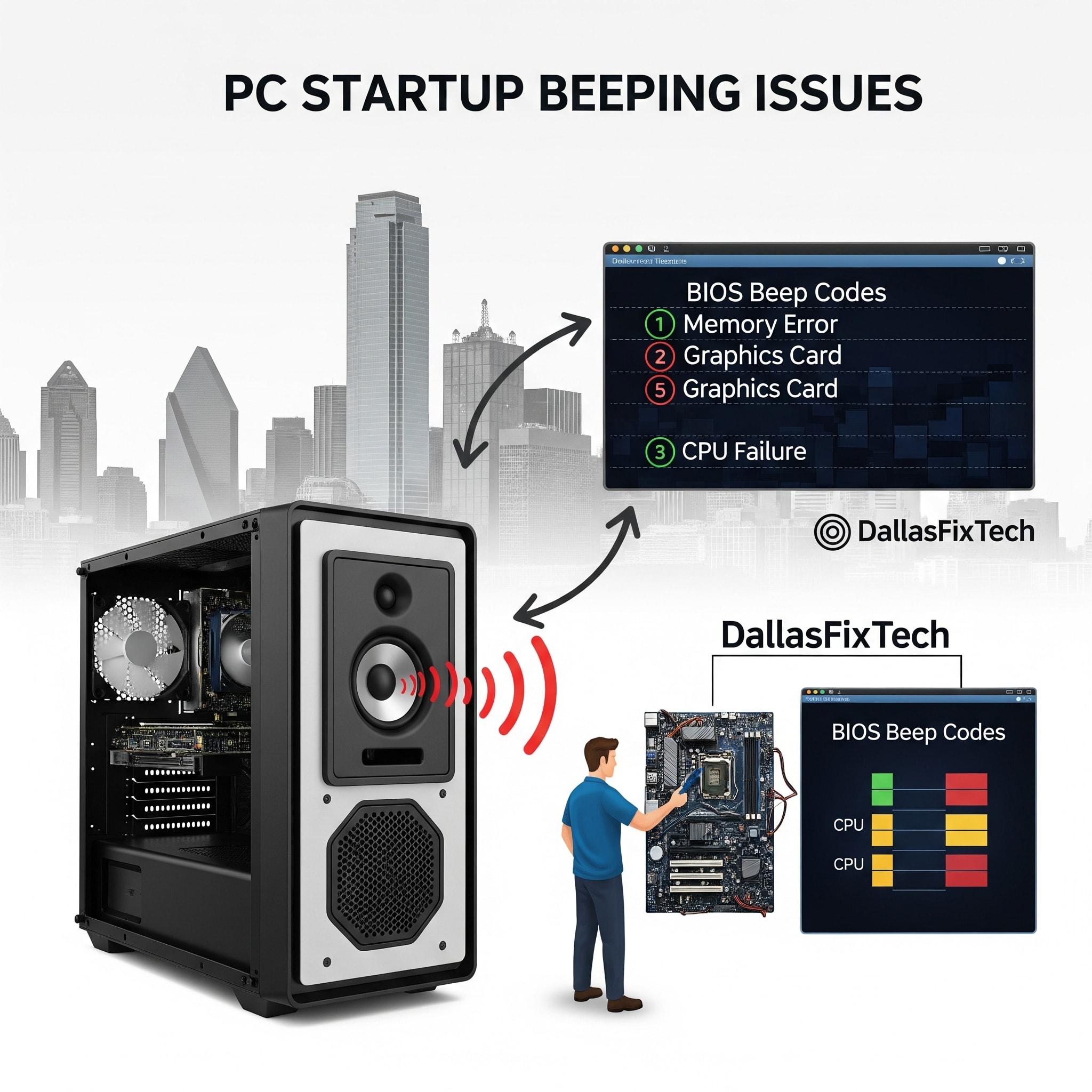
When you power on your computer, you usually hear a single, short beep—a 'happy' sound indicating that the system's basic components are functioning correctly and the boot process is starting. However, if your PC emits a series of unusual **beeps on startup** but fails to display anything on the screen or load the operating system, it's a critical warning. These sounds are **BIOS beep codes**, a diagnostic language from your computer's Basic Input/Output System (BIOS) or UEFI firmware, signaling a hardware fault. At **DallasFixTech** in Dallas, TX, we're experts at hardware diagnostics. We help Dallas users decode these cryptic beep codes and provide precise fixes, addressing the root cause before minor issues turn into permanent hardware damage.
Common BIOS Beep Code Meanings (DallasFixTech Decoding)
The exact beep codes vary by BIOS manufacturer (e.g., AMI, Award, Phoenix, Dell, HP), but some patterns are universal:
- 1 Long Beep, 2 Short Beeps (or 1 Long, 3 Short): Often indicates a **video card (GPU) issue**. This could be a loose graphics card, a faulty card itself, or problems with the monitor connection.
- Repeated Short Beeps (or 3/4/5/7/8 Short Beeps): Frequently points to **RAM (Random Access Memory) problems**. This can mean RAM is not detected, is faulty, or improperly seated in its slot.
- Continuous Beeping: A serious warning, usually signaling a **motherboard failure** or a critical **Power Supply Unit (PSU) issue**.
- 1 Long Beep, Continuous: Often indicates a RAM problem or a keyboard controller issue.
- No Beeps at All (but no display): Can point to a dead PSU, CPU failure, or a critical motherboard problem.
- Specific Manufacturer Codes: Brands like Dell, HP, or Lenovo may have unique beep patterns (e.g., 2 beeps = no RAM, 5 beeps = CMOS battery issue). You'll need to consult your motherboard or PC manufacturer's manual.
DallasFixTech’s Expert Approach to Fixing PC Beep Codes
Our Dallas-based hardware technicians follow a systematic diagnostic and repair process:
- Identify the Beep Code Pattern: We carefully listen to and record the exact sequence of beeps (e.g., 1 long, 2 short) and consult the motherboard's manual to pinpoint the indicated hardware failure.
- Check RAM Seating and Clean Slots: For RAM-related beeps, we power down the PC, reseat the RAM modules firmly, and clean the RAM slots with compressed air. We may test each RAM stick individually to find a faulty one.
- Reseat GPU or Test with Another Card: For video-related beeps, we ensure the graphics card is securely seated in its PCIe slot. We may test the system with a different, known-good GPU to rule out a faulty card. We also check monitor connections and power cables to the GPU.
- Test Power Supply Unit (PSU): For PSU-related beeps (or no beeps but no power), we use a PSU tester to verify voltage outputs and overall health. A failing PSU often requires replacement.
- Clear CMOS: Sometimes, corrupted BIOS settings can cause issues. We can clear the CMOS (Complementary Metal-Oxide-Semiconductor) memory (by removing the CMOS battery or using a jumper) to reset BIOS settings to default.
- Inspect Motherboard: For complex or persistent issues, we perform a thorough visual inspection of the motherboard for any signs of damage (e.g., bulging capacitors, burn marks) or loose connections.
- Replace Faulty Components: Once the faulty component (RAM, GPU, PSU, or rarely, the motherboard) is identified, we provide professional replacement using quality parts.
Let Our Dallas-Based Hardware Techs Decode Your PC Beeps and Get You Back Online Fast!
Don't ignore those beeps! They are your PC's way of telling you precisely what's wrong. **DallasFixTech** helps Dallas users diagnose and fix common beep code errors before hardware damage occurs. **Schedule a service** with us today. Let our Dallas-based hardware techs decode your PC beeps and get you back online fast, ensuring your system's stability and longevity!


