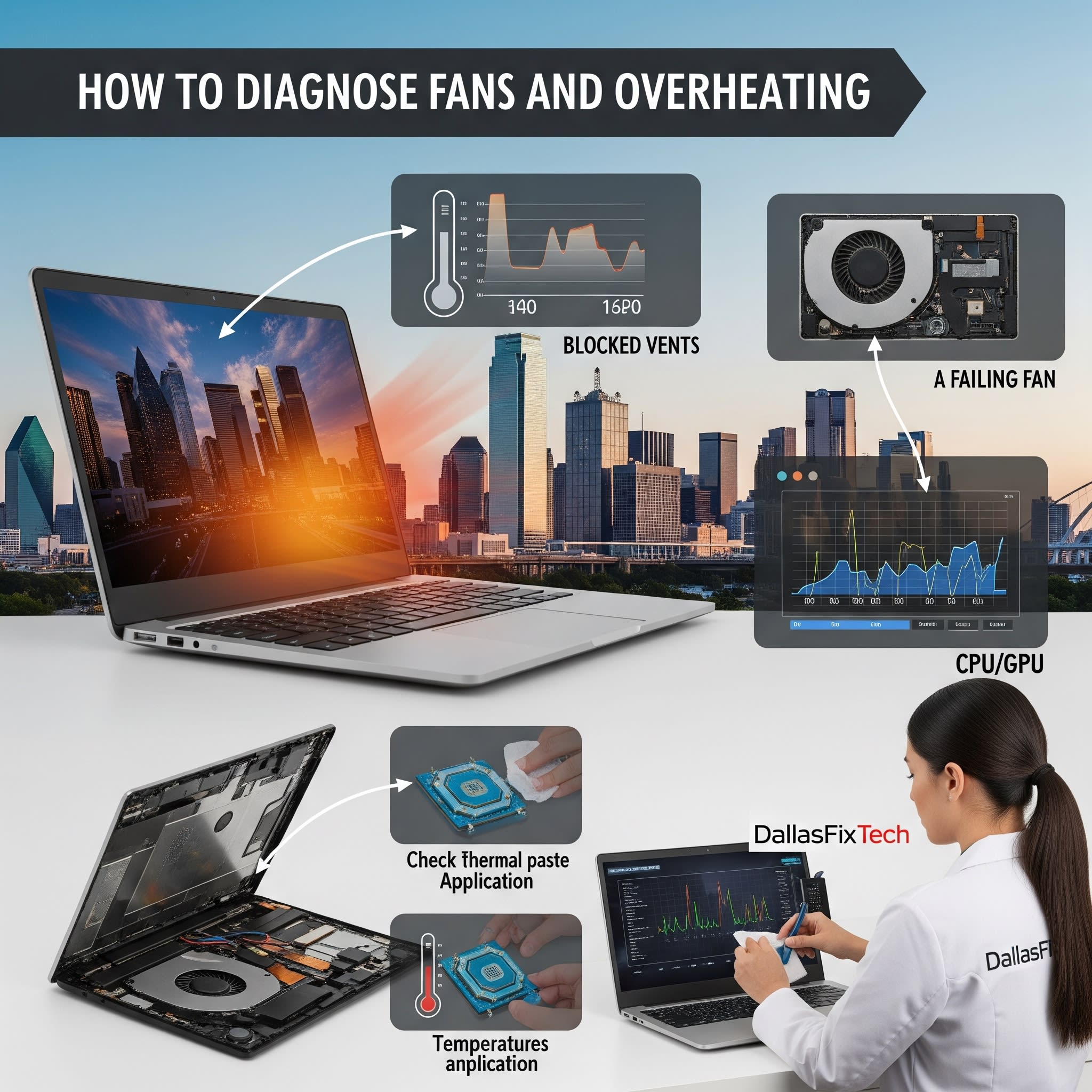
How to Diagnose Loud Laptop Fans and Overheating Issues: DallasFixTech Repair Guide
A laptop fan constantly running at full speed or making excessive noise isn't just an annoyance—it's a critical warning sign that your device is either **overheating or experiencing severe cooling inefficiencies**. When a laptop can't properly dissipate heat, its internal components, especially the CPU and GPU, are forced to slow down (**thermal throttling**) to prevent damage, leading to frustrating performance slowdowns, system instability, and a shortened lifespan for expensive hardware. At **DallasFixTech** in Dallas, TX, we understand the urgency of resolving these issues. We help Dallas locals troubleshoot noisy laptops and address overheating problems proactively, preventing minor fan noise from escalating into costly hardware damage.
Common Reasons for Loud Laptop Fan Noise & Overheating (DallasFixTech Diagnosis)
Our expert technicians frequently identify these culprits behind thermal issues:
- Dust Buildup: The most common cause. Over time, lint, pet hair, and dust accumulate within the laptop's intake/exhaust vents, fan blades, and heatsinks. This acts as an insulating layer, severely blocking airflow and forcing fans to work overtime to compensate.
- Deteriorated Thermal Paste: Thermal paste, applied between the CPU/GPU and their heatsinks, helps efficiently transfer heat away from these hot components. After a few years, this paste can dry out or degrade, becoming less effective and causing the CPU/GPU to run significantly hotter.
- High CPU/GPU Usage from Software: Resource-intensive background applications, numerous open browser tabs, malware infections, or even inefficient operating system processes can keep your processor and graphics chip constantly busy, generating more heat than the cooling system can handle.
- Faulty Fans or Sensors: An internal cooling fan with worn-out bearings, a failing motor, or a malfunctioning temperature sensor can lead to the fan running constantly or inaccurately reporting temperatures.
- Outdated BIOS or Drivers: Your laptop's BIOS/UEFI firmware controls fan curves and power management. Outdated firmware or graphics/chipset drivers might have inefficient fan control settings.
- Improper Usage Environment: Using the laptop on soft surfaces like beds or carpets can block intake vents, leading to rapid heat buildup.
DallasFixTech’s Recommended Solutions & Repair Approach
We provide comprehensive diagnostics and effective cooling fixes for your laptop:
- Software Check for High Usage: We first run **Task Manager** (on Windows) or Activity Monitor (on macOS) to identify any applications or background processes consuming excessive CPU or GPU resources that might be causing overheating. We can help you manage or uninstall these.
- Professional Internal Cleaning & Dust Removal: This is often the most impactful solution. We meticulously disassemble your laptop to access its cooling system, then thoroughly clean all vents, fan blades, and heatsinks using specialized tools and compressed air.
- Thermal Paste Reapplication: For issues related to heat transfer, we professionally remove the old, dried-out thermal paste from your CPU and GPU and reapply high-quality, long-lasting thermal compounds, ensuring maximum heat dissipation.
- Fan/Sensor Repair or Replacement: If physical damage or failure is found in the cooling fan or temperature sensors, we can replace them with OEM-quality parts to restore proper function and quiet operation.
- BIOS and Driver Updates: We ensure your laptop's BIOS/UEFI firmware and all relevant drivers (graphics, chipset) are updated to their latest stable versions, which often include improved fan control algorithms and power management.
- Usage Advice: We'll provide tips on optimizing your laptop's placement and usage habits to prevent future overheating.
Need Fan or Thermal Repair in Dallas, TX? Bring Your Laptop to DallasFixTech Today!
Don't let a loud laptop fan or persistent overheating lead to expensive hardware failures or frustrating performance. **DallasFixTech** helps Dallas locals troubleshoot noisy laptops before it turns into overheating damage. **Schedule a service** today. Bring your laptop to DallasFixTech for expert fan and thermal repair in Dallas, TX, and enjoy a quieter, cooler, and more reliable computing experience!


