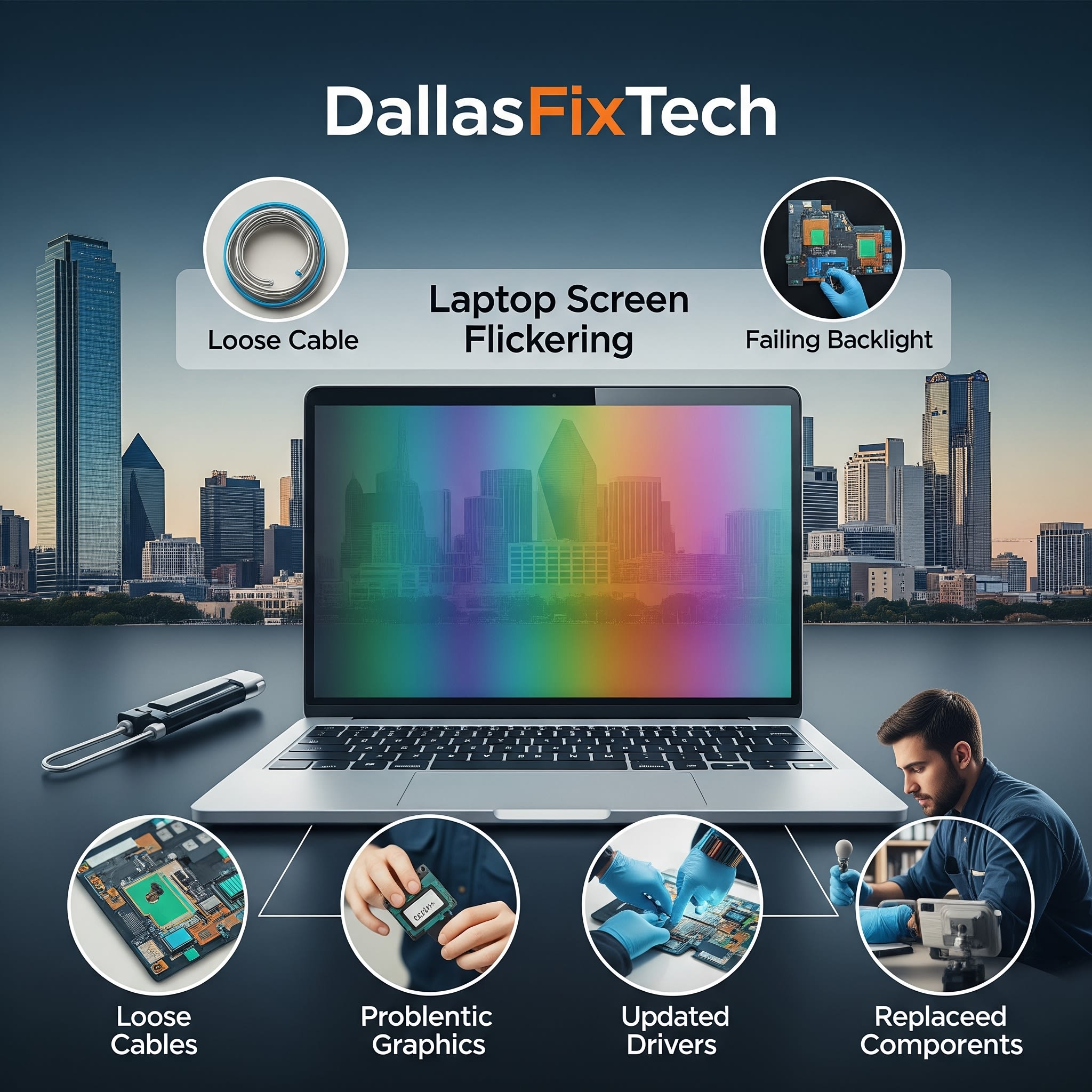
Fix Laptop Screen Flickering Issues: DallasFixTech Experts Ready to Help in Dallas, TX
A flickering laptop screen is more than just an annoyance; it can cause severe eye strain, headaches, and disrupt your productivity, making your laptop frustrating to use. If your screen flickers erratically, goes black intermittently, displays visual glitches, or shows lines, it's a clear sign of an underlying issue that needs immediate attention. At **DallasFixTech** in Dallas, TX, we specialize in diagnosing and fixing **laptop flickering issues** with precision diagnostics, offering advanced repair services to restore a stable, clear, and comfortable screen experience for all laptop brands.
Common Causes of Flickering Laptop Screens (DallasFixTech Diagnosis)
Our certified technicians pinpoint these frequent culprits behind display instability:
- Loose or Damaged Video Cable (Flex Cable): The delicate ribbon cable (LCD or display flex cable) that connects the laptop's motherboard to the screen is prone to wear, damage, or becoming loose, especially from opening and closing the laptop lid. This is a very common cause of flickering.
- Faulty GPU (Graphics Processing Unit) or Integrated Graphics: A failing graphics chip, or issues with its drivers, can send corrupted signals to the display, causing flickering or artifacts.
- Inverter or Backlight Problems (Older Laptops): For older laptops with CCFL (Cold Cathode Fluorescent Lamp) backlights, a failing inverter board (which powers the backlight) or the CCFL tube itself can cause dimming or flickering. Modern LED-backlit screens can have issues with the LED driver circuit.
- Driver Conflicts & Software Issues: Outdated, corrupted, or incompatible graphics drivers, operating system bugs, or software conflicts can interfere with display output.
- Loose Screen Connections: The physical connections of the screen assembly to the laptop's frame or motherboard can become loose due to impacts or wear.
- Physical Screen Damage: Even without visible cracks, internal damage to the LCD/LED panel itself can cause flickering or dead pixels.
- Overheating: Severe overheating of the CPU or GPU can cause thermal throttling, which can manifest as display issues or system instability.
DallasFixTech’s Advanced Solutions for Laptop Screen Flickering
We provide comprehensive diagnostics and precise repairs for all types of flickering issues:
- Precision Diagnostics: We perform thorough tests to accurately identify the root cause, differentiating between cable, driver, GPU, or screen panel issues.
- Display Cable (Flex Cable) Replacement: If the video flex cable is loose, damaged, or showing signs of wear, we professionally replace it with an OEM-quality cable, ensuring a solid connection.
- Inverter/Backlight Repair or Replacement: For older laptops, we can repair or replace faulty inverter boards. For LED-backlit screens, we address issues with the LED driver circuit.
- Graphics Driver Troubleshooting & Optimization: We'll update, reinstall (cleanly), or roll back graphics drivers to stable versions and optimize system settings to ensure proper display output.
- Screen Panel Replacement: If the LCD/LED panel itself is damaged or failing internally, we offer professional screen replacement with OEM-grade displays.
- GPU/Motherboard Diagnostics & Repair: For issues originating from the graphics chip or motherboard, our advanced technicians can perform component-level diagnostics and repair (if feasible) or replacement.
- Thermal Management: Addressing any overheating issues through internal cleaning and thermal paste reapplication.
Need Help Today? Visit DallasFixTech or Book an Appointment Online!
Don't let a flickering laptop screen derail your productivity. **DallasFixTech** offers fast screen diagnostics, cable replacements, and display repairs across Dallas, TX. **Schedule a service** today. We handle both hardware and software-based causes of flickering to restore a stable screen experience. Visit DallasFixTech or book an appointment online for expert laptop screen flickering repair services in Dallas, TX!


