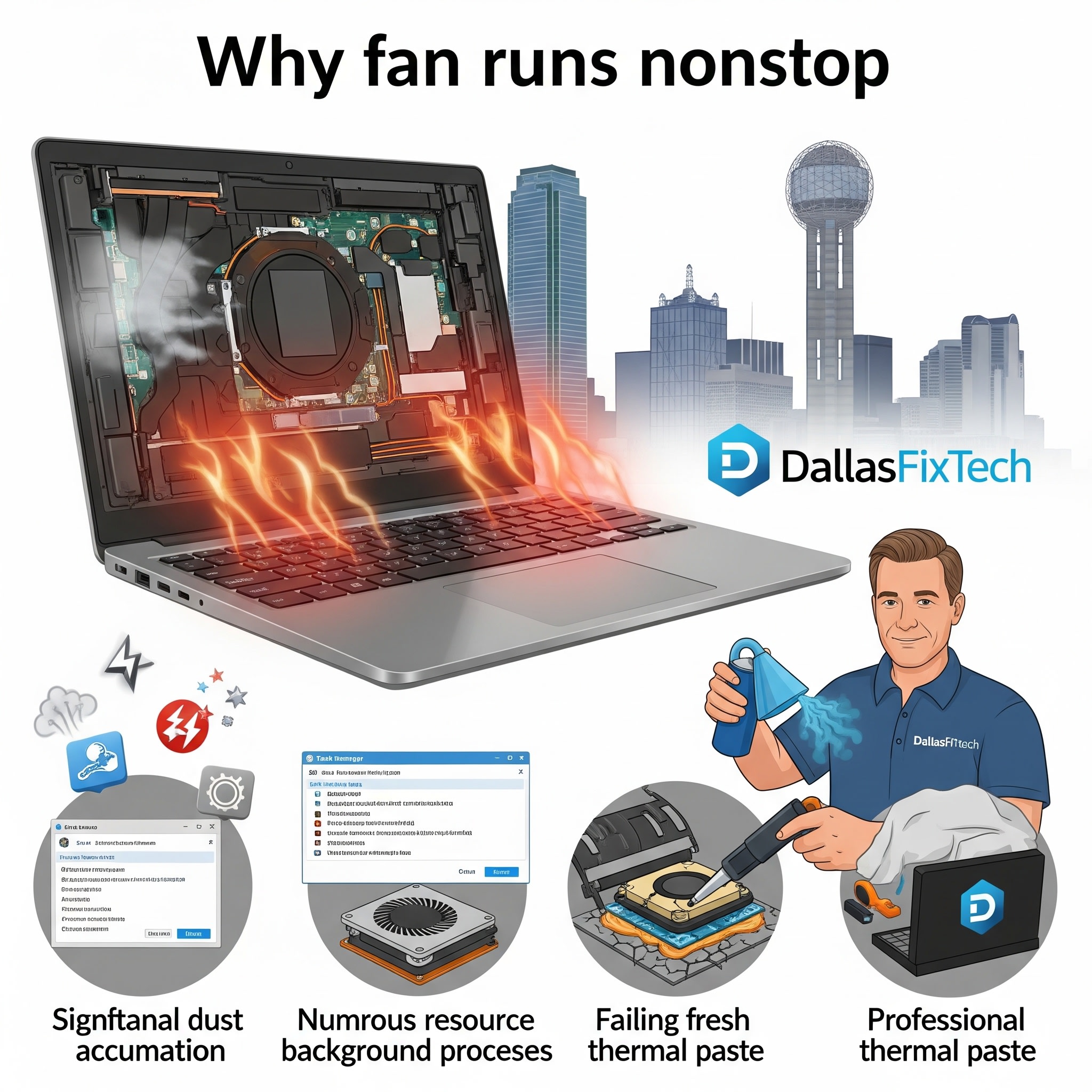
Why Your Laptop Fan Runs Nonstop: DallasFixTech’s Cooling System Fixes in Dallas, TX
A laptop fan constantly whirring, especially under light loads, isn't just an annoying distraction—it's a clear indicator that your device is either **overheating or experiencing inefficient cooling**. When your laptop runs too hot, its internal components, especially the CPU and GPU, can suffer from **thermal throttling**, leading to performance slowdowns, unexpected crashes, and a shortened lifespan for expensive hardware. At **DallasFixTech**, we understand the urgency of resolving these issues to protect your laptop and enhance its performance throughout **Dallas, TX**. We're here to explain the common causes of continuous fan operation and provide expert cooling system fixes.
Common Reasons for Continuous Laptop Fan Operation (DallasFixTech Diagnosis)
Our expert technicians diagnose these frequent culprits behind a constantly running fan:
- Dust and Debris Blockage: Over time, lint, pet hair, and dust accumulate inside your laptop's vents, fans, and heatsinks. This acts as an insulating blanket, severely restricting airflow and trapping heat inside, forcing fans to spin harder and longer.
- Deteriorated Thermal Paste: The thermal paste (or thermal pads) between your CPU/GPU and the heat sink assembly is crucial for transferring heat away from these hot components. Over time, this paste dries out or degrades, losing its efficiency and causing temperatures to rise, leading to constant fan activity.
- Software Overload & High CPU Usage: Resource-intensive background applications, browser tabs, malware infections, or even inefficient operating system processes can keep your CPU and GPU constantly busy, generating more heat than the cooling system can efficiently handle, thus making fans run nonstop.
- Outdated BIOS or Drivers: Your laptop's BIOS/UEFI firmware controls fan curves and power management. Outdated firmware or graphics/chipset drivers can have ineffective fan control settings, causing fans to run unnecessarily high or not respond correctly to temperature changes.
- Hardware Failures: A faulty fan (e.g., worn-out bearings, motor issues) or a malfunctioning temperature sensor can result in nonstop fan operation or inaccurate temperature readings, even when the system is cool.
- Improper Ventilation: Using the laptop on soft surfaces like beds, blankets, or laps can block intake vents, leading to rapid heat buildup.
Effective Cooling Fixes Provided by DallasFixTech
We offer a comprehensive suite of services to restore your laptop's optimal cooling:
- Professional Internal Cleaning: This is often the most effective fix. We meticulously disassemble your laptop to gain full access to all cooling components. We then thoroughly clean all vents, fans (including fan blades), and heatsinks using specialized tools and compressed air, removing all accumulated dust and debris.
- Thermal Paste Reapplication: For laptops experiencing thermal issues, we carefully remove the old, dried-out thermal paste from your CPU and GPU and reapply high-quality, long-lasting thermal compounds. This significantly improves heat transfer efficiency to the heatsink.
- Software Optimization: We scan your system for malware, identify and manage resource-hogging startup programs, and optimize background processes to reduce overall CPU and GPU load.
- BIOS and Driver Updates: We ensure your laptop's BIOS/UEFI firmware and all relevant drivers (graphics, chipset) are updated to their latest stable versions, which often include improved fan control algorithms and power management.
- Hardware Repair/Replacement: If the issue is a faulty fan, we can replace it with an OEM-quality part. We can also advise on and install additional cooling pads or stands if your usage demands extra heat dissipation.
- Power Plan Optimization: Configure Windows or macOS power plans to balance performance and thermal output effectively.
Keep Your Laptop Running Cool in Dallas, TX!
Don't let a constantly running fan indicate a bigger problem. Professional cooling system maintenance is vital for your laptop's longevity and performance. **DallasFixTech** provides expert guidance to diagnose and resolve overheating issues. Prolong your laptop’s lifespan and improve user comfort with professional cooling system maintenance by DallasFixTech in Dallas, TX. **Schedule a service** today for a cooling system checkup and enjoy a quieter, cooler, and more reliable laptop experience!


