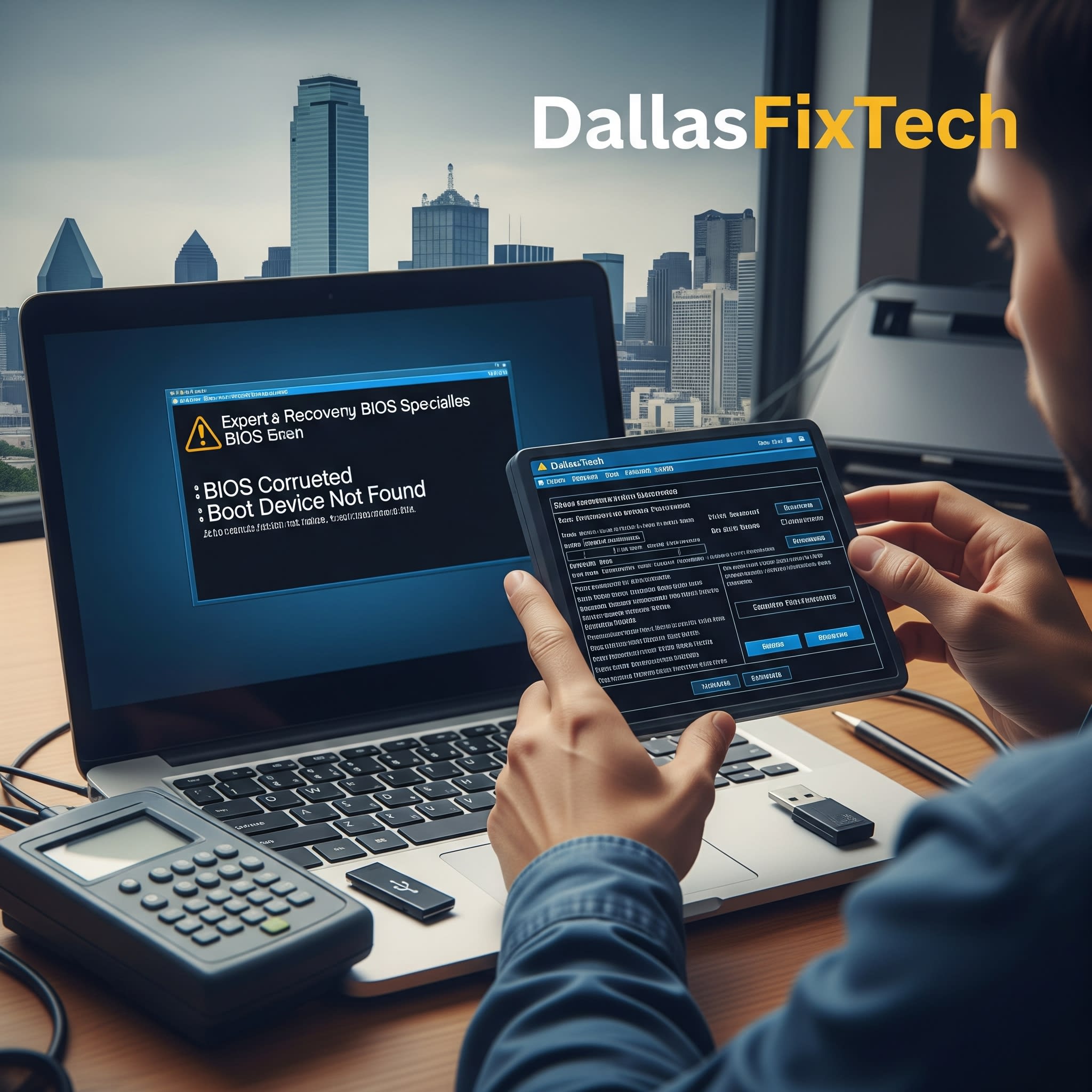
Fix Laptop BIOS Errors: Expert DallasFixTech Recovery & Flashing Services in Dallas, TX
The **BIOS (Basic Input/Output System)** or UEFI firmware is the very first software that runs when you power on your laptop. It initializes your hardware and prepares it for the operating system to load. If your BIOS becomes corrupted, it can lead to a 'bricked' laptop, getting stuck on a manufacturer logo screen, constant boot loops, or displaying cryptic BIOS checksum errors, rendering your device unusable. If you're facing these critical issues in Dallas, TX, **DallasFixTech** is your trusted expert. We offer secure **BIOS reprogramming and chip-level flashing services** for a full recovery, breathing new life back into your seemingly dead laptop.
Common BIOS Errors DallasFixTech Expertly Fixes
Our certified technicians are adept at diagnosing and resolving a wide range of BIOS-related problems:
- BIOS Not Detecting Hard Drive/SSD: Prevents the laptop from finding the operating system to boot.
- Invalid or Corrupted Firmware: A common issue after a failed BIOS update, power outage during update, or malware infection. This can lead to various boot failures.
- Locked BIOS Passwords: If you've forgotten your BIOS administrator or supervisor password, preventing access to settings or even booting the OS.
- No Boot Device Found: Despite a healthy drive, the BIOS might not be configured or able to recognize it.
- Laptop Stuck on Manufacturer Logo: The system freezes during the initial boot sequence.
- BIOS Checksum Errors: Indicates that the BIOS firmware itself is corrupted.
- Constant Reboots or Power Cycling: Laptop attempts to boot but immediately restarts due to fundamental firmware issues.
DallasFixTech’s Advanced BIOS Repair & Flashing Process
We employ specialized tools and techniques for precise and reliable BIOS recovery:
- Comprehensive Diagnostics: We begin by thoroughly diagnosing the issue to confirm it's a BIOS problem and not another hardware failure (e.g., faulty motherboard, CPU, RAM).
- BIOS Chip Identification: We identify the specific BIOS chip on your laptop's motherboard.
- Secure BIOS Dump (if possible): If the chip is still readable, we attempt to create a backup ('dump') of the existing firmware.
- Precision Reprogramming/Re-flashing: Using specialized external **EEPROM programmers** and proprietary software, we securely re-flash the BIOS chip with a verified, stable, and correct firmware version for your specific laptop model. This is often done by desoldering the chip from the motherboard, programming it, and then carefully resoldering it back.
- Damaged IC Replacement: If the BIOS chip (IC) itself is physically damaged or has internal faults preventing reprogramming, we can replace the damaged IC on supported boards, performing intricate micro-soldering.
- Post-Repair Testing: After reprogramming, we rigorously test the laptop's boot process, hardware recognition, and overall stability to ensure the repair is successful and lasting.
Don’t Toss Your Laptop – Let Our Dallas Techs Breathe Life Back Into It!
A corrupted BIOS doesn't necessarily mean the end for your laptop. **DallasFixTech** offers secure BIOS reprogramming and chip-level flashing services for a full recovery. **Schedule a service** today. Don’t toss your laptop – let our Dallas techs breathe life back into it with expert BIOS repair and flashing services in Dallas, TX, saving you the cost of a full replacement!


