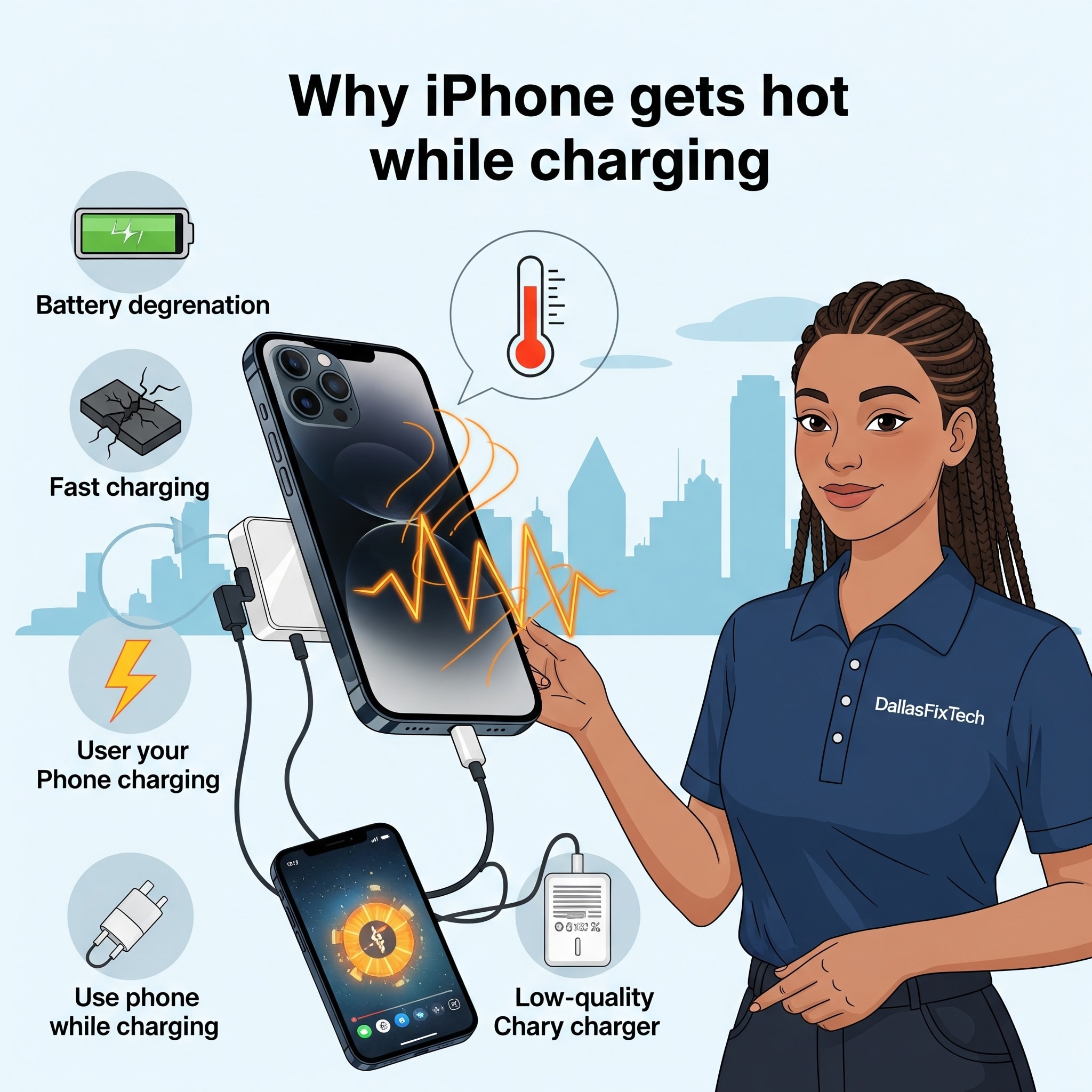
Why Your iPhone Gets Hot While Charging: DallasFixTech's Battery Health Tips
It's normal for your iPhone to feel slightly warm during charging, as this is a natural byproduct of the charging process. However, if your iPhone becomes **excessively hot** to the touch while plugged in, it's a warning sign that shouldn't be ignored. Excessive heat during charging can not only shorten your iPhone’s battery lifespan but also signal internal faults that could potentially lead to more serious issues. At **DallasFixTech** in Dallas, TX, we specialize in iPhone repairs and battery health, helping you identify the real battery issues and providing expert solutions to keep your device cool and safe.
Common Reasons Your iPhone Overheats While Charging (DallasFixTech Diagnosis)
Several factors can contribute to abnormal heat generation during charging:
- Background App Drain: Apps running intensively in the background (even if not actively used) can cause the CPU to work harder, generating more heat that combines with charging heat.
- Rogue or Uncertified Power Adapters/Cables: Using non-Apple certified (MFi) or damaged chargers and cables can lead to inefficient charging, drawing too much current, and excessive heat.
- Aging or Degrading Battery: As an iPhone battery ages and goes through more charge cycles, its internal chemistry degrades, making it less efficient at holding and dissipating charge, thus generating more heat.
- iOS Bugs or Software Glitches: Occasionally, a software bug in iOS can cause the system to overwork, leading to abnormal heating, even during charging.
- Environmental Factors: Charging your iPhone in direct sunlight, on a bed (which traps heat), or in a hot room can exacerbate overheating.
- Physical Damage: Internal damage from drops or liquid exposure can affect battery or charging circuitry, leading to thermal issues.
DallasFixTech’s Solutions to Cool Down Your iPhone
We provide comprehensive services to diagnose and resolve iPhone overheating issues:
- Background App Management: We'll help you identify and manage power-hungry background apps and optimize iOS settings to reduce CPU strain.
- Charging Accessory Verification: We'll check your power adapter and cable to ensure they are genuine, MFi-certified, and in good condition. We can recommend and provide certified replacements.
- Battery Health Diagnosis & Replacement: We conduct thorough battery diagnostics to assess its health and cycle count. If your battery is significantly degraded, **DallasFixTech provides genuine battery replacements**, restoring optimal charging efficiency and lifespan.
- iOS Software Optimization: Performing necessary software updates, reinstallations, or optimizations to resolve any underlying iOS bugs contributing to heating.
- MagSafe-Compatible Charging Advice: For newer iPhones, we provide advice on optimal MagSafe charging practices to prevent heat buildup and ensure efficient wireless charging.
- Internal Inspection & Cleaning: For persistent issues, we can perform an internal inspection to check for debris affecting heat dissipation or signs of component damage.
Protect Your Battery Health—Let DallasFixTech Cool Things Down the Right Way!
Don't let an overheating iPhone compromise its performance or lifespan. **DallasFixTech** checks for background app drain, rogue power adapters, battery cycles, and iOS bugs. We also provide genuine battery replacements and MagSafe-compatible charging advice to prevent wear in Dallas, TX. Protect your battery health—let us cool things down the right way. **Schedule a service** with DallasFixTech today for expert iPhone diagnosis and repair!


