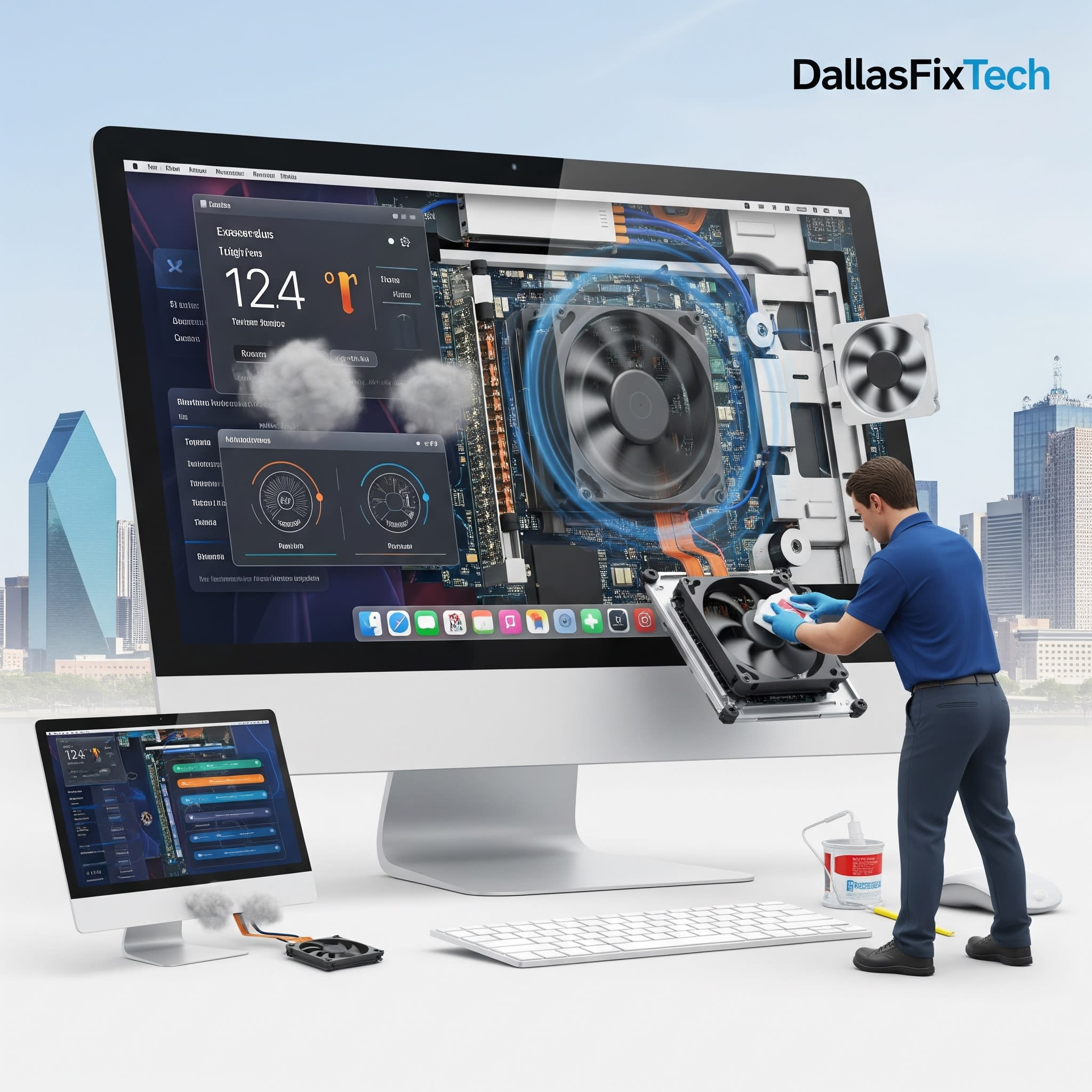
iMac Fan Always Running Loud? DallasFixTech Diagnoses and Fixes It Fast in Dallas, TX
Your iMac is designed to be a sleek, powerful, and typically quiet all-in-one computer. So, when its fan starts running constantly at high speeds or making excessive noise, it's a clear indication of an underlying problem. A loud or overworked fan not only disrupts your workspace but also signals that your iMac might be **overheating**, which can lead to performance throttling, system instability, and long-term damage to costly internal components. If your **iMac fan is constantly running and noisy** in Dallas, TX, **DallasFixTech** specializes in Apple repair and quiet performance restoration through expert diagnosis and repair. We'll identify the root cause and get your iMac running silently and efficiently again.
Common Reasons for Loud iMac Fans (DallasFixTech Diagnosis)
Our certified Apple technicians frequently identify these culprits behind a noisy iMac:
- Dust and Debris Clogging Ventilation: The most common cause. Over time, dust, lint, and pet hair accumulate within the iMac's internal fans, heatsinks, and vents. This acts as an insulating blanket, severely restricting airflow and forcing the fans to work overtime to compensate.
- Failing Temperature Sensors: If a temperature sensor on the logic board is faulty, it might incorrectly report high temperatures, causing the fans to spin at maximum speed even when the iMac isn't hot.
- Background Processes Overloading the CPU/GPU: Resource-intensive applications, numerous open browser tabs, or even malware running in the background can keep the CPU and GPU constantly busy, generating more heat than the cooling system can efficiently handle.
- Old/Dried Thermal Paste: The thermal paste between the CPU/GPU and their heatsinks degrades over time, reducing efficient heat transfer and causing components to run hotter.
- Faulty Fans: The fan motors or bearings can wear out, leading to grinding, buzzing, or whining noises, or even complete fan failure.
- SMC (System Management Controller) Glitches: The SMC controls fan speeds and other power management functions. A glitch in the SMC can cause erratic fan behavior.
How DallasFixTech Fixes Loud iMac Fans & Overheating Issues
We provide comprehensive diagnostics and precise repair services for your iMac's cooling system:
- Professional Internal Cleaning & Dust Removal: This is often the most impactful solution. We meticulously open your iMac and thoroughly clean all internal fans, heatsinks, and vents, removing all accumulated dust and debris that impede airflow.
- Thermal Paste Replacement: If overheating is occurring, we carefully remove the old, dried-out thermal paste from your iMac's CPU/GPU and professionally reapply high-quality, long-lasting thermal compounds, ensuring efficient heat transfer.
- SMC/PRAM Reset & macOS Optimization: We perform SMC (System Management Controller) and PRAM (Parameter Random Access Memory) resets to clear any configuration errors affecting fan control. We also optimize macOS settings, manage startup programs, and check for malware to reduce CPU/GPU load.
- Hardware Diagnostics & Fan Replacement: We conduct advanced hardware diagnostics to pinpoint any failing temperature sensors or faulty fans. If a fan is indeed faulty, we replace it with a new, high-quality, manufacturer-approved fan that matches OEM specifications for optimal performance and quiet operation.
- System Health Check: Our comprehensive diagnostics can also identify any underlying logic board issues contributing to thermal problems.
Let DallasFixTech Bring Back the Peace and Quiet to Your iMac Workspace!
Don't let a noisy iMac disrupt your focus or signal a bigger problem. **DallasFixTech** diagnoses what causes this issue and provides expert thermal and hardware services to restore silent, cool performance. **Schedule a service** today. Let DallasFixTech bring back the peace and quiet to your iMac workspace in Dallas, TX, ensuring it performs optimally for years to come!


