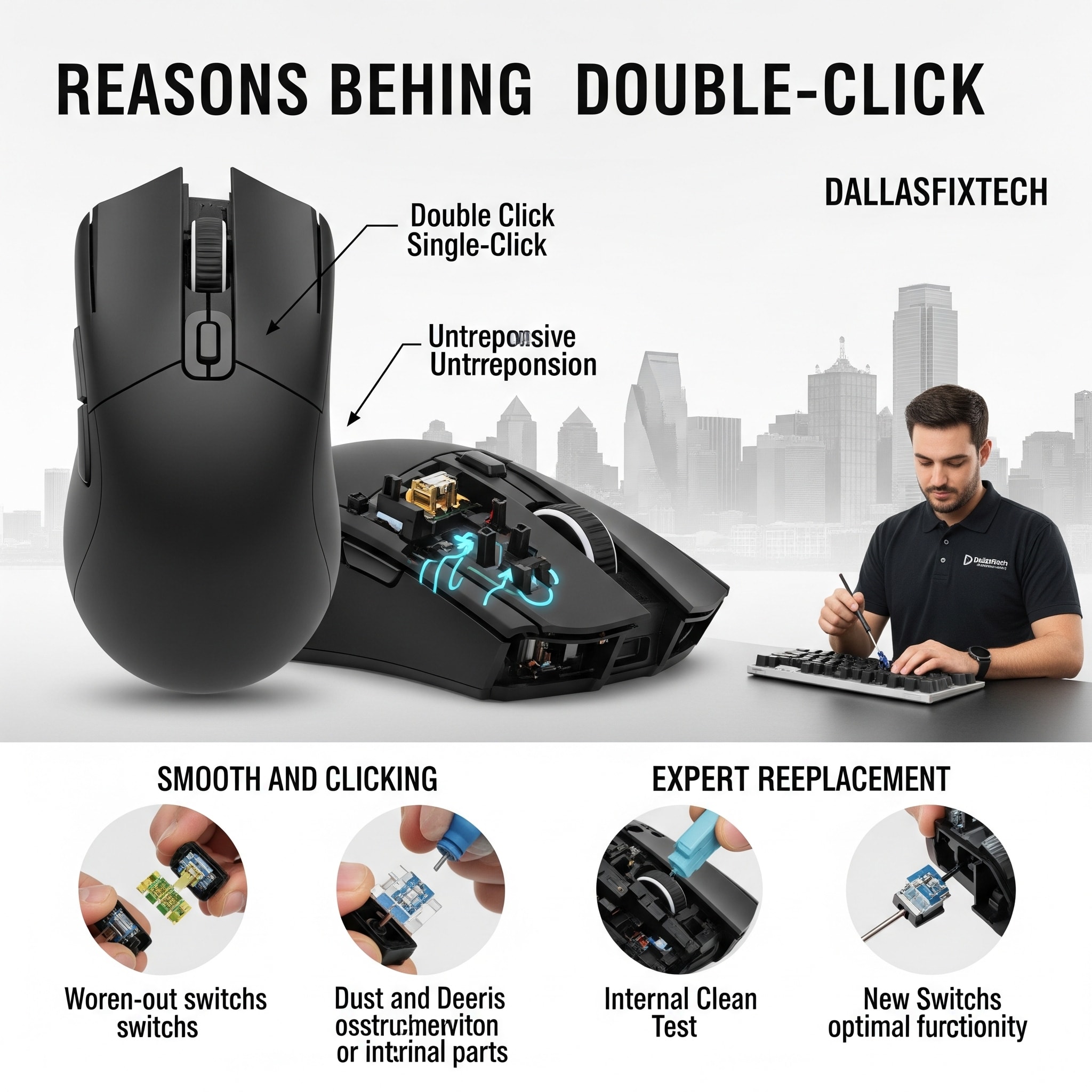
Why Your Gaming Mouse Double-Clicks and How to Replace the Switch: DallasFixTech’s Expert Guide in Dallas, TX
For competitive gamers in Dallas, TX, a mouse that registers a **double-click when you only single-click** is a major source of frustration. This seemingly minor malfunction can throw off your aim, interfere with precise actions, and lead to unwanted inputs that cost you crucial moments in games. The infamous 'double-clicking' issue in gaming mice usually stems from **worn-out microswitches** beneath the mouse buttons, which degrade over time with heavy use. At **DallasFixTech**, we understand the precision required for competitive gaming. We explain why this common issue occurs and provide an expert guide to safely replace faulty switches, restoring accurate and precise clicks essential for peak performance and extending your gaming mouse's lifespan.
Why Your Gaming Mouse Double-Clicks (DallasFixTech Diagnosis)
The core of the problem often lies in the mechanical switch itself:
- Worn-Out Microswitches: Gaming mice use tiny mechanical switches (e.g., Omron, Kailh) beneath the primary click buttons. Each switch has a lifespan (rated for millions of clicks). Over time, the internal contacts wear out, causing 'bouncing' or 'chattering' where a single physical press registers as multiple electrical signals.
- Spring Fatigue: The tiny spring mechanism inside the switch can lose its tension, failing to properly separate the contacts after a single click.
- Dust and Debris: While less common for internal switches, dust or foreign particles can sometimes interfere with the contacts.
- Voltage Irregularities: In rare cases, inconsistent power delivery to the mouse's internal components can affect switch performance.
- Firmware Bugs (Rare): Very occasionally, a mouse's firmware could have a bug causing false inputs, but this is less common than mechanical wear.
DallasFixTech’s Expert Mouse Switch Replacement Process
Replacing mouse switches requires precision soldering and careful disassembly. **DallasFixTech** recommends professional service for this intricate repair:
- Careful Disassembly of the Mouse Housing: We meticulously open your gaming mouse, unscrewing fasteners and gently prying open clips without damaging the plastic casing.
- Accessing the PCB & Switches: We carefully disconnect internal cables and lift the main PCB (Printed Circuit Board) to gain access to the faulty microswitches.
- Identify and Remove Faulty Microswitches: We pinpoint the specific worn-out switch (usually the left or right click). Using precision desoldering tools, we carefully remove the old switch from the PCB.
- Solder New, Compatible Switches Securely: We install brand-new, high-quality, compatible microswitches (e.g., Omron D2FC-F-7N(20M), Kailh GM Red) onto the PCB using precision soldering techniques, ensuring a strong and reliable connection.
- Reassemble and Test Thoroughly: The mouse housing is carefully reassembled. We then rigorously test click precision, tactile feel, and ensure no double-clicks or missed clicks occur. We test all buttons and scroll wheel functionality.
- Firmware Check & Calibration: We ensure your mouse's firmware is up-to-date and perform any necessary recalibration through the mouse's companion software.
Extend Your Gaming Mouse’s Lifespan with DallasFixTech’s Expert Repairs!
Don't let a faulty mouse hinder your competitive edge. **DallasFixTech** explains why gaming mice double-click and provides expert repair. **Schedule a service** today. Our expert repairs restore accurate clicking essential for competitive gaming. Prevent future issues with recommended maintenance tips. **Contact DallasFixTech** for gaming mouse switch repairs in Dallas, TX, and extend your gaming mouse’s lifespan with our precision service!


