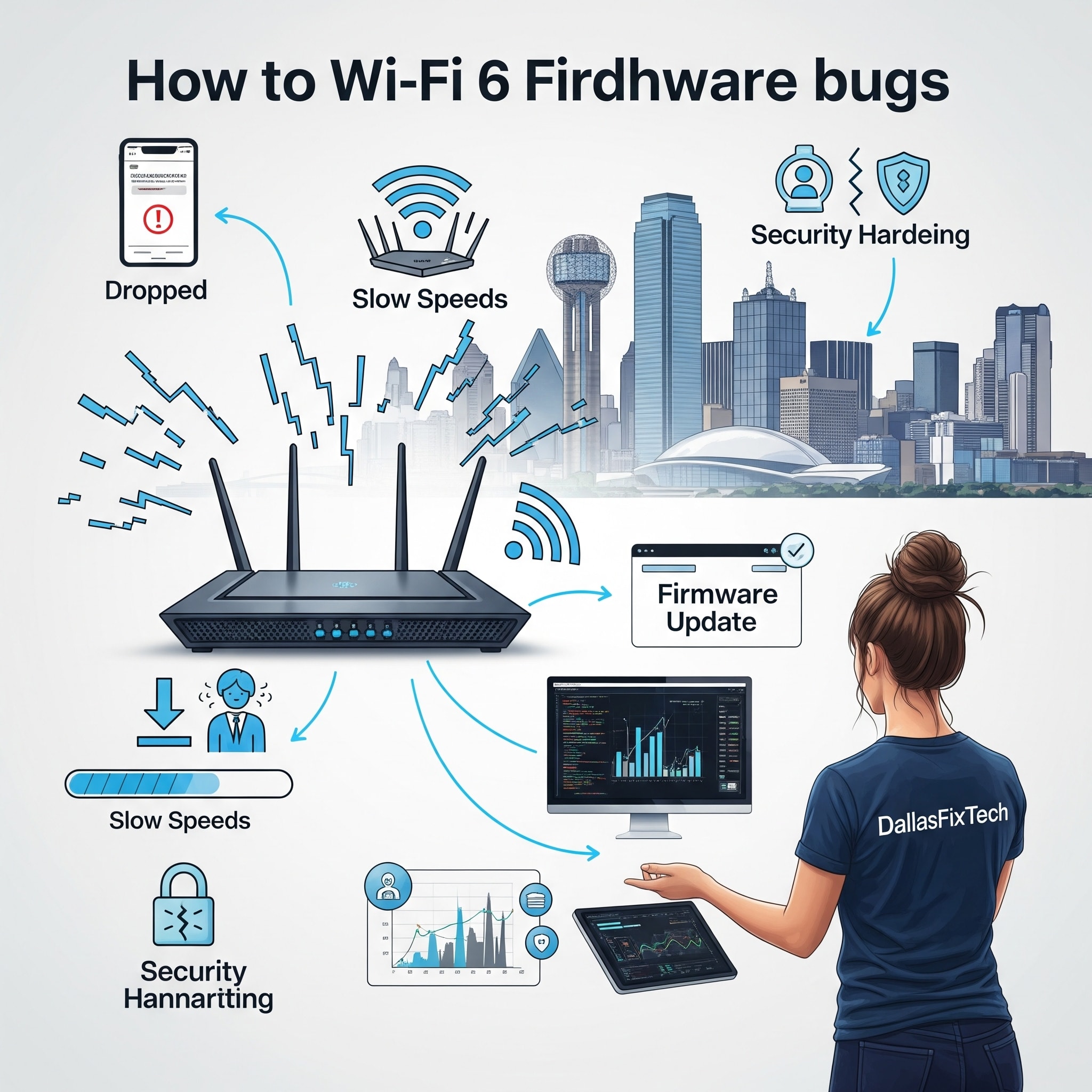
Fix Wi-Fi 6 Router Firmware Bugs for Stable, Fast Networks: DallasFixTech’s Guide in Dallas, TX
**Wi-Fi 6 (802.11ax)** routers promise significant improvements in speed, efficiency, and capacity, especially in dense network environments like busy homes or offices in Dallas, TX. They are designed to handle more connected devices with lower latency and higher throughput. However, like any complex piece of technology, Wi-Fi 6 routers can sometimes suffer from **firmware bugs**—software errors that can cause frustrating issues like random disconnections, unexplained slow speeds, or even router crashes. If your Wi-Fi 6 router is acting erratically, **DallasFixTech** offers expert router firmware diagnostics, safe update procedures, and rollback strategies to keep your network performing at its best, ensuring stable, fast, and reliable Wi-Fi connections.
Symptoms of Wi-Fi 6 Router Firmware Bugs (DallasFixTech Diagnosis)
Be vigilant for these signs that your router's firmware might be problematic:
- Random Disconnections: Devices frequently lose connection to the Wi-Fi network for no apparent reason.
- Slow Throughput Despite Strong Signal: Your devices show a strong Wi-Fi signal, but actual internet speeds are significantly slower than expected.
- Router Crashes or Freezes: The router becomes unresponsive, requires frequent reboots, or its lights indicate an error state.
- Intermittent Connectivity Issues: Some devices struggle to connect, or connections are inconsistent.
- Features Not Working: Specific Wi-Fi 6 features (e.g., OFDMA, MU-MIMO) don't seem to function correctly.
- Web Interface Unresponsive: Difficulty accessing the router's administration page.
How to Fix Router Firmware Issues (DallasFixTech Recommended Steps)
Approach firmware updates and troubleshooting with caution to avoid bricking your router:
- Check Manufacturer’s Website for Updates: Visit your Wi-Fi 6 router's manufacturer's official support website (e.g., Netgear, Asus, TP-Link, Linksys, Google, Eero). Look for your specific model and check for available firmware updates. Read the update notes carefully for bug fixes.
- Apply Firmware Updates Carefully:
- **Download Safely:** Download the firmware file directly from the manufacturer.
- **Wired Connection:** Connect your PC to the router via an Ethernet cable (not Wi-Fi) during the update process to ensure a stable connection.
- **Stable Power:** Ensure your router has stable power; do not interrupt the update process.
- **Follow Instructions:** Follow the manufacturer's specific update instructions meticulously.
- Perform Factory Resets Before/After Updates: Sometimes, performing a factory reset on your router *before* and/or *after* a major firmware upgrade can help clear old configurations that might conflict with the new firmware, ensuring a clean slate. (Note: A factory reset will erase all your custom Wi-Fi names, passwords, and settings).
- Roll Back to Stable Firmware Versions (If Needed): If a new firmware update introduces instability, check if your router's manufacturer provides an option to roll back to a previous, known-stable firmware version. **DallasFixTech** can assist with this process.
- Optimize Router Placement: Ensure your router is in a central, elevated location, away from obstructions and interference, for optimal signal distribution.
- Adjust Wi-Fi Channels: Use a Wi-Fi analyzer app to identify less congested Wi-Fi channels (especially for 5GHz and 2.4GHz bands) and manually set your router to those channels.
- Reset Network Stack on Devices: Sometimes device-side caching or network stack issues can mimic router problems. Resetting your PC's network adapter or flushing its DNS can help.
Expert Router Support in Dallas, TX: Stay Connected Without Interruption!
Firmware bugs can significantly impact your Wi-Fi 6 router's performance. **DallasFixTech** offers router firmware diagnostics, safe update procedures, and rollback strategies. **Contact DallasFixTech** today for professional router firmware support in Dallas, TX. Stay connected without interruption, and keep your network performing at its best with our expert assistance!


