Fix ‘No Signal’ on Second Monitor: DallasFixTech Dual Display Solutions in Dallas, TX
A dual-monitor setup can significantly boost productivity, enhance multitasking, and provide an immersive gaming or content creation experience. But few things are as frustrating as plugging in your second display only to be greeted by a disheartening 'No Signal' message. This common issue can stem from various sources, making it tricky to diagnose without the right expertise. At **DallasFixTech** in Dallas, TX, we specialize in display troubleshooting and can quickly resolve 'No Signal' issues across all major monitor and graphics card brands. We'll diagnose problems with **GPU output, damaged cables, incorrect display settings, or resolution mismatches**, helping you build a perfect dual-monitor workspace with no flicker and no signal loss.
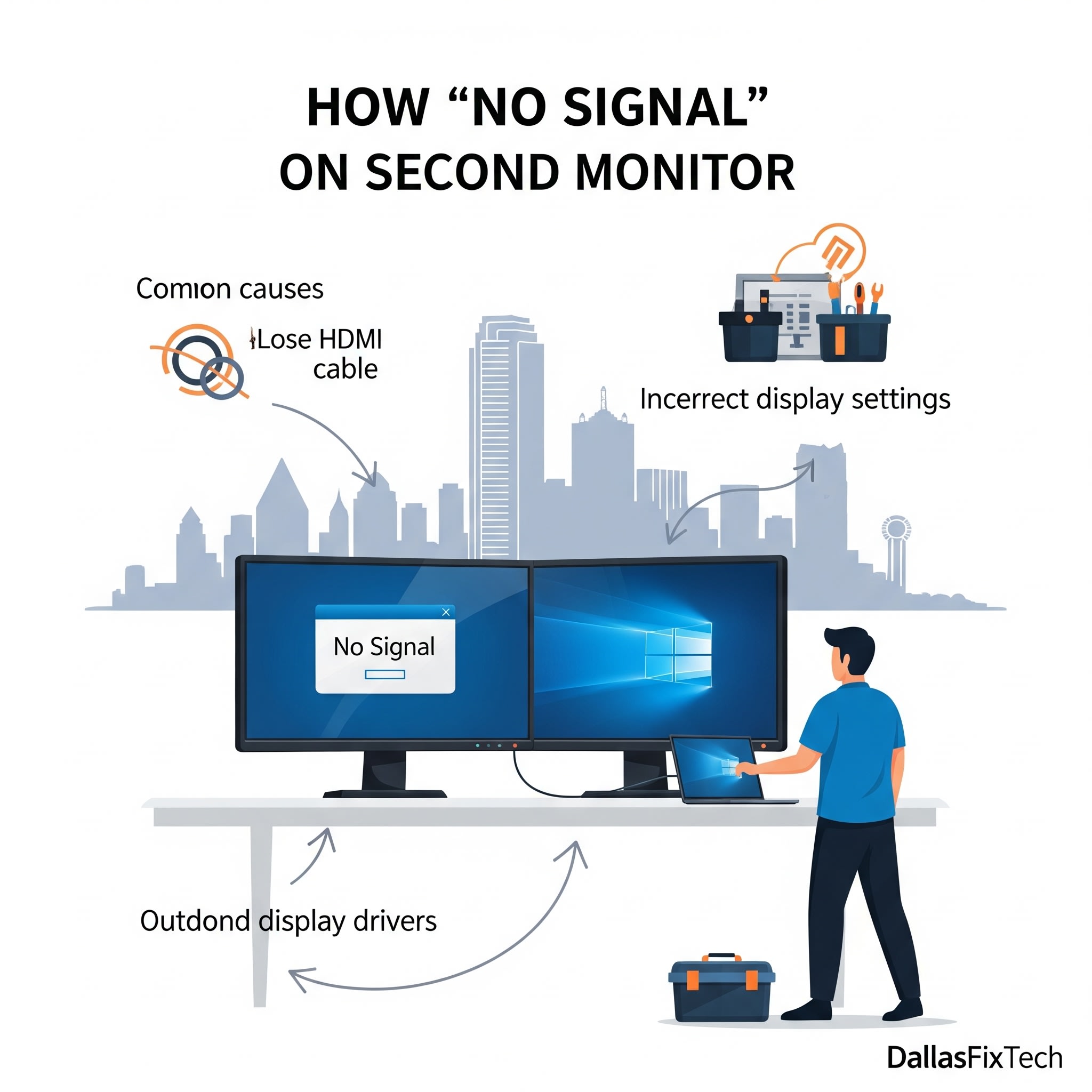
Common Causes for 'No Signal' on Your Second Monitor (DallasFixTech Diagnosis)
Our expert technicians systematically check for these frequent culprits:
- Disconnected or Damaged Video Cables: The most common and simplest fix. A loose, crimped, or faulty HDMI, DisplayPort, DVI, or USB-C cable can prevent signal transmission. We check cable integrity and proper seating.
- Incorrect Display Settings in Windows/macOS: Your operating system might be configured to only show output on one screen, or it might have accidentally 'disabled' the secondary monitor. Windows often defaults to 'Duplicate' or 'PC screen only' after certain updates or disconnections.
- Outdated or Corrupted Graphics Drivers: Your GPU (Graphics Processing Unit) drivers are essential for managing display outputs. Missing, outdated, or corrupted drivers can prevent your system from recognizing or sending a signal to the second monitor.
- Monitor Input Selection: The monitor itself might be set to the wrong input source (e.g., expecting HDMI when it's connected via DisplayPort).
- Monitor Resolution or Refresh Rate Conflicts: If your graphics card or the cable doesn't support the resolution or refresh rate set for the second monitor, it might display 'No Signal'.
- Faulty GPU Port: Less common, but a damaged port on your graphics card can prevent signal output.
- Monitor Hardware Failure: The monitor itself might have an internal fault.
- Power Issues: Ensure the monitor is properly plugged into power and turned on.
DallasFixTech’s Solutions for Dual Display 'No Signal' Issues
We provide comprehensive troubleshooting and solutions to restore your dual monitor setup:
- Basic Connectivity Check: We first verify all cable connections (both ends), ensure the monitor is powered on, and confirm the monitor's input source is correctly selected.
- Multi-Display Testing & GPU Output Verification: We test each GPU port individually with a known-good monitor and cable to confirm signal output from your graphics card. We also check the monitor's responsiveness.
- Graphics Driver Updates & Reinstallation: We ensure your graphics card drivers are updated to the latest stable versions directly from NVIDIA, AMD, or Intel. For stubborn issues, we perform a clean reinstallation of the drivers.
- Operating System Display Configuration: We'll navigate to your display settings (Windows: Settings > System > Display; macOS: System Settings > Displays) and ensure the correct display mode is selected (Extend, Duplicate, Show only on 2), and that the second monitor is detected and enabled.
- Resolution & Refresh Rate Adjustment: We'll set the resolution and refresh rate of the second monitor to a basic, compatible setting, then gradually increase it if needed.
- Monitor Reset: Sometimes a factory reset of the monitor's settings can resolve issues.
- Physical Cable/Monitor Swap: If possible, we'll test with different cables and/or a different monitor to isolate the faulty component.
DallasFixTech Helps You Build a Perfect Dual-Monitor Workspace!
Don't let a 'No Signal' error limit your productivity or gaming immersion. **DallasFixTech** diagnoses GPU output, cable, and resolution mismatch issues in Dallas, TX. We'll ensure your dual-display setup works flawlessly. **Schedule a service** today for expert dual-display setup and troubleshooting in Dallas, TX, and build a perfect dual-monitor workspace—no flicker, no signal loss!


