Eliminate DCOM Server Errors in Windows with DallasFixTech’s Expert Guide for Dallas Users
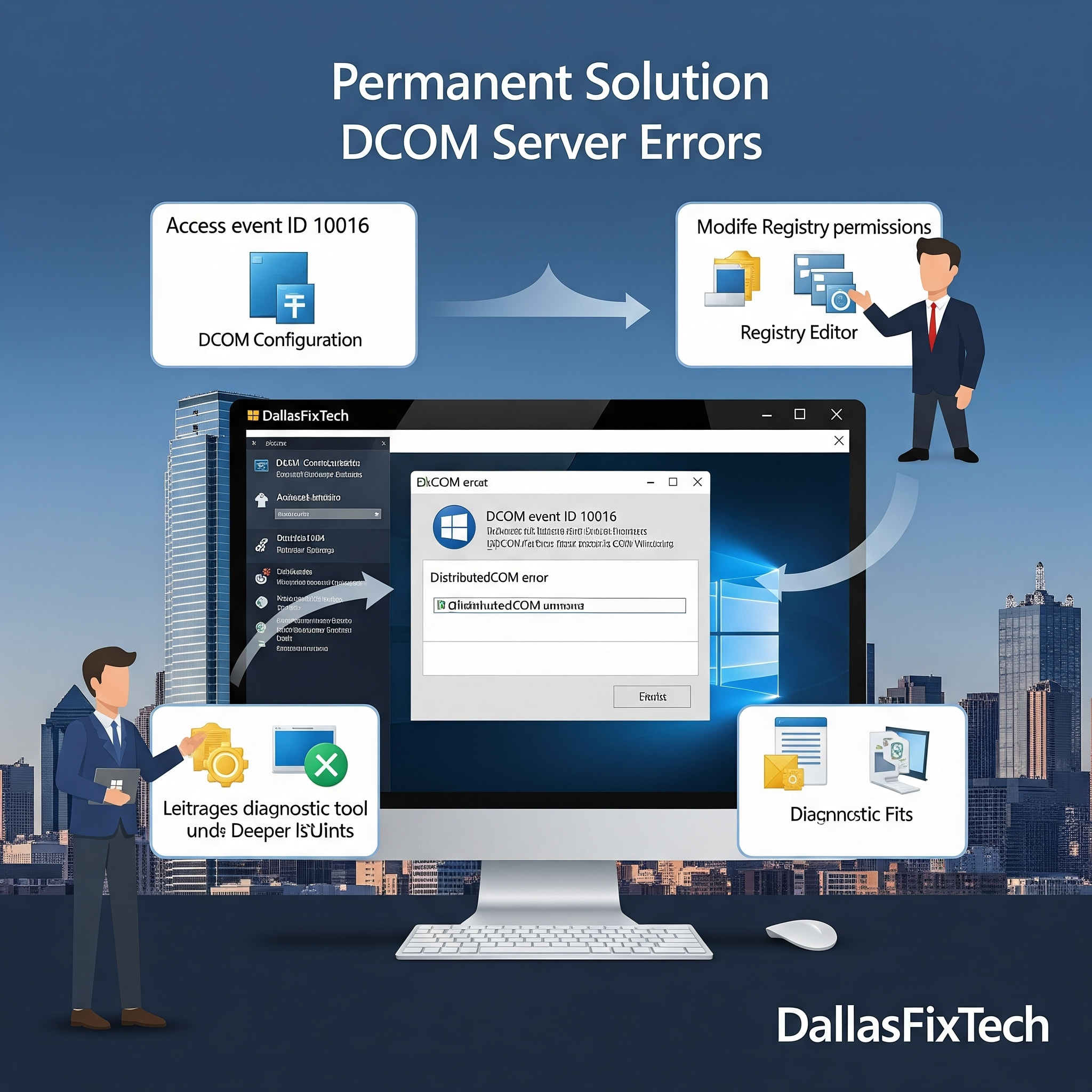
If you're a Windows user in Dallas, TX, and frequently encounter **DCOM (Distributed Component Object Model) Server Errors** in your Event Viewer, or experience random application crashes, system slowdowns, and general instability, these errors can be a significant source of frustration. DCOM is a crucial component of Windows that allows software components to communicate directly with each other across a network or locally. When it malfunctions, it can disrupt various applications and system processes. At **DallasFixTech**, we specialize in advanced Windows troubleshooting and can show Dallas users how to identify, fix permissions, and repair registry issues causing these errors, restoring your Windows system's stability permanently.
Understanding DCOM Errors & Their Impact (DallasFixTech Insight)
DCOM errors typically appear in the Windows Event Viewer (under 'System' or 'Application' logs) with various Event IDs (e.g., 10016, 10001, 10028). They often indicate:
- Permissions Issues: The most common cause. A particular application or system service doesn't have the necessary DCOM permissions to launch or interact with other components.
- Corrupted Registry Entries: Malformed or incorrect entries in the Windows Registry related to DCOM components.
- Missing Components: Essential DCOM components or their dependencies are missing or corrupted.
- Software Conflicts: Third-party applications or security software conflicting with DCOM processes.
- Impact: While some DCOM errors are benign (especially 10016), frequent or critical ones can lead to: system performance degradation, applications failing to launch or crashing, intermittent system freezes, and issues with Windows services.
DallasFixTech’s Step-by-Step Troubleshooting for DCOM Errors
We provide a systematic approach to identify and resolve DCOM issues, with emphasis on caution for registry edits:
- Identify the Specific Error: Open **Event Viewer** (search for it in Windows). Navigate to 'Windows Logs' > 'System'. Look for DCOM-related errors (Source: 'DistributedCOM') and note down the **Event ID**, the **CLSID (Class ID)**, and **APPID (Application ID)** mentioned in the 'General' tab of the error details.
- Adjust DCOM Permissions via Component Services:
- Search for 'dcomcnfg' in Windows Start menu to open Component Services.
- Navigate to Console Root > Component Services > Computers > My Computer > DCOM Config.
- Locate the application corresponding to the APPID/CLSID from your error log.
- Right-click the application > Properties > Security tab.
- Under 'Launch and Activation Permissions' and 'Access Permissions', click 'Edit' or 'Edit Defaults' to grant 'Local Activation' and 'Local Access' permissions to the specified user or group (e.g., 'SYSTEM', 'LOCAL SERVICE', 'NETWORK SERVICE').
- **Caution:** Modifying DCOM permissions can be complex. Be extremely precise. **DallasFixTech** recommends professional assistance for this step.
- Repair Registry Entries Carefully: For issues related to corrupted registry entries, this step is for advanced users and requires extreme caution.
- **Backup Your Registry:** Before any registry edits, create a backup of your entire registry (File > Export in Regedit).
- Navigate to the registry paths indicated by the CLSID/APPID in your error (e.g., `HKEY_CLASSES_ROOT\CLSID\{YOUR_CLSID}`).
- Adjust permissions or remove corrupted entries as guided by specific troubleshooting for that CLSID.
- **DallasFixTech strongly advises against DIY registry edits without expert knowledge.**
- Ensure Windows and Drivers are Up to Date: Outdated operating systems or device drivers can cause DCOM errors. Ensure your Windows 11 is fully updated, and all critical drivers (chipset, network, graphics) are current.
- Run System File Checker (SFC) & DISM: Open Command Prompt as Administrator and run `sfc /scannow` followed by `DISM /Online /Cleanup-Image /RestoreHealth` to check for and repair corrupted Windows system files.
- Scan for Malware: Run a full system scan with reputable antivirus software.
Need Professional Help? Contact DallasFixTech for Windows System Maintenance!
DCOM Server Errors can be notoriously difficult to fix without deep technical knowledge, and improper changes can cause further system instability. **DallasFixTech** offers proven registry and permissions fixes to restore Windows stability for Dallas PCs. We provide safe backup and restoration techniques to protect your system during fixes. **Contact DallasFixTech** for professional Windows system maintenance in Dallas, TX, and eliminate DCOM Server Errors permanently!


