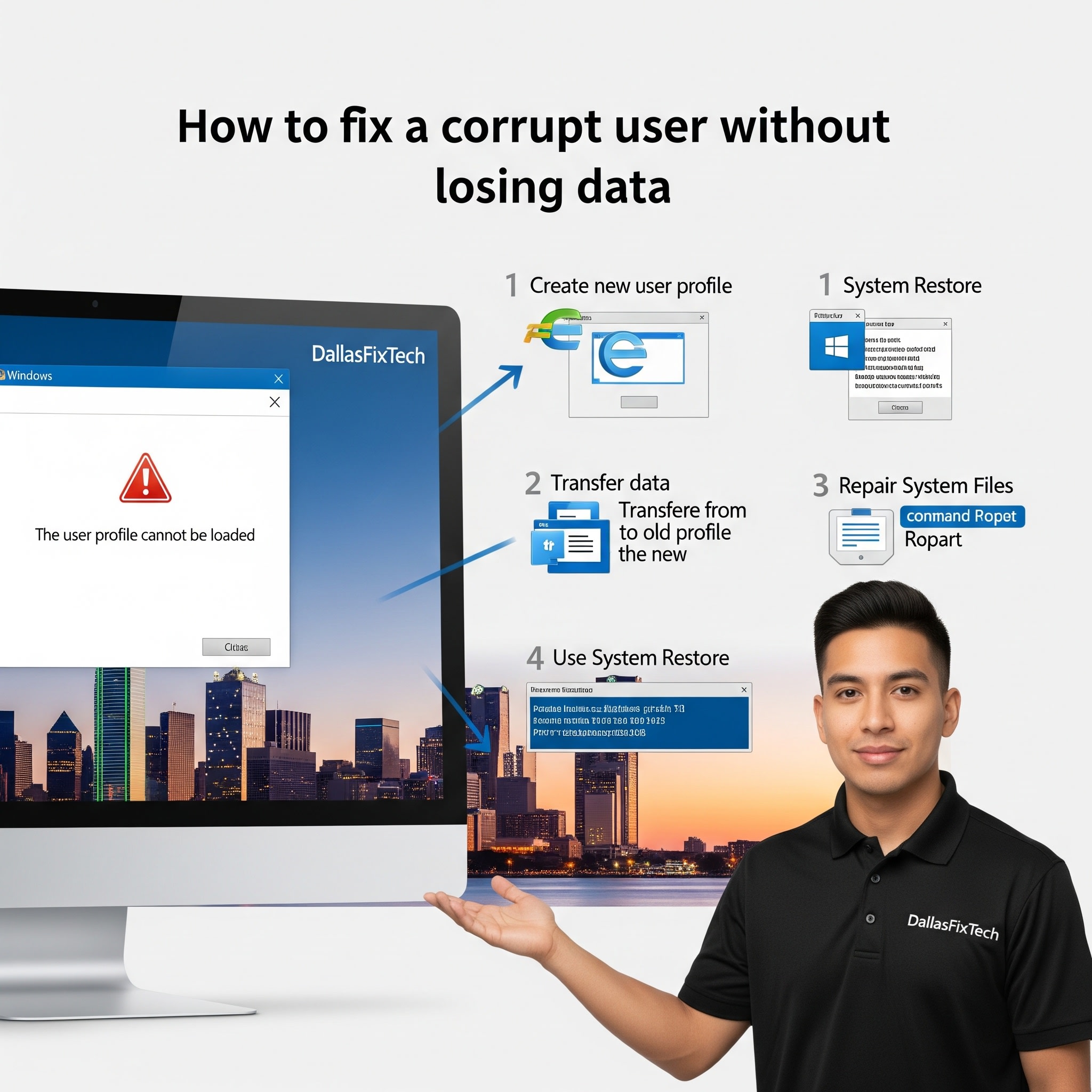
How to Fix a Corrupt User Profile in Windows Without Losing Data: DallasFixTech’s Expert Guide for Dallas, TX
It's a common and particularly frustrating Windows issue: you try to log into your computer, but instead of your familiar desktop and files, you're greeted with a temporary profile, or an error message stating your **user profile is corrupt**. This means you can't access your documents, pictures, installed programs, or personalized settings, essentially locking you out of your own digital space. While tempting to just create a new profile, the challenge is recovering all your precious data without losing files. At **DallasFixTech** in Dallas, TX, we specialize in resolving these complex Windows issues, safely repairing corrupt user profiles while keeping your data intact. We'll guide you through quick solutions like System Restore, manual data migration, and even registry tweaks to restore full access to your desktop and files.
Why Windows User Profiles Get Corrupted (DallasFixTech Diagnosis)
User profile corruption can stem from various sources:
- Windows Update Issues: Incomplete or problematic Windows updates can sometimes corrupt profile data.
- Disk Errors: Bad sectors on your hard drive or SSD can lead to corrupted profile files.
- Malware Infection: Viruses or other malicious software can damage system files, including user profiles.
- Improper Shutdowns: Frequent forced shutdowns or power outages can corrupt profile data being written to disk.
- System File Corruption: Underlying corruption in Windows system files can impact user profile loading.
- Registry Errors: Incorrect or damaged entries in the Windows Registry related to user profiles.
- Antivirus/Optimization Software: Overly aggressive security or optimization tools can sometimes interfere with user profiles.
DallasFixTech’s Quick Solutions for Profile Recovery (Without Losing Data)
We provide a systematic approach to restoring your user profile:
- Attempt System Restore: If you have System Restore enabled and recent restore points, this is often the easiest fix. It rolls back your system to a previous state without affecting your personal files. Search for 'Create a restore point' in Windows, open it, and click 'System Restore'.
- Manual Profile Fix: Create a New User & Migrate Data: If System Restore fails, this method involves creating a new, working user profile and then safely migrating your old data.
- **Create New Admin Account:** Log in as another administrator, or create a new administrator account.
- **Copy Old Data:** Navigate to your old, corrupted profile folder (typically `C:\Users\
`). **Copy (do NOT cut)** all your personal folders (Documents, Downloads, Pictures, Videos, Desktop) to a safe location (e.g., a new folder on the C: drive or an external drive). - **Create New User Profile:** Create a brand new local user account in Windows Settings.
- **Migrate Data:** Copy your saved data from the safe location to the corresponding folders in the new user profile.
- Registry Edit (Advanced Method): This method is more complex and requires caution, but can fix registry links for profiles. It involves navigating to `HKEY_LOCAL_MACHINE\SOFTWARE\Microsoft\Windows NT\CurrentVersion\ProfileList` in Registry Editor and correcting specific entries related to your user SID (Security Identifier). **DallasFixTech** highly recommends professional assistance for registry edits to avoid critical system damage.
- Check Disk for Errors: Run a disk check (`chkdsk /f /r` in an elevated Command Prompt) to repair any bad sectors on your hard drive/SSD that might be affecting profile files.
- System File Checker (SFC) Scan: Run `sfc /scannow` in an elevated Command Prompt to check for and repair corrupted Windows system files.
Need Help Fixing Corrupt User Profiles in Dallas, TX?
Dealing with a corrupt user profile can be daunting, especially when data is at stake. **DallasFixTech** specializes in resolving these Windows issues without wiping your data. We safely repair corrupt user profiles while keeping your data intact. If these DIY steps fail, or if you prefer expert assistance, **Schedule a service** with DallasFixTech today. Our Windows profile repair service is perfect for home and business users across Dallas, TX. We also offer **registry cleanup** and **startup optimization** for a smoother, more efficient Windows experience. Trust DallasFixTech to rescue your profile and restore your access!


