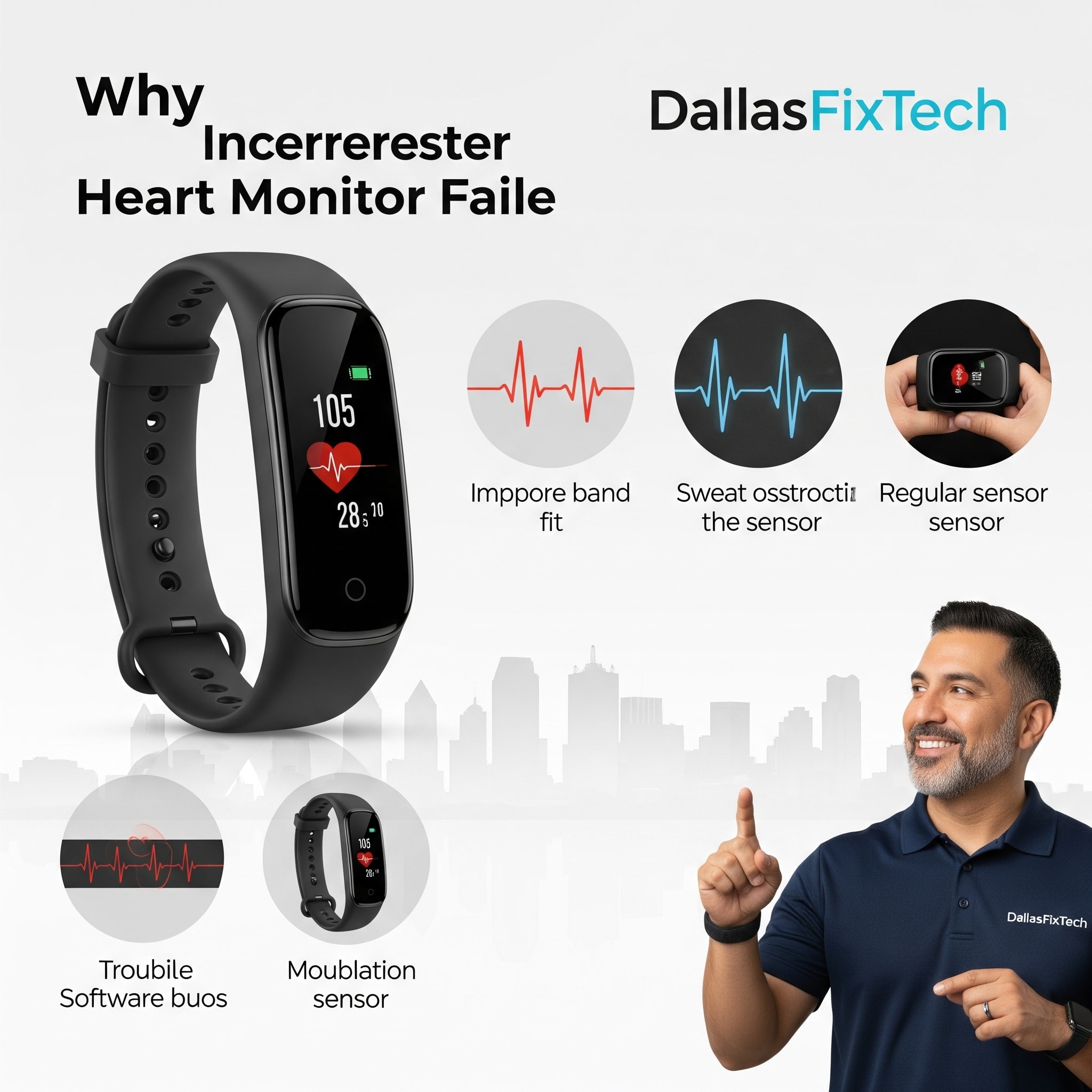
Why Fitness Tracker Heart Rate Monitors Fail and How to Fix Them: DallasFixTech’s Guide to Accurate Health Monitoring in Dallas, TX
**Fitness trackers** and smartwatches have become indispensable tools for health-conscious individuals in Dallas, TX, providing valuable insights into activity levels, sleep patterns, and crucial heart rate data. The **heart rate monitor (HRM)** is a core feature, essential for optimizing workouts, monitoring stress, and tracking overall cardiovascular health. However, if your fitness tracker's heart rate monitor is providing inaccurate readings, showing erratic spikes, or failing entirely, it can undermine your health goals and cause frustration. At **DallasFixTech**, we specialize in wearable tech diagnostics. We troubleshoot common causes like **sensor degradation, poor skin contact, or software issues**, providing practical tips to clean sensors, recalibrate devices, and update firmware for reliable health data tracking, ensuring your fitness tracker performs accurately when you need it most.
Common Causes of Fitness Tracker Heart Rate Monitor Failure (DallasFixTech Diagnosis)
HRMs rely on optical sensors (photoplethysmography or PPG) that detect blood flow. Issues can arise from:
- Dirt and Sweat Buildup on Sensors: The optical sensors on the back of your tracker can become covered with dirt, sweat, lotions, or skin oils. This creates a barrier that blocks the LED light and prevents the sensor from accurately detecting changes in blood flow.
- Incorrect Device Placement & Poor Skin Contact: If the fitness tracker is worn too loosely on the wrist, or if it moves during activity, it can lose consistent skin contact, leading to erratic or missed readings.
- Outdated or Corrupted Software/Firmware: Bugs in the tracker's firmware or its companion app software can lead to misinterpretation of sensor data or processing errors.
- Excessive Movement During Readings: High-intensity workouts with rapid arm movements, or activities with wrist flexion (e.g., weightlifting, cycling), can interfere with optical sensor readings.
- Sensor Degradation/Physical Damage: Over time, the optical sensor itself can degrade, or it can be physically damaged by impact or water ingress.
- Low Battery: While less common for HRMs to completely fail due to low battery, very low power levels can affect sensor accuracy.
- Individual Physiological Factors: Factors like skin tone, tattoos, body hair, or certain medical conditions can sometimes affect optical sensor accuracy for some individuals.
DallasFixTech’s Fixes and Maintenance Tips for Accurate HR Monitoring
Implement these practices to ensure reliable heart rate data from your fitness tracker:
- Clean Sensors Regularly: Meticulously clean the optical heart rate sensors on the back of your fitness tracker with a soft, damp cloth (and mild soap if needed) to remove dirt, oils, and sweat. Dry thoroughly.
- Wear Device Snugly on the Wrist: Ensure the fitness tracker is worn snugly, but not uncomfortably tight, and typically about two finger-widths above your wrist bone. This maintains consistent skin contact.
- Keep Firmware Up to Date: Regularly install the latest firmware updates for your fitness tracker through its companion app. Manufacturers frequently release updates that include improved heart rate algorithms and sensor refinements.
- Recalibrate Device (If Applicable): Some fitness trackers (and smartwatches) offer options within their app or settings to recalibrate their sensors. Check your device's manual for this feature.
- Minimize Movement During Readings: For spot-check readings or during workouts, try to keep your wrist relatively still for a few seconds to allow the sensor to get a clear reading.
- Check Companion App Settings: Ensure the companion app's settings are configured to track heart rate at the desired frequency (e.g., continuous vs. periodic).
- Professional Sensor Diagnostics & Repair: If consistent issues persist after cleaning, updating, and recalibration, the optical heart rate sensor itself might be faulty. **DallasFixTech** offers professional diagnostics and repair services for wearable tech, including sensor replacement where feasible.
Reliable Wearable Tech Support in Dallas, TX: Keep Your Fitness Tracker Accurate!
Accurate heart rate data is crucial for effective health and fitness management. **DallasFixTech** provides tips to clean sensors, recalibrate devices, and update firmware for reliable health data tracking. **Contact DallasFixTech** today for expert repairs and reliable wearable tech support in Dallas, TX. Keep your fitness tracker accurate and get the most out of your health monitoring!


