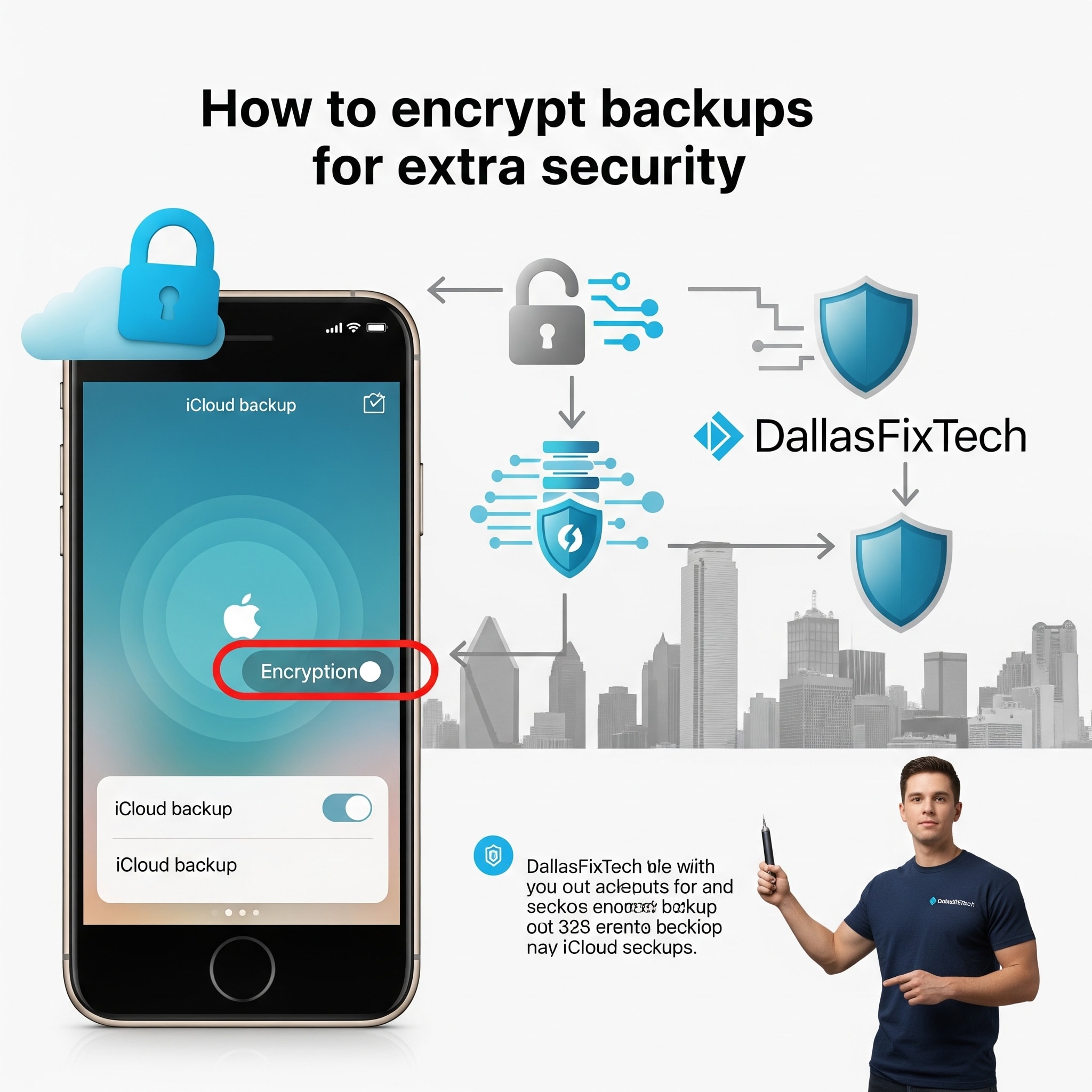
How to Encrypt Your iCloud Backups for Extra Security: DallasFixTech’s Expert Guide in Dallas, TX
For Apple users, iCloud provides a convenient way to back up essential data from iPhones, iPads, and Macs, ensuring your photos, messages, app data, and settings are safe in the cloud. While Apple states that **iCloud backups are encrypted in transit and at rest** (meaning they are encrypted when sent to and stored on Apple's servers), taking **extra precautions** can significantly enhance your privacy and safeguard your sensitive information against unauthorized access, giving you greater peace of mind. At **DallasFixTech** in Dallas, TX, we recommend enabling two-factor authentication on your Apple ID as a baseline and then exploring additional steps to ensure only you can access your data. We’ll guide you through encrypting files locally before uploading them and reviewing your security settings to boost your Apple device privacy today.
Understanding iCloud Encryption (DallasFixTech Perspective)
Apple employs strong encryption for iCloud backups:
- In Transit Encryption: Data is encrypted using TLS/SSL when it's sent from your device to Apple's servers.
- At Rest Encryption: Data is stored encrypted on Apple's servers.
- End-to-End Encryption: For highly sensitive data categories like Health data, payment information, and Keychain (passwords), Apple uses end-to-end encryption. This means only *your* device can decrypt this data, and even Apple cannot access it.
However, general iCloud backups (which include most app data, device settings, photos etc. if iCloud Photos is off) are encrypted with keys that Apple holds. This means, theoretically, Apple could be compelled by legal order to decrypt your data. For maximum privacy, you want to eliminate even this theoretical possibility for all data.
DallasFixTech’s Additional Encryption Strategies for Maximum iCloud Backup Security
While Apple provides strong defaults, you can take control:
- Enable Two-Factor Authentication (2FA) on Your Apple ID (Essential): This is the most crucial step for securing your Apple ID and, by extension, your iCloud backups. Even if someone obtains your password, they cannot access your account without the second factor (e.g., a code sent to your trusted device). **DallasFixTech** highly recommends ensuring 2FA is enabled and securely configured.
- Use Encrypted Disk Images or Third-Party Apps for Sensitive Files: For highly sensitive documents, photos, or personal data that you store on your device and want backed up to iCloud, consider encrypting these files *before* they are backed up.
- **macOS:** Use Disk Utility to create encrypted disk images (`.dmg` files) and store your sensitive data inside.
- **Third-Party Encryption Apps:** Use reputable encryption software (e.g., VeraCrypt for Windows/macOS/Linux, AxCrypt for Windows) to encrypt individual files or folders.
- Once encrypted locally, these encrypted files will then be backed up to iCloud, providing an additional layer of security that only you can decrypt with your chosen passphrase.
- Regularly Review Backup Settings and Access Logs: Periodically check your iCloud backup settings on your devices to ensure only necessary data is being backed up. Review your Apple ID activity log (via appleid.apple.com) for any suspicious access attempts.
- Keep Your Apple Device Updated: Always ensure your iPhone, iPad, and Mac are running the latest iOS/iPadOS/macOS versions. Software updates frequently include critical security patches that protect your device and data from vulnerabilities.
- Strong Passwords for Your Apple ID: Use a long, complex, and unique password for your Apple ID, ideally managed with a password manager.
Need Help Securing Your Apple Devices in Dallas, TX? Contact DallasFixTech!
Taking these extra steps ensures your iCloud backups are fortified against potential breaches, offering you a robust privacy posture. **DallasFixTech** in Dallas, TX, specializes in cybersecurity and privacy solutions for Apple devices. We can help you implement these advanced encryption strategies. **Contact DallasFixTech** today for expert cybersecurity support and assistance setting up secure email solutions tailored to your privacy needs. Protect your sensitive data with encrypted iCloud backups!


