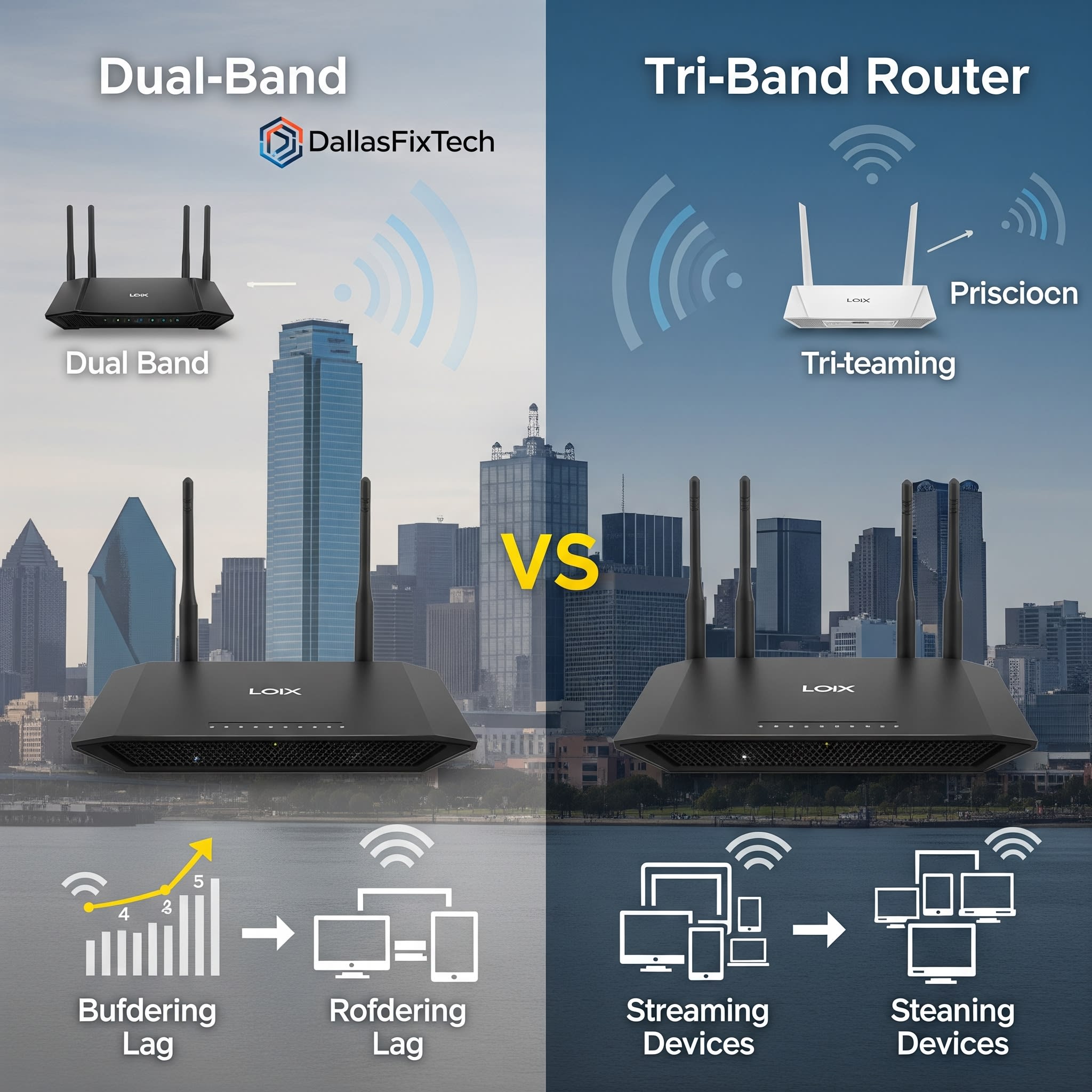
Dual-Band vs. Tri-Band Routers: What Irving Users Need to Know – DallasFixTech Guide
If you're upgrading your home Wi-Fi, you've likely encountered terms like 'dual-band' and 'tri-band' routers. Understanding what these mean is essential to choosing a router that truly meets your internet needs and budget. At **DallasFixTech**, we regularly help Irving homeowners navigate these choices, ensuring they select the right router based on their internet habits, home size, and the number of connected devices. Let's break down the differences.
Understanding Wi-Fi Bands – DallasFixTech Explains
Modern Wi-Fi routers broadcast signals on different frequency bands:
- 2.4GHz Band: This band offers a longer range and better penetration through walls and obstacles. However, it's often more congested (used by many devices like microwaves, cordless phones, Bluetooth) and offers lower maximum speeds. Ideal for basic Browse, email, and smart home devices.
- 5GHz Band: This band provides significantly faster speeds and less interference but has a shorter range and struggles to penetrate walls as effectively. Ideal for high-bandwidth activities like 4K streaming, online gaming, and large file transfers.
Dual-Band Routers Explained
- Configuration: A dual-band router broadcasts two simultaneous Wi-Fi networks: one on the 2.4GHz band and one on the 5GHz band.
- How it helps: It allows devices to connect to the band that best suits their needs – longer range devices to 2.4GHz, and faster devices to 5GHz, helping to distribute traffic.
- Ideal for: Smaller to medium-sized homes with a moderate number of connected devices. It's perfectly sufficient for general Browse, casual streaming, and typical home use where heavy, simultaneous high-bandwidth activities are not constant.
Tri-Band Routers Explained
- Configuration: A tri-band router takes it a step further by offering **three** simultaneous Wi-Fi networks: one 2.4GHz band and **two separate 5GHz bands**.
- How it helps: The addition of a second 5GHz band significantly reduces congestion, especially in homes with many devices performing high-bandwidth tasks. One 5GHz band can be dedicated to gaming, another to 4K streaming, and the 2.4GHz for smart home devices, creating dedicated 'lanes' for traffic. This is particularly beneficial for mesh Wi-Fi systems as one 5GHz band can be used for the dedicated 'backhaul' communication between nodes, freeing up the other bands for client devices.
- Ideal for: Large homes, multi-story properties, or homes with a high density of Wi-Fi devices. Essential for avid 4K streamers, competitive online gamers, and households with numerous smart home gadgets that demand consistent, high-speed, and low-latency connections.
When to Choose Each: DallasFixTech's Recommendation
- Choose Dual-Band If: You have a smaller home, limited budget, and your internet usage is mainly Browse, email, and occasional streaming. Most modern internet plans up to 500 Mbps can be handled well by a good dual-band router.
- Choose Tri-Band If: You have a large or multi-story home, many connected devices (20+), frequently stream 4K content, engage in online gaming, or have a very high-speed internet plan (Gigabit or above). It's also the best choice for a high-performance mesh Wi-Fi system.
Get Expert Router Setup in Irving with DallasFixTech!
Need help choosing or installing the right router for your specific needs? Don't get bogged down by technical jargon. **DallasFixTech** provides personalized consultations and professional router setup services in Irving, TX. We'll ensure your home network is perfectly optimized for your lifestyle. **Contact DallasFixTech for a personalized consultation today** and get your home Wi-Fi performing at its best.


