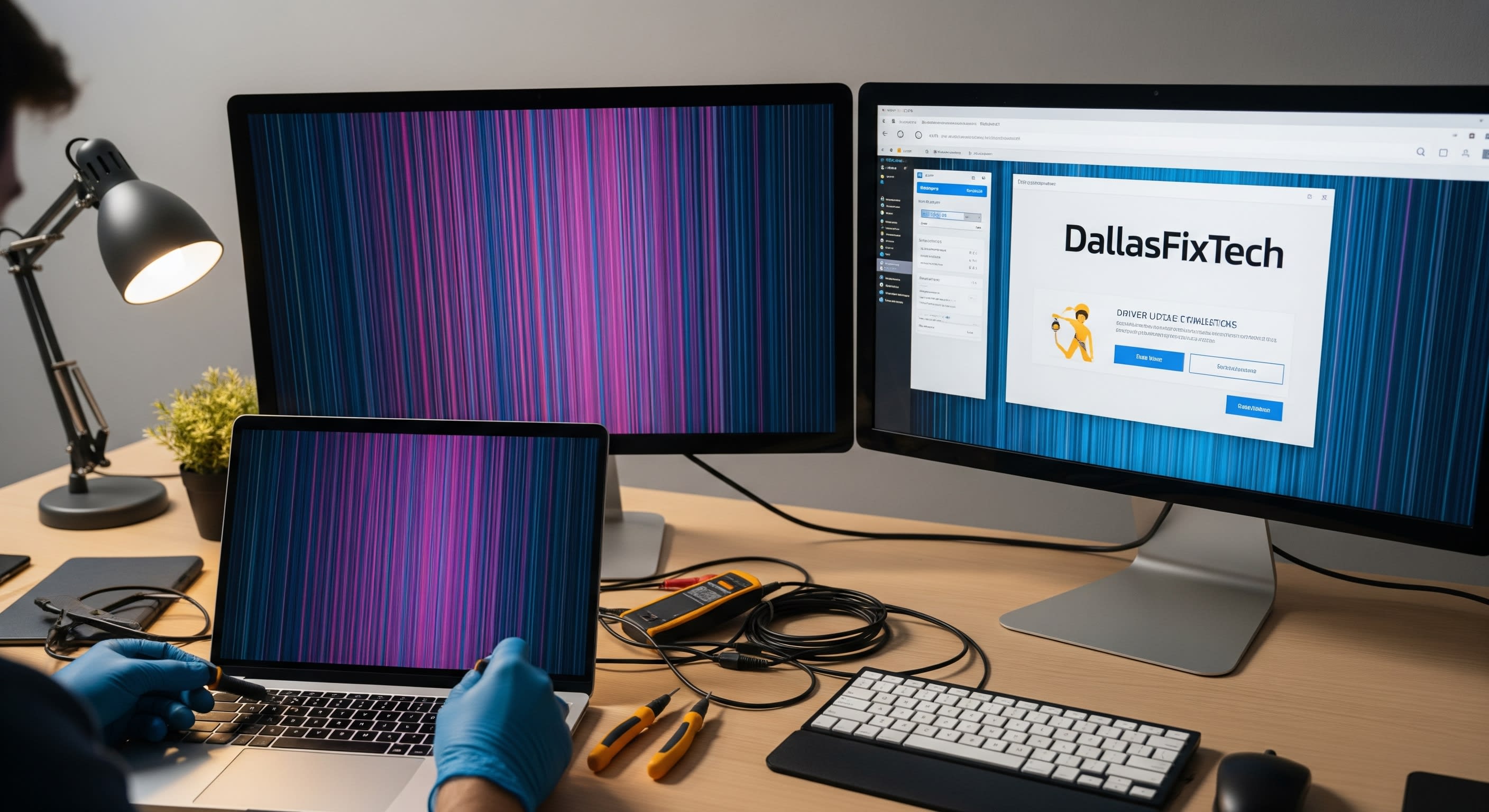
DallasFixTech’s Guide to Diagnosing & Fixing Screen Flickers on Any Device in Garland, TX
A flickering screen is more than just an annoyance—it's often a clear signal that something is amiss with your device's display hardware, software, or drivers. This visual disturbance can cause eye strain, disrupt your work, and even indicate a more serious underlying problem that needs immediate attention. At **DallasFixTech**, we specialize in diagnosing and resolving screen flickering issues on a wide range of devices, including **laptops, desktops, and tablets**, for customers across **Garland, TX**. Let us help you identify the root cause and restore a stable, smooth display.
Top Causes of Screen Flickering on Your Devices
Screen flickering can stem from various sources. Our experts at DallasFixTech check for these common culprits:
- Loose or Damaged Display Cables: Often the simplest fix, internal display cables (LVDS, eDP) can become loose or damaged from drops or wear, leading to intermittent signal. External HDMI/DisplayPort cables can also be faulty.
- Outdated or Corrupted Display Drivers: Graphics drivers are software that allows your operating system to communicate with your GPU. Outdated or corrupted drivers are a frequent cause of flickering.
- Faulty Graphics Processing Units (GPU): A failing integrated or dedicated graphics card can lead to severe display issues, including constant flickering, artifacts, or complete black screens.
- Incompatible Software or Background Processes: Sometimes, specific applications or processes running in the background can interfere with display rendering.
- Incorrect Refresh Rate Settings: If your display's refresh rate is set improperly, it can cause visible flickering.
- Backlight Issues: For LCD screens, a failing backlight component can cause uneven or flickering illumination.
- Hardware Damage to the Screen Panel: Physical damage to the display panel itself can manifest as flickering, lines, or dead pixels.
How DallasFixTech Diagnoses & Fixes Flickering Displays
Our comprehensive approach ensures a precise diagnosis and lasting solution:
- Thorough Hardware Inspections: We physically inspect all internal and external display cables, connections, and the screen panel itself for any damage or looseness.
- Advanced Driver Analysis & OS-Level Fixes: We perform deep scans for outdated or corrupted drivers, update them to the latest stable versions, and apply necessary operating system-level patches or configurations. This includes checking for conflicting software.
- GPU Diagnostics & Repair/Replacement: We run rigorous tests on your graphics processing unit to determine if it's the source of the problem. Depending on the diagnosis, we can perform component-level repairs or recommend a GPU replacement.
- Screen Panel Replacement: If the screen panel itself is faulty or physically damaged, we offer professional LCD/LED screen replacement with high-quality, OEM-grade parts.
- Refresh Rate & Resolution Optimization: Ensure your display settings are perfectly matched for stable performance.
Schedule Your Flicker Fix with Garland Experts Today!
Don’t let screen issues slow you down or strain your eyes. **DallasFixTech** provides expert screen repair services for laptops, desktops, and tablets. **Book a repair at our Garland location today** and enjoy smooth, stable display performance. Experience the clarity you deserve with DallasFixTech in Garland, TX!


