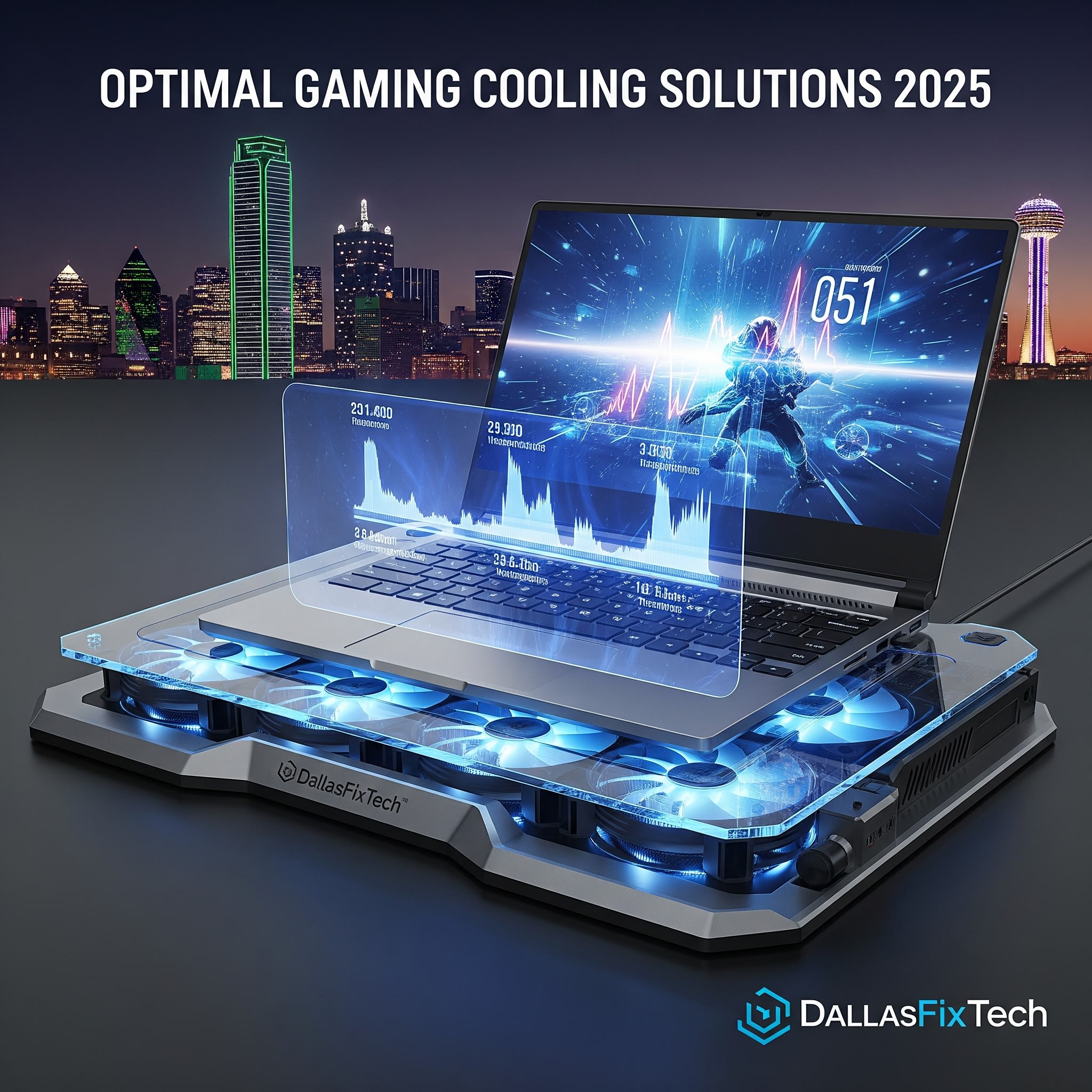
Optimal Cooling Pads for Gaming Laptops (2025) – DallasFixTech Tested Reviews
Gaming laptops are powerhouses of performance, but intense gameplay often pushes their internal temperatures to critical levels. When a laptop overheats, it triggers **thermal throttling**, a mechanism that drastically reduces CPU and GPU speeds to prevent damage. This leads to frustrating frame drops, inconsistent performance, and a less enjoyable gaming experience. At **DallasFixTech**, we understand the crucial need for effective heat management. That's why we've rigorously tested and reviewed the top **cooling pads for gaming laptops in 2025**, providing expert insights into models from leading brands like **Cooler Master, Thermaltake, and KLIM**. Our goal is to help you lower your laptop temps, extend its lifespan, and ensure you stay cool to game longer.
How DallasFixTech Tests Cooling Pads for Peak Performance
Our comprehensive testing methodology ensures we recommend only the most effective solutions:
- Real-World Gaming Loads: We test cooling pads under demanding gaming scenarios, monitoring temperatures of CPU, GPU, and critical components.
- Fan Speed & Airflow Direction Analysis: We evaluate the effectiveness of fan configurations (e.g., single large fan, multiple smaller fans) and analyze whether they push air effectively into your laptop's intake vents.
- Thermal Impact Measurement: Using thermal cameras and software, we measure the direct temperature drop achieved on the laptop's chassis and internal components.
- Noise Levels: Assessing acoustic performance to ensure the cooling pad doesn't detract from your gaming immersion.
- Ergonomics & Portability: Considering factors like adjustable height, comfort during use, and ease of transport.
- Build Quality & Features: Reviewing materials, durability, integrated USB hubs, and RGB lighting options.
Top-Rated Cooling Pads for 2025 (DallasFixTech Picks)
Based on our extensive testing, here are some highlights from our top recommendations:
- Cooler Master NotePal X-Slim: An excellent budget-friendly option, providing reliable airflow and a slim profile for portability.
- Thermaltake Massive 20 GT: Features a massive 200mm fan for superior airflow and adjustable fan speeds, ideal for larger gaming laptops.
- KLIM Ultimate: Known for powerful cooling, ergonomic design, and vibrant RGB lighting, offering a premium experience.
- Liangstar Laptop Cooling Pad: A popular choice for its efficiency and affordability, often with multiple fan configurations.
Beyond Cooling Pads: DallasFixTech's Additional Cooling Advice
While cooling pads are effective, we also offer integrated advice to further optimize your laptop's thermals:
- Optimal Laptop Placement: Ensure your laptop is on a hard, flat surface (not a bed or carpet) to allow for proper airflow to its intake vents.
- Internal Cleaning: Regular professional cleaning of your laptop's internal fans and heatsinks can significantly improve cooling performance (DallasFixTech offers this service!).
- Undervolting Options: For advanced users, we can guide you through safely undervolting your CPU or GPU to reduce heat generation with minimal performance impact.
- Thermal Paste Replacement: If your laptop is older, replacing the dried-out thermal paste on your CPU/GPU can dramatically improve heat transfer.
Stay Cool, Game Longer—Ask DallasFixTech for Your Ideal Cooling Pad Match!
Don't let overheating ruin your gaming sessions or shorten your laptop's life. **DallasFixTech** provides expert advice and solutions for optimal thermal management. We'll help you find the perfect cooling pad and optimize your laptop's performance for sustained peak gaming. **Schedule a service** with us today, or simply ask us for your ideal cooling pad match in Dallas, TX, and get back to winning!


