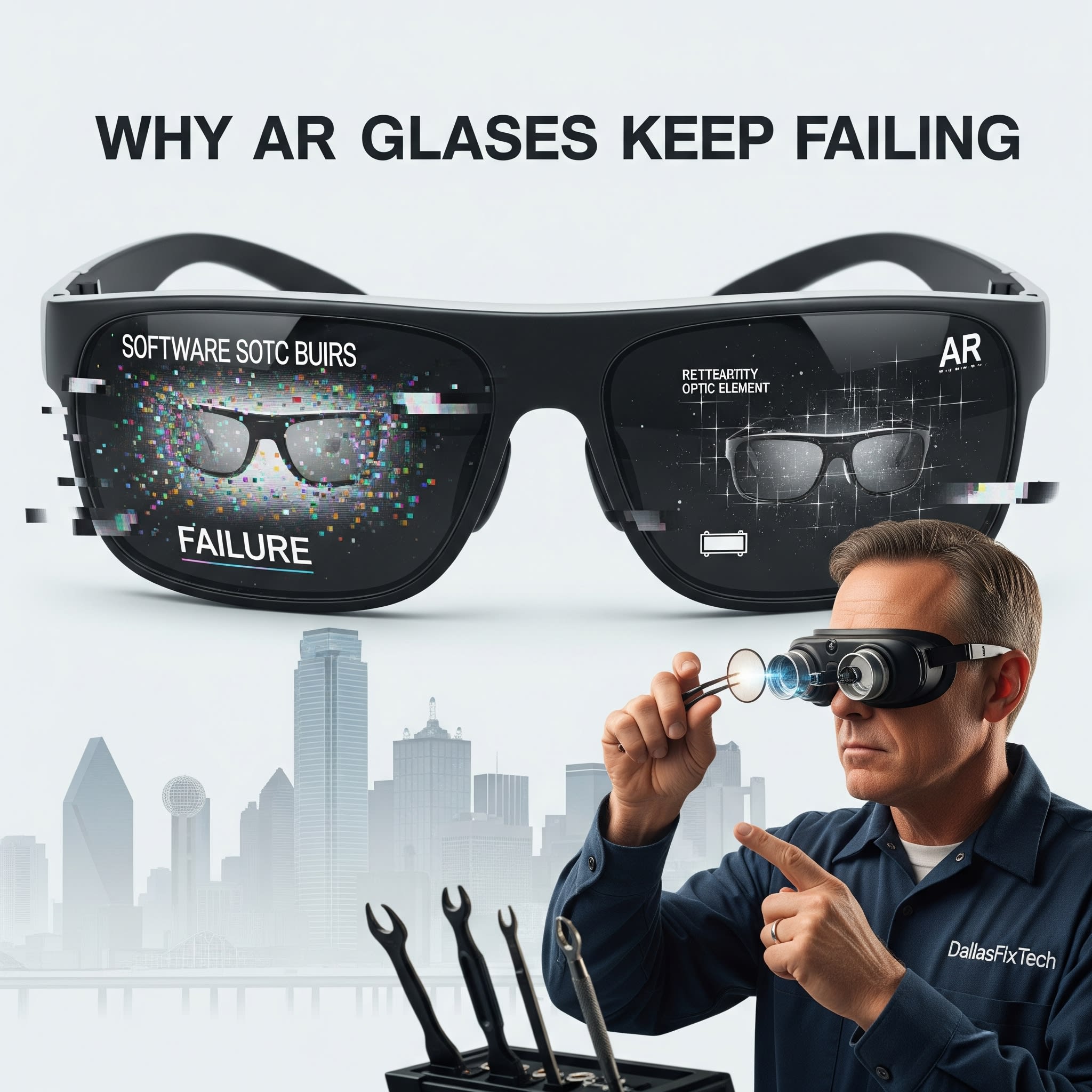
Why AR Glasses Keep Failing: DallasFixTech’s Analysis & Reliability Solutions
Augmented Reality (AR) glasses represent a fascinating frontier in personal technology, promising to seamlessly blend digital information with our real-world view. From enhancing productivity with holographic overlays to transforming entertainment with immersive digital content, the potential is vast. However, despite their innovation, many early AR glasses have struggled with reliability, frustrating early adopters in Dallas, TX, with issues ranging from inconsistent performance to outright failure. At **DallasFixTech**, we're at the forefront of emerging tech and can provide an in-depth analysis of why AR glasses often fail, identifying common culprits like **battery drain, overheating, calibration errors, and persistent software bugs**. We'll help you understand these challenges and offer solutions to improve the reliability and enhance your AR experience.
Key Failure Points in AR Glasses (DallasFixTech Diagnosis)
The miniaturization and complexity of AR technology introduce unique challenges:
- Battery Life & Power Management: AR glasses require significant processing power for real-time rendering and sensor fusion, leading to intensive battery drain. This often results in short battery life and larger battery packs or tethers, impacting comfort and usability. Inefficient power management can cause unexpected shutdowns.
- Overheating: Cramming powerful processors and projectors into a small, wearable form factor generates considerable heat. Poor thermal management leads to overheating, which can cause performance throttling, system crashes, and long-term hardware degradation.
- Display & Optical Calibration Errors: The precision required to overlay digital images onto the real world is immense. Misalignment, flickering, or distortion can occur due to calibration errors, sensor drift, or hardware defects.
- Software Bugs & Stability: AR operating systems and applications are still evolving. Persistent software bugs, compatibility issues, and unstable updates can lead to crashes, freezes, and inconsistent performance.
- Sensor Reliability: AR relies on a multitude of sensors (cameras, gyroscopes, accelerometers, depth sensors) for tracking and mapping the environment. Faulty or uncalibrated sensors can lead to 'drift' or inaccurate overlays.
- Durability & Wear: Being a wearable device, AR glasses are prone to physical impacts, dust intrusion, and stress on delicate components like hinges or display mechanisms.
- Connectivity Issues: Problems with Wi-Fi, Bluetooth, or tethered connections to a host device can disrupt the AR experience.
DallasFixTech’s Solutions to Improve AR Glasses Reliability
While some issues are inherent to nascent technology, many can be mitigated:
- Firmware & Software Updates: Ensure your AR glasses and companion apps are always running the latest firmware and software. Manufacturers frequently release updates to improve stability, performance, and battery efficiency.
- Thermal Management Advice: Advise on best practices to prevent overheating, such as avoiding prolonged use in hot environments and ensuring proper ventilation around the device. For certain models, external cooling accessories might be helpful.
- Recalibration & Troubleshooting: Guide you through the proper recalibration procedures for your AR glasses to correct display alignment and tracking issues. We can also troubleshoot software conflicts.
- Battery Health Management: Provide tips for optimal battery charging and usage to maximize lifespan. For older models, professional battery replacement might be an option.
- Physical Protection & Cleaning: Recommend protective cases and proper cleaning techniques for lenses and sensors to prevent damage and maintain optimal performance.
- Connectivity Optimization: Troubleshoot Wi-Fi and Bluetooth connectivity, ensuring stable connections to your host device and network.
- Component Diagnosis: For persistent hardware issues, **DallasFixTech** offers diagnostic services to identify and, if feasible, repair faulty internal components.
Enhance Your AR Experience with DallasFixTech’s Expert Guidance!
AR glasses are the future, but they demand careful management. **DallasFixTech** identifies common issues like battery drain, overheating, calibration errors, and software bugs faced by Dallas users. **Schedule a service** today. Explore maintenance tips and fixes, and enhance your AR experience with DallasFixTech’s expert guidance in Dallas, TX. **Contact us** for all your emerging tech support needs!


